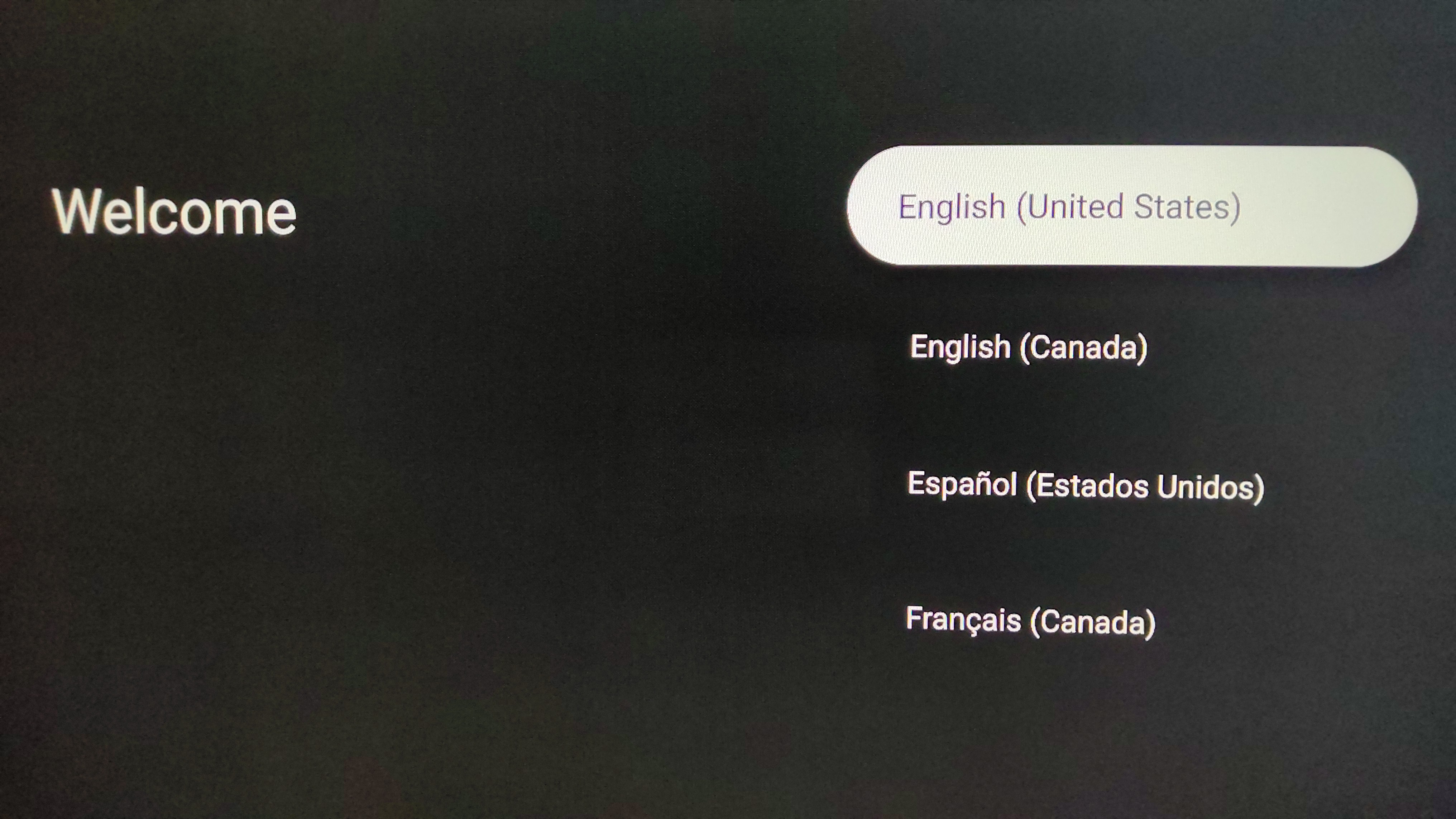
Plug in your ONN Device and make sure tv is to the correct HDMI and the first screen you see is this below
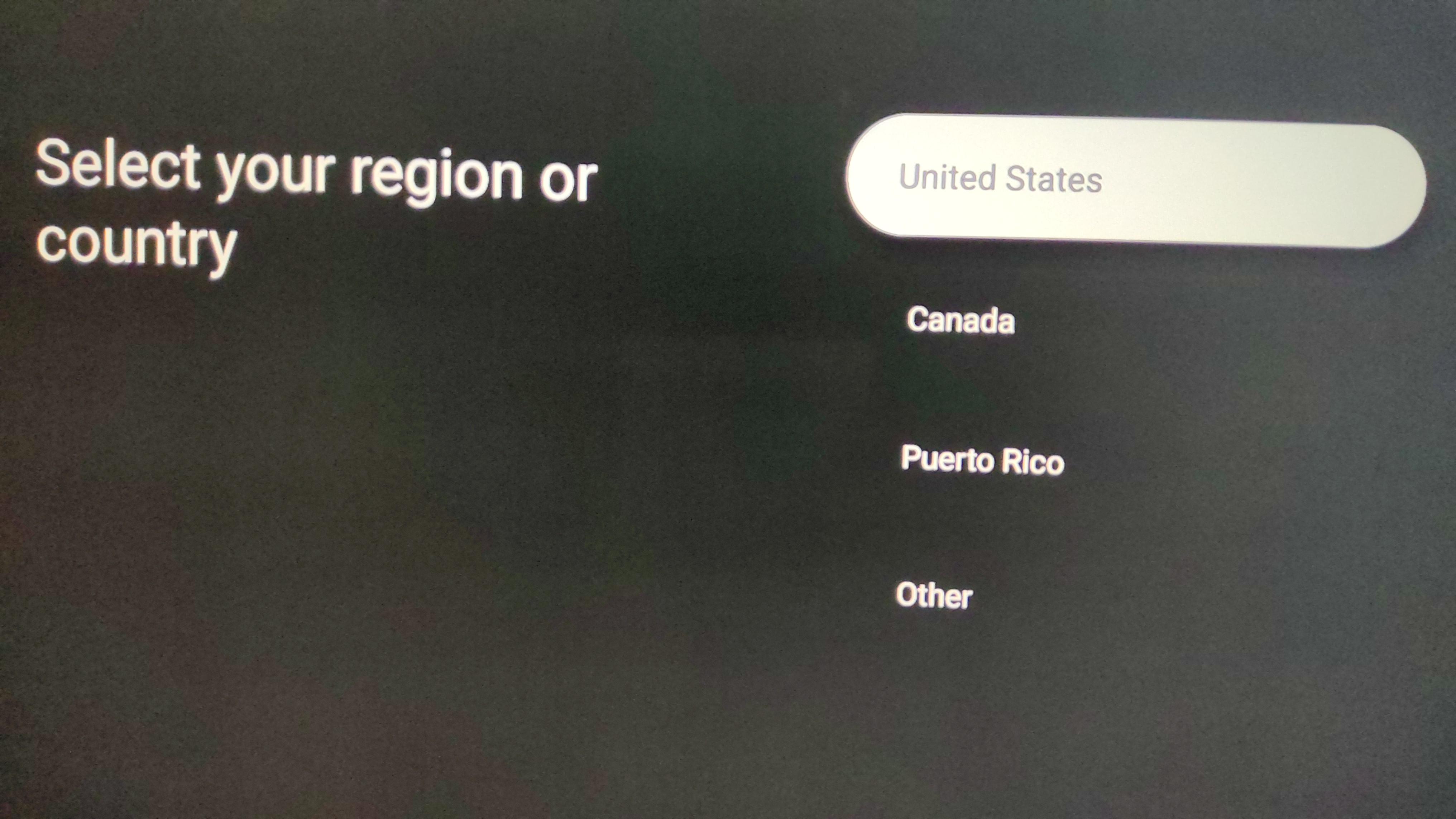
Next Select Country :
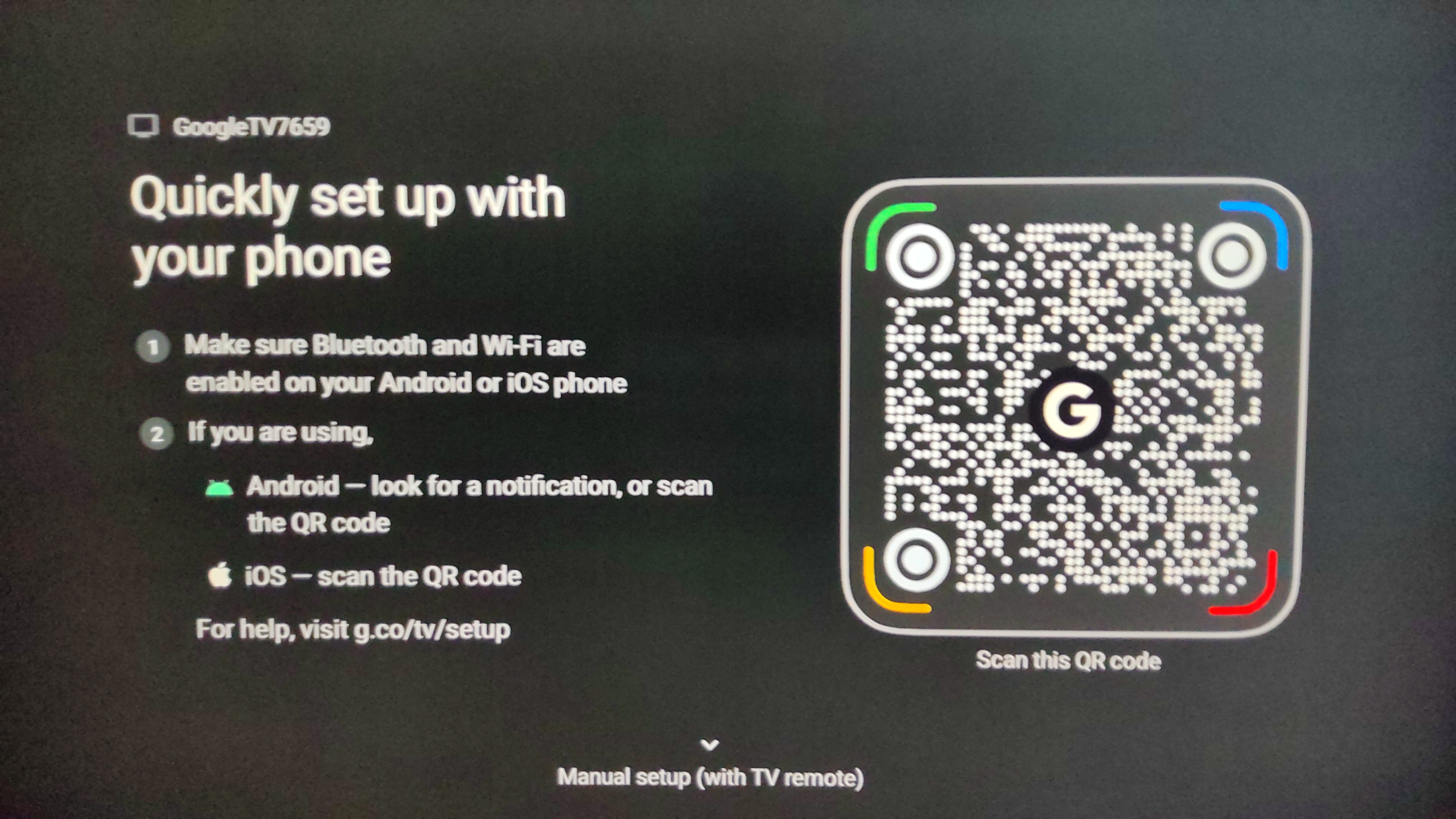
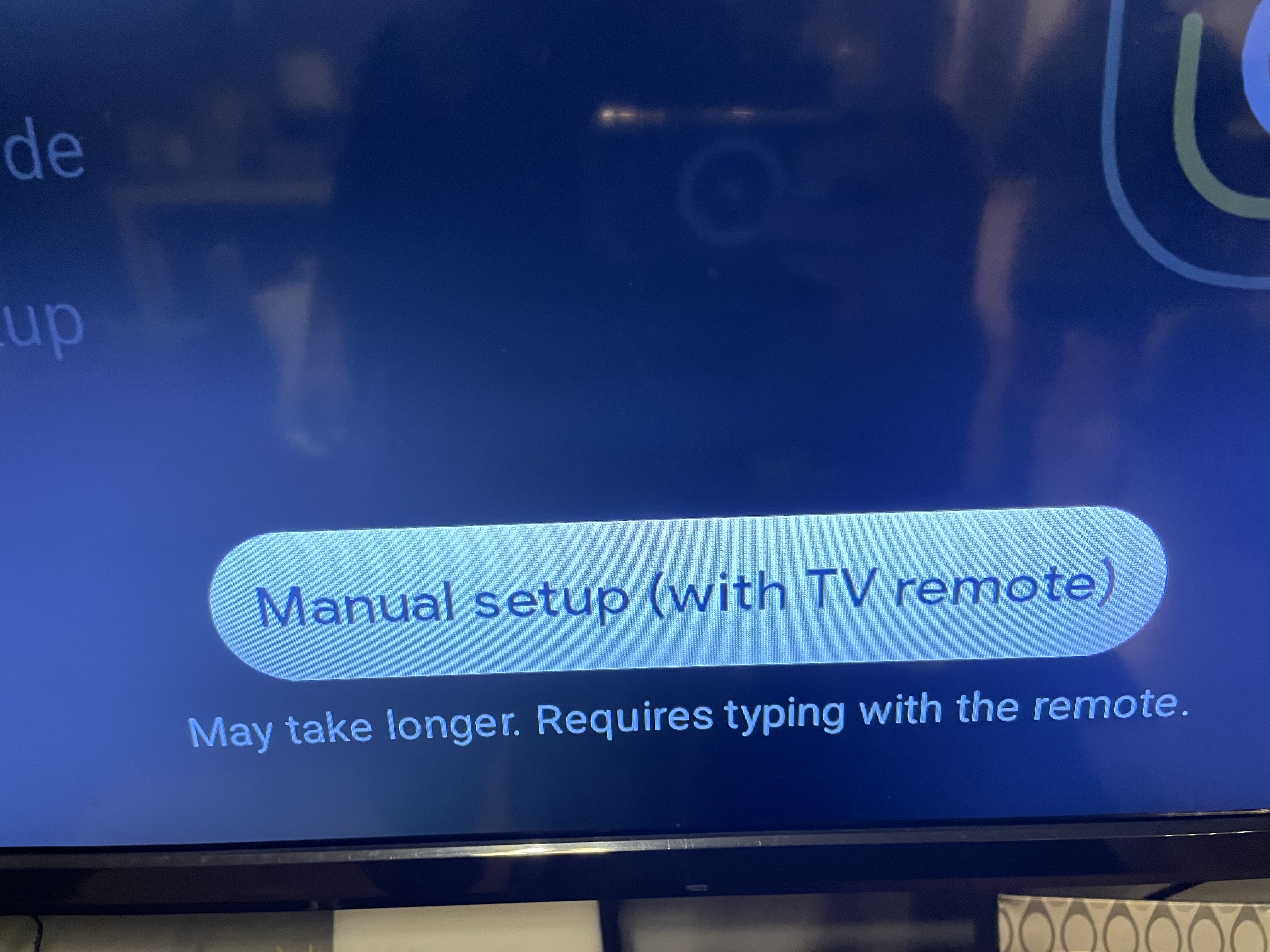
Next screen you can scan QR Code to sign in or Manual setup(preferred using email)
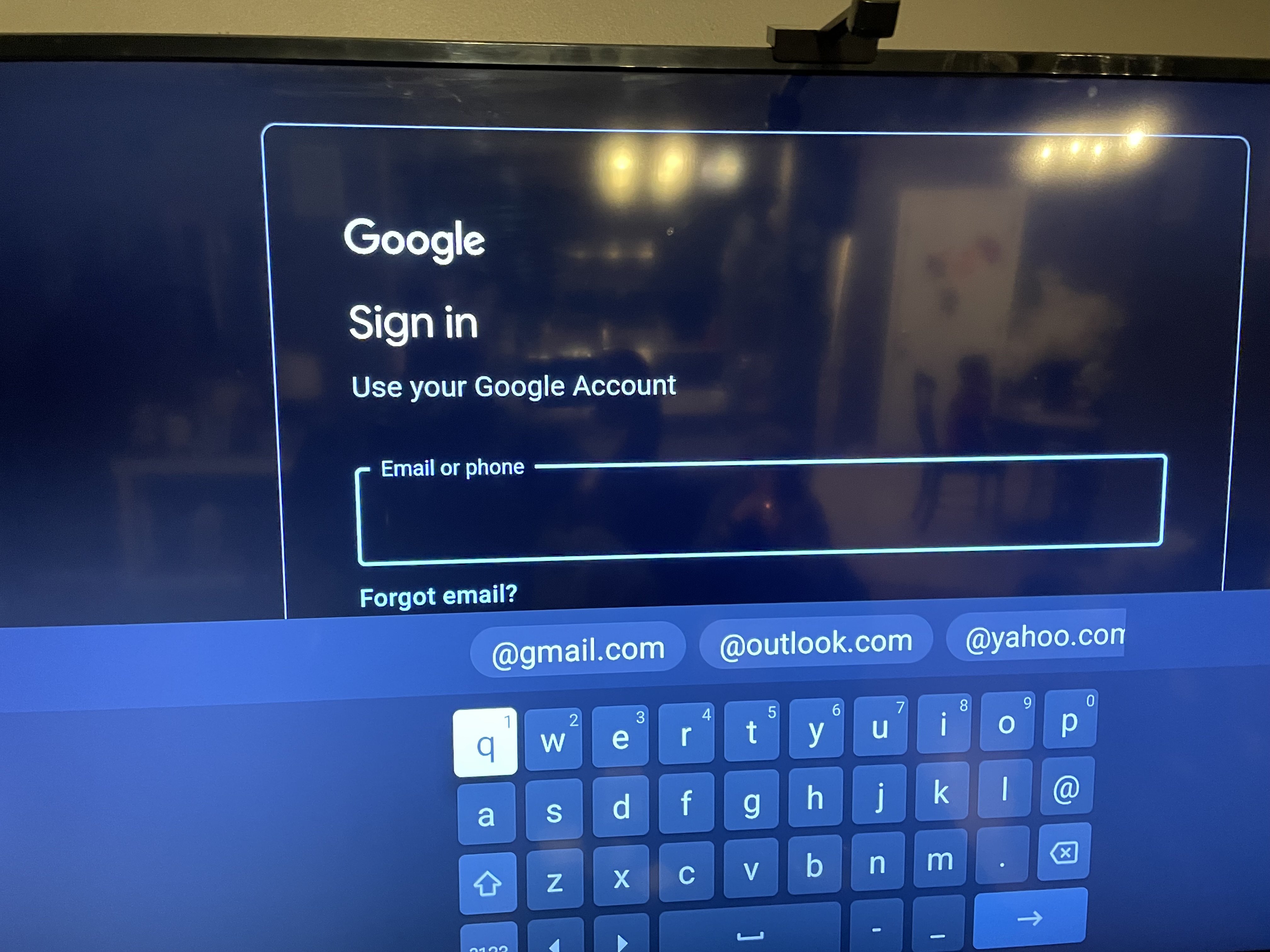
Sign in with your own Gmail Account user & password
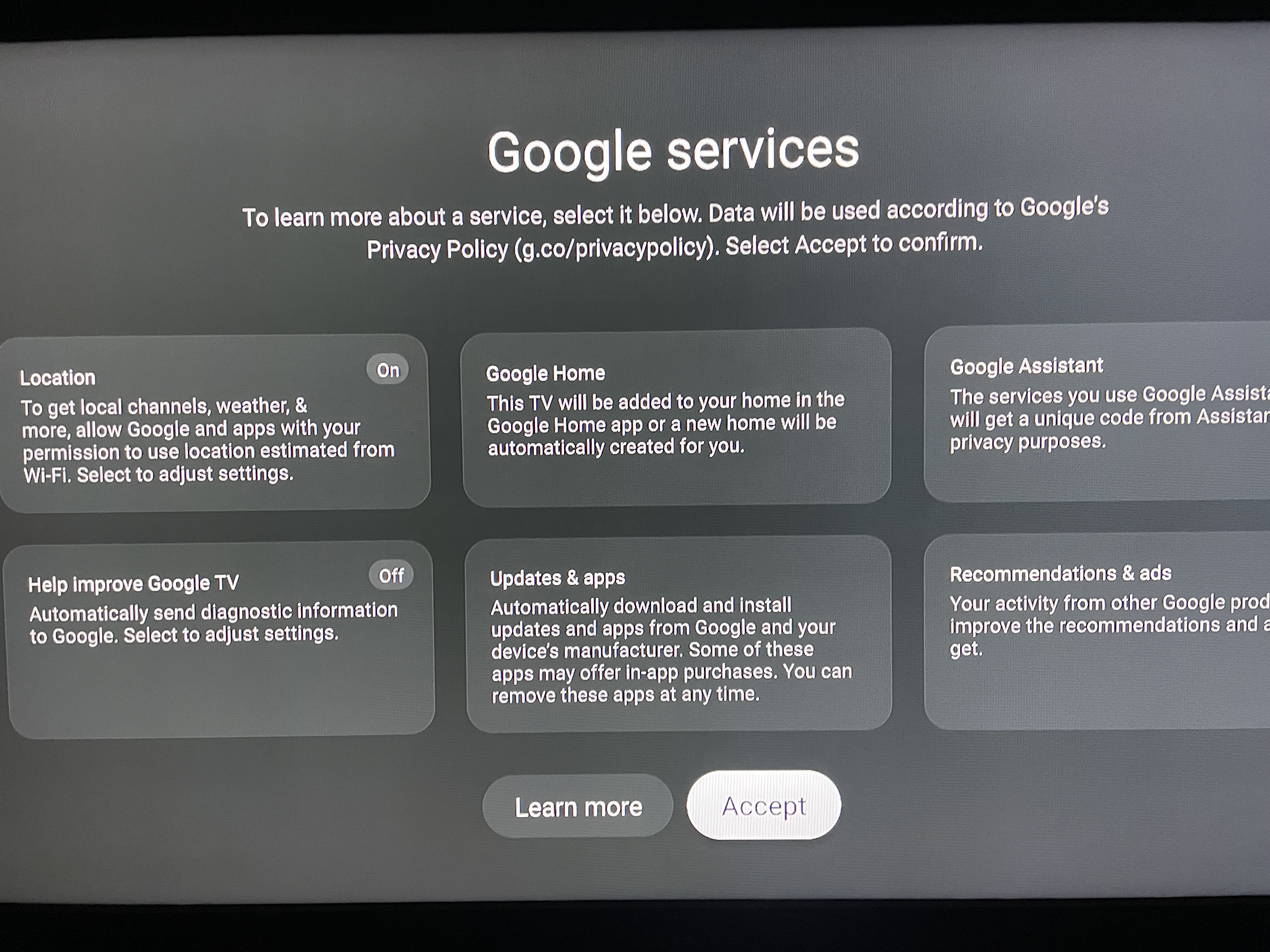
Next you can turn some of these features on or off
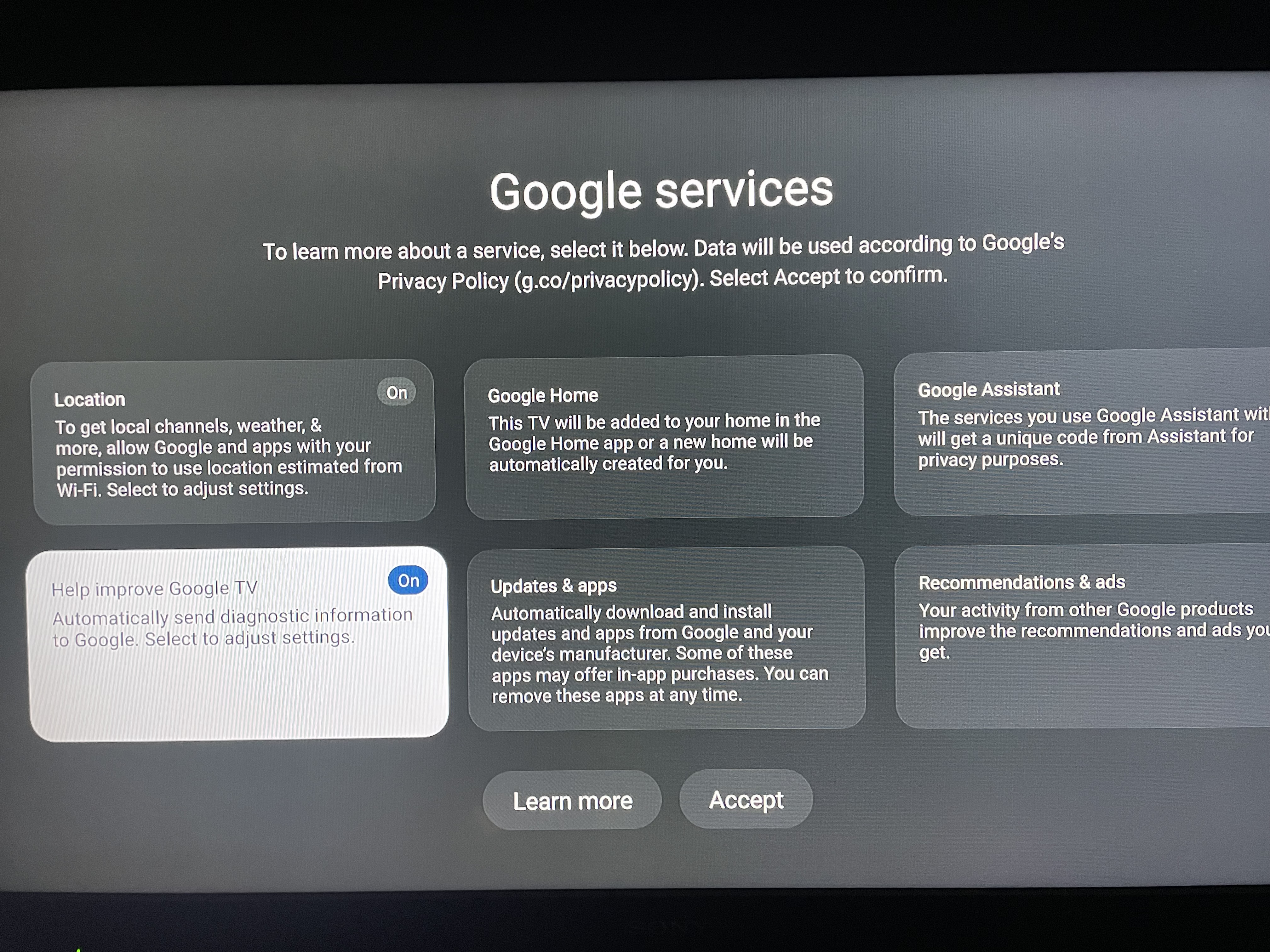
To turn this one off press up to select it then click center button and next page move over right to click to turn off/disable
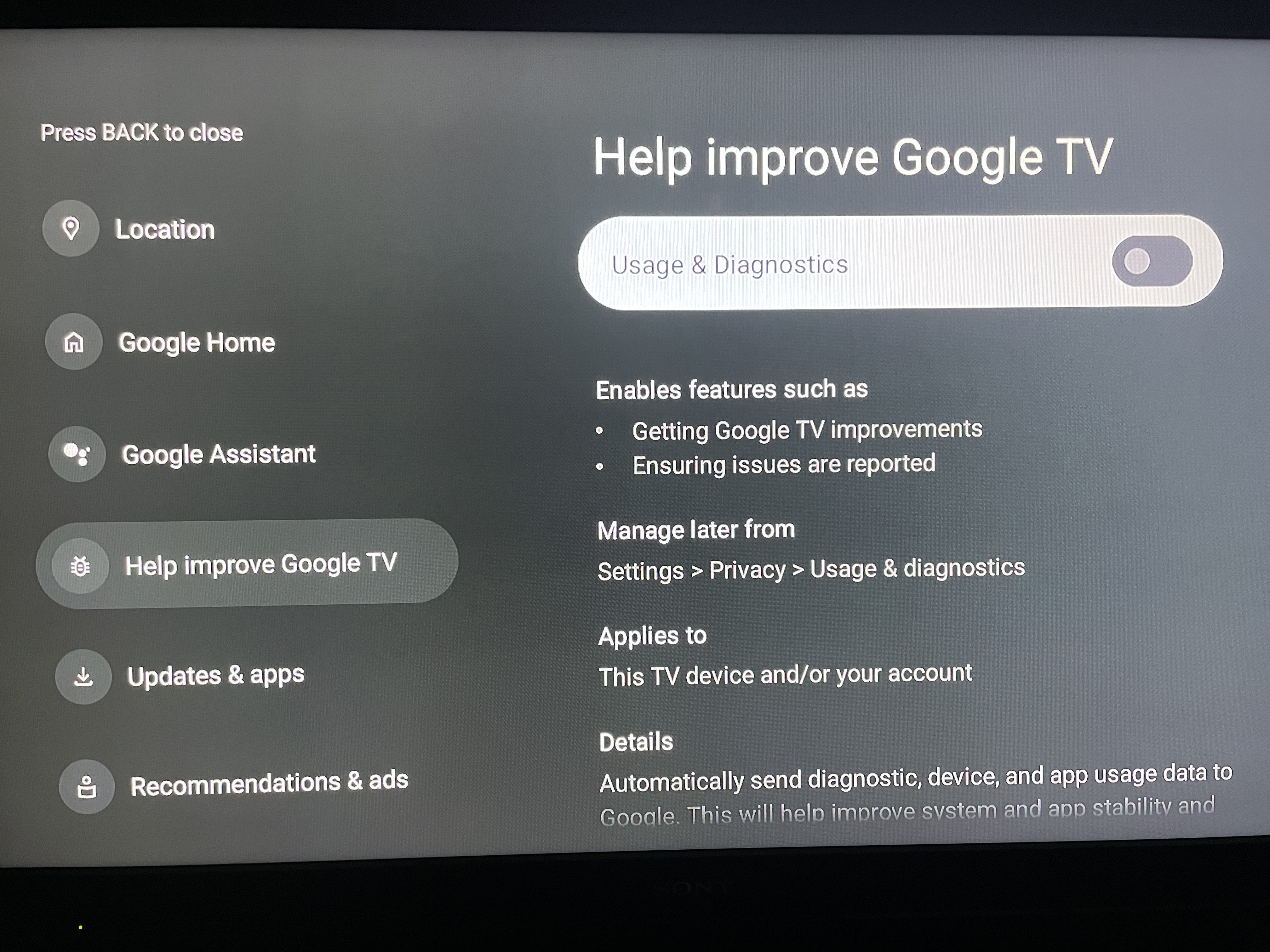
Then press back and it will be off
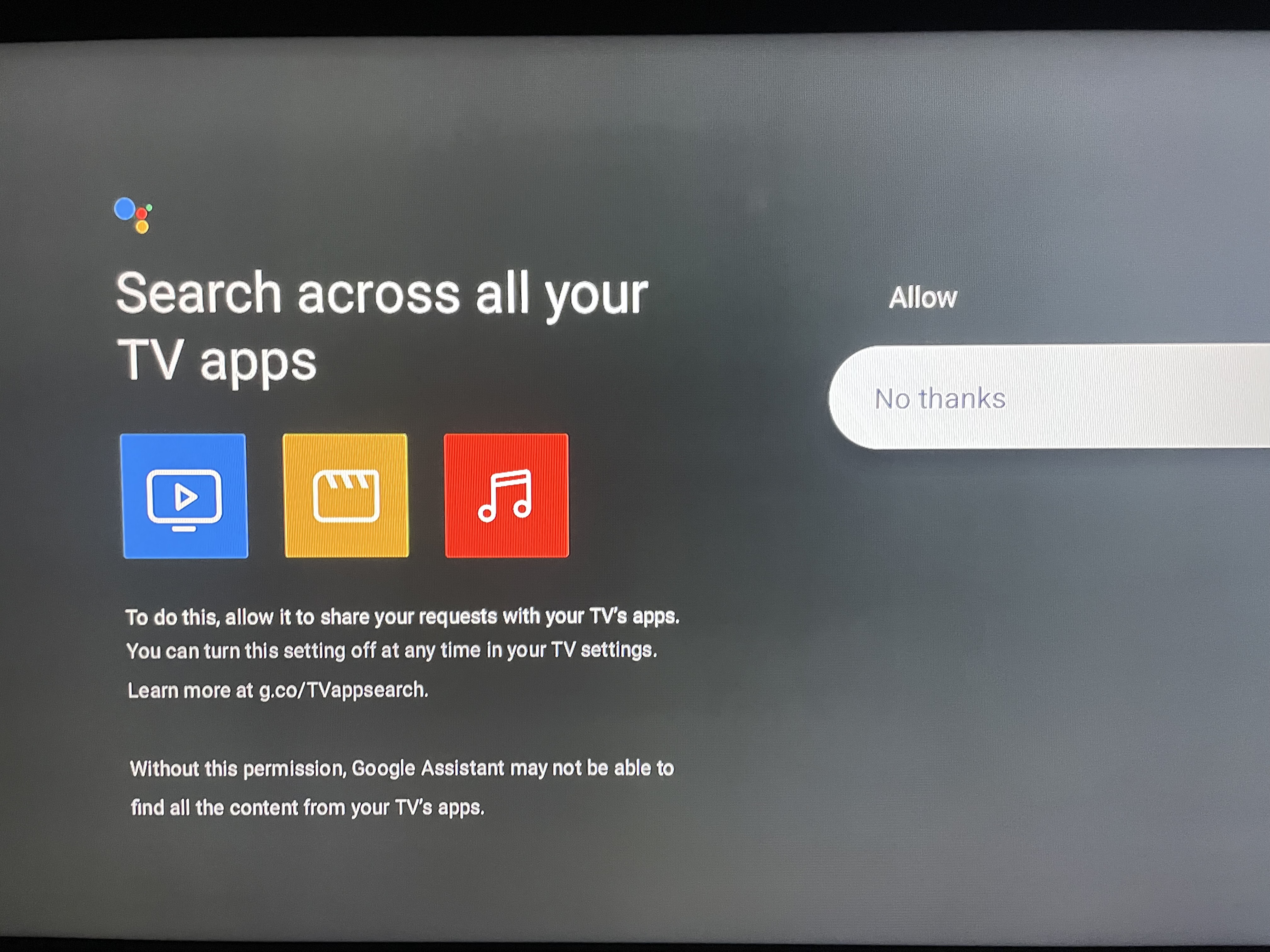
You can allow or deny to search across apps
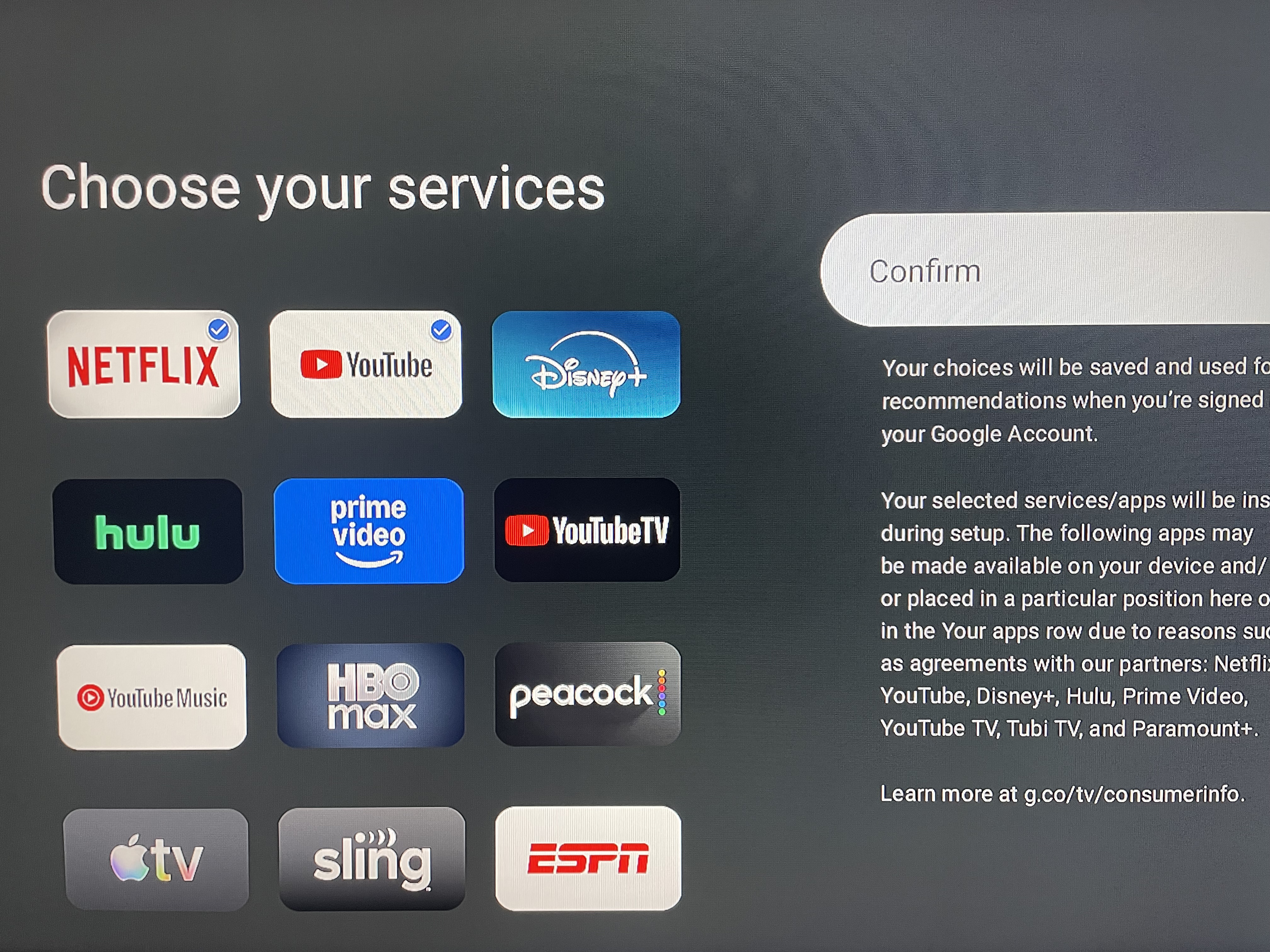
choose apps you want to add here
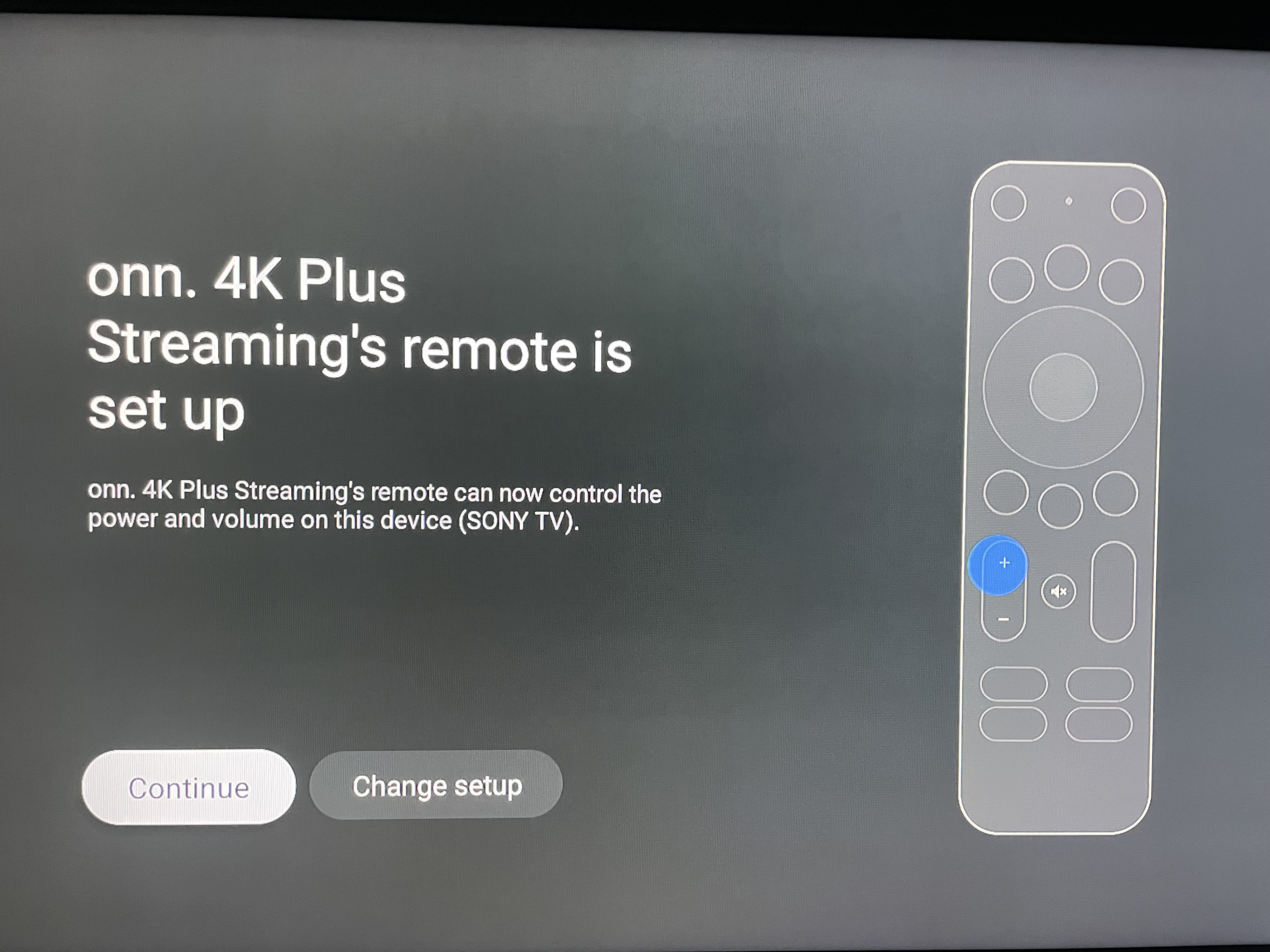
Then it will start pairing your remote
Then it will start the main install/setup this will take a few minutes
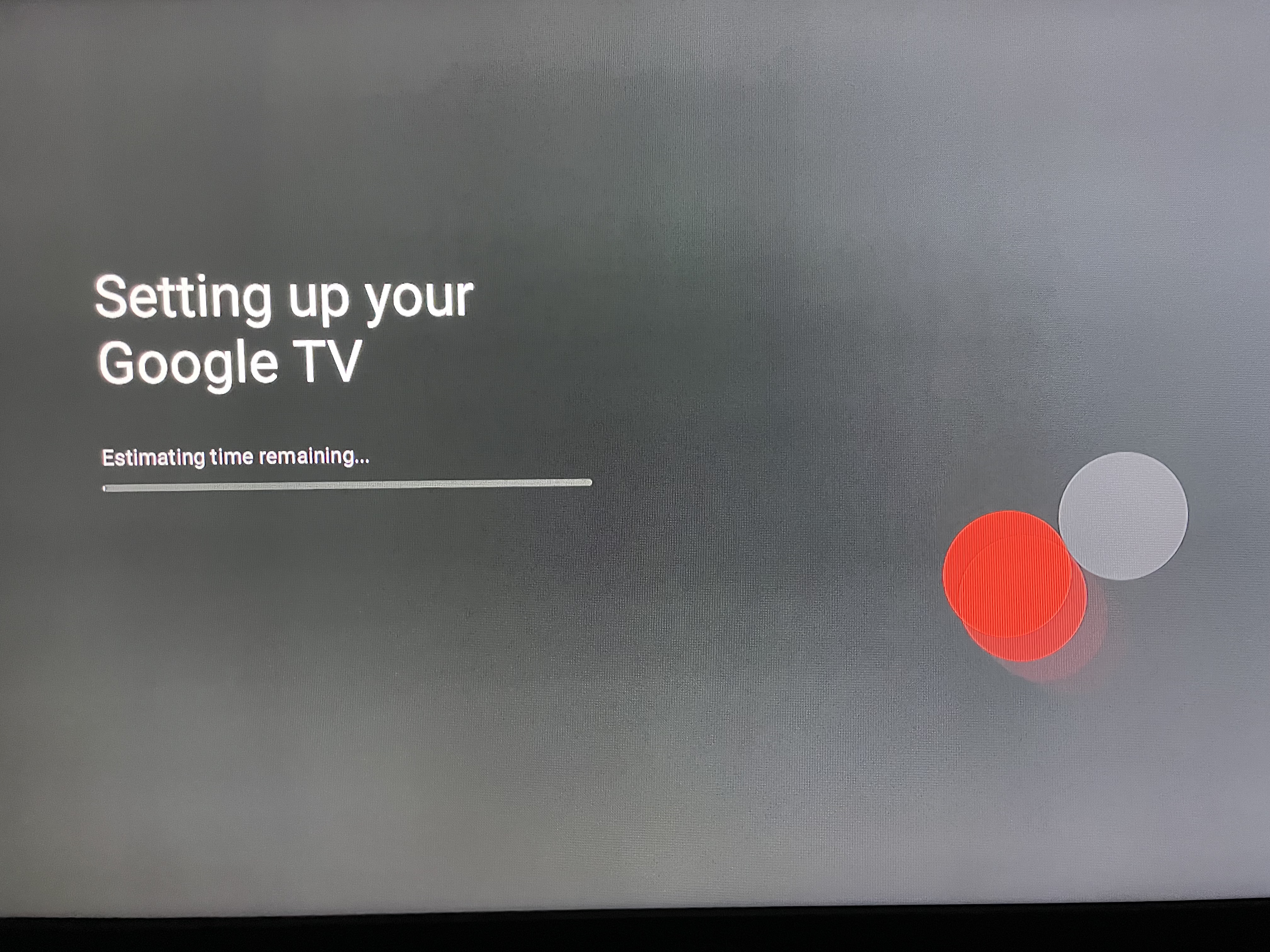
Next you choose which account type you prefer and then follow the rest of the screen prompts
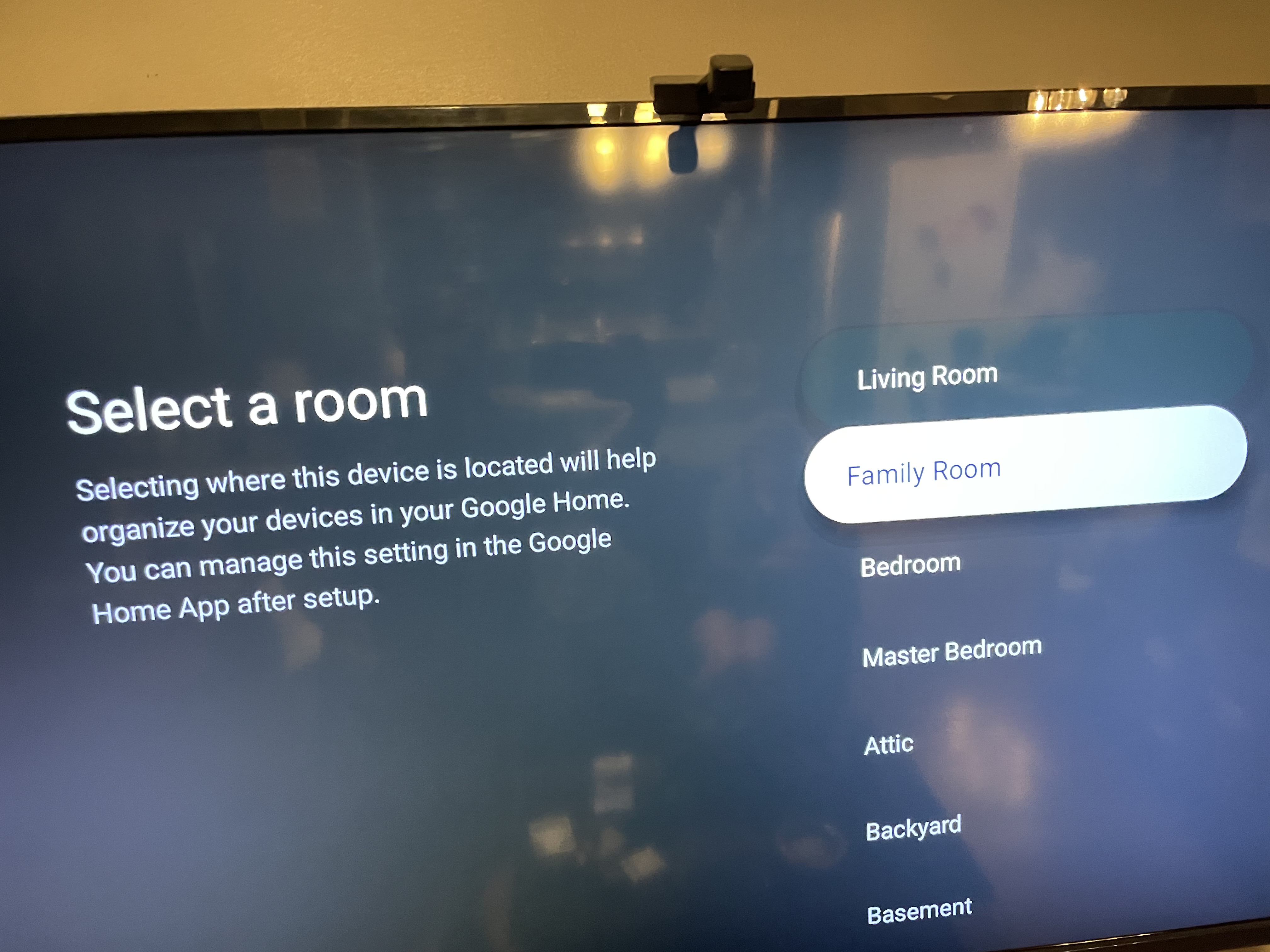
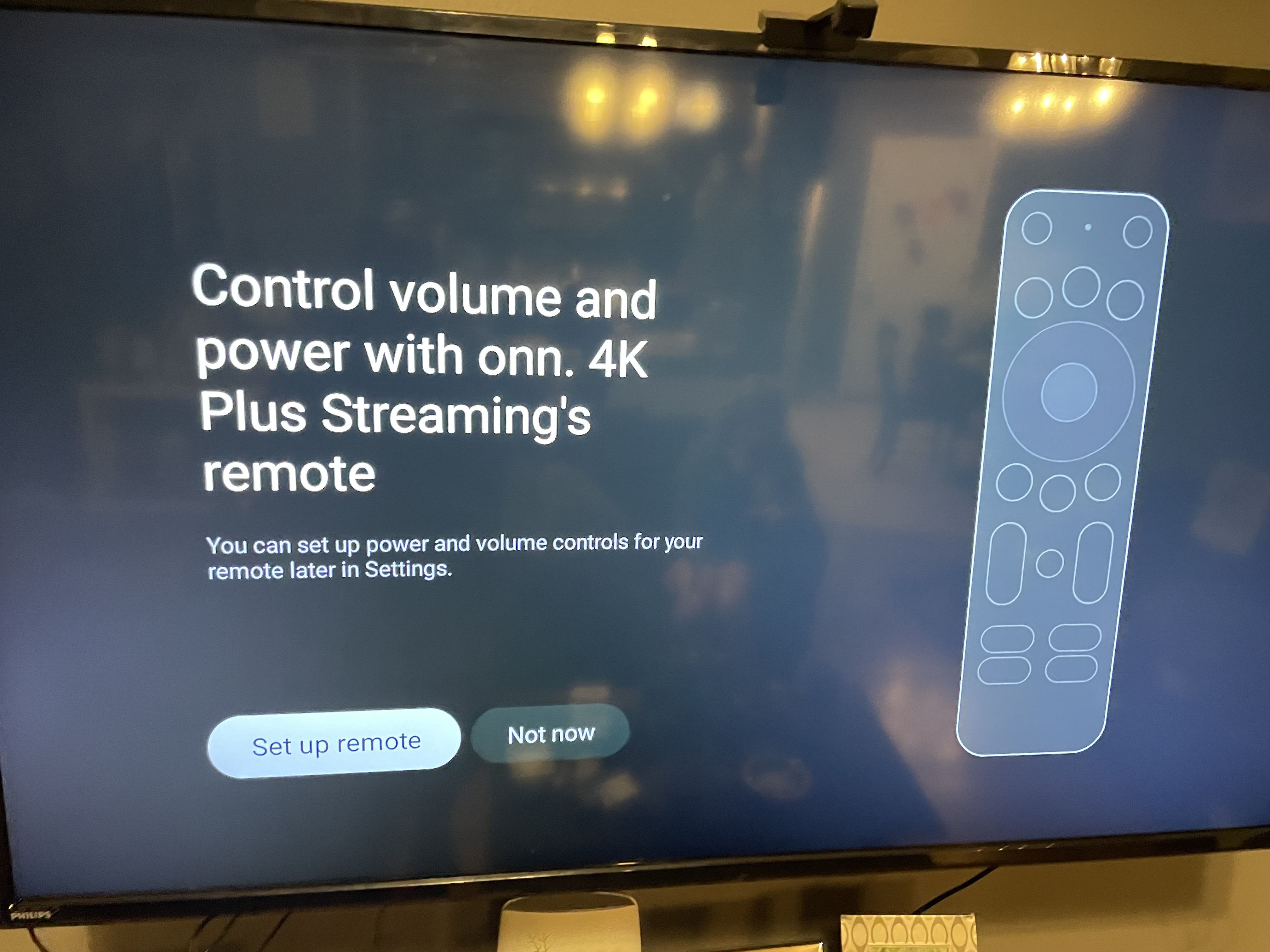
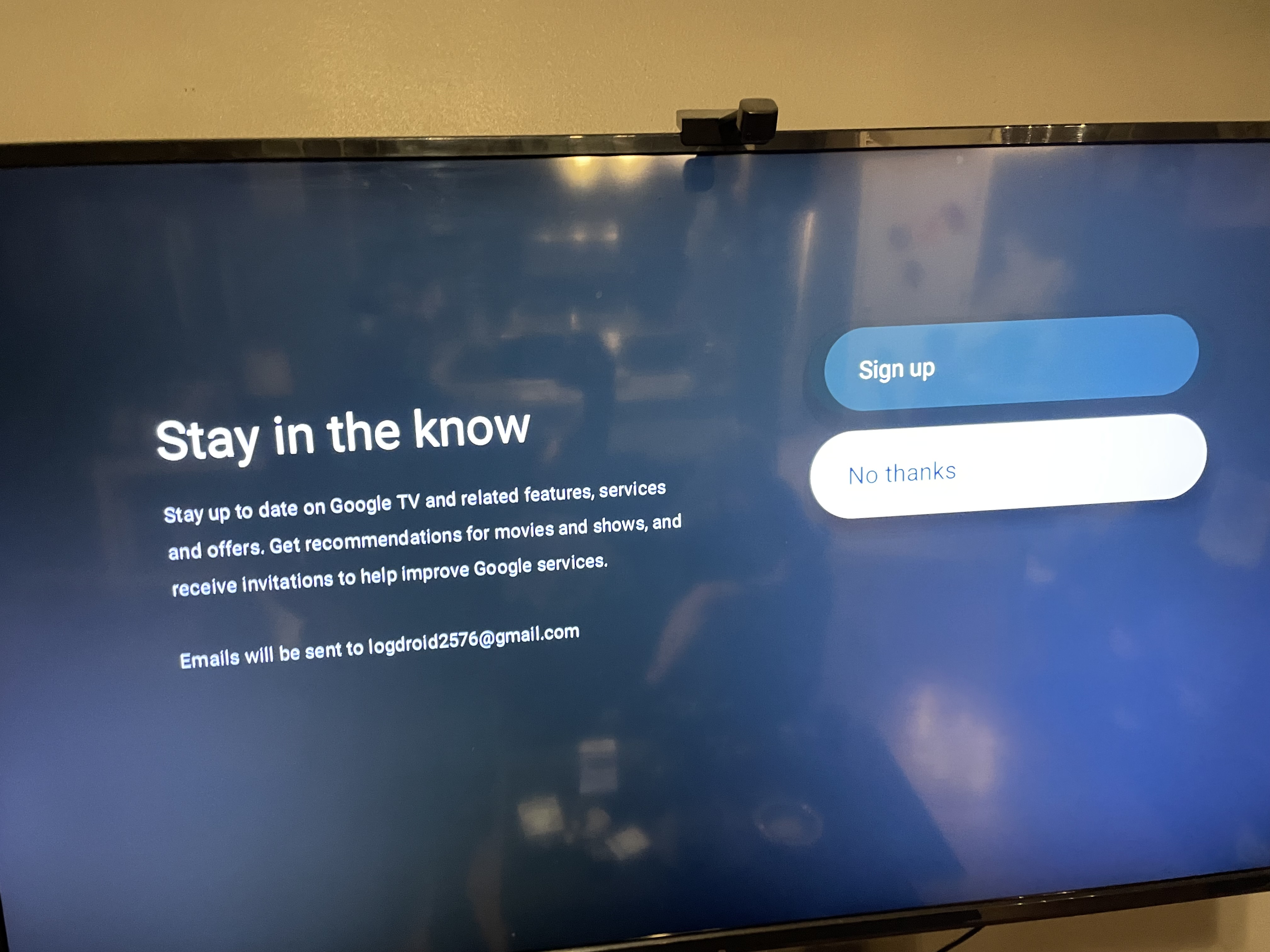
Once your on MAIN SCREEN go to SETTINGS top Right and then click the Clog Wheel
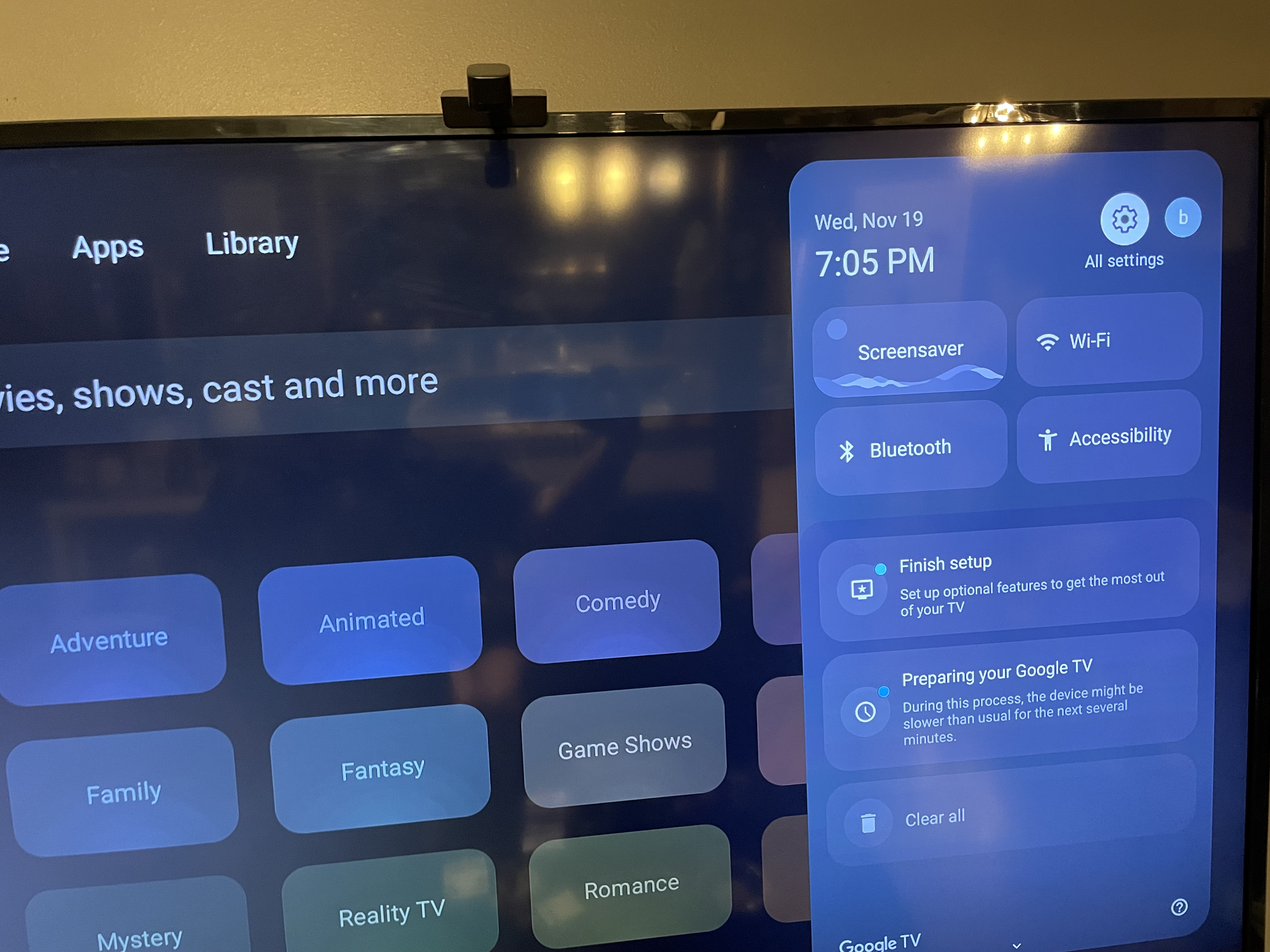
Go to System and click it
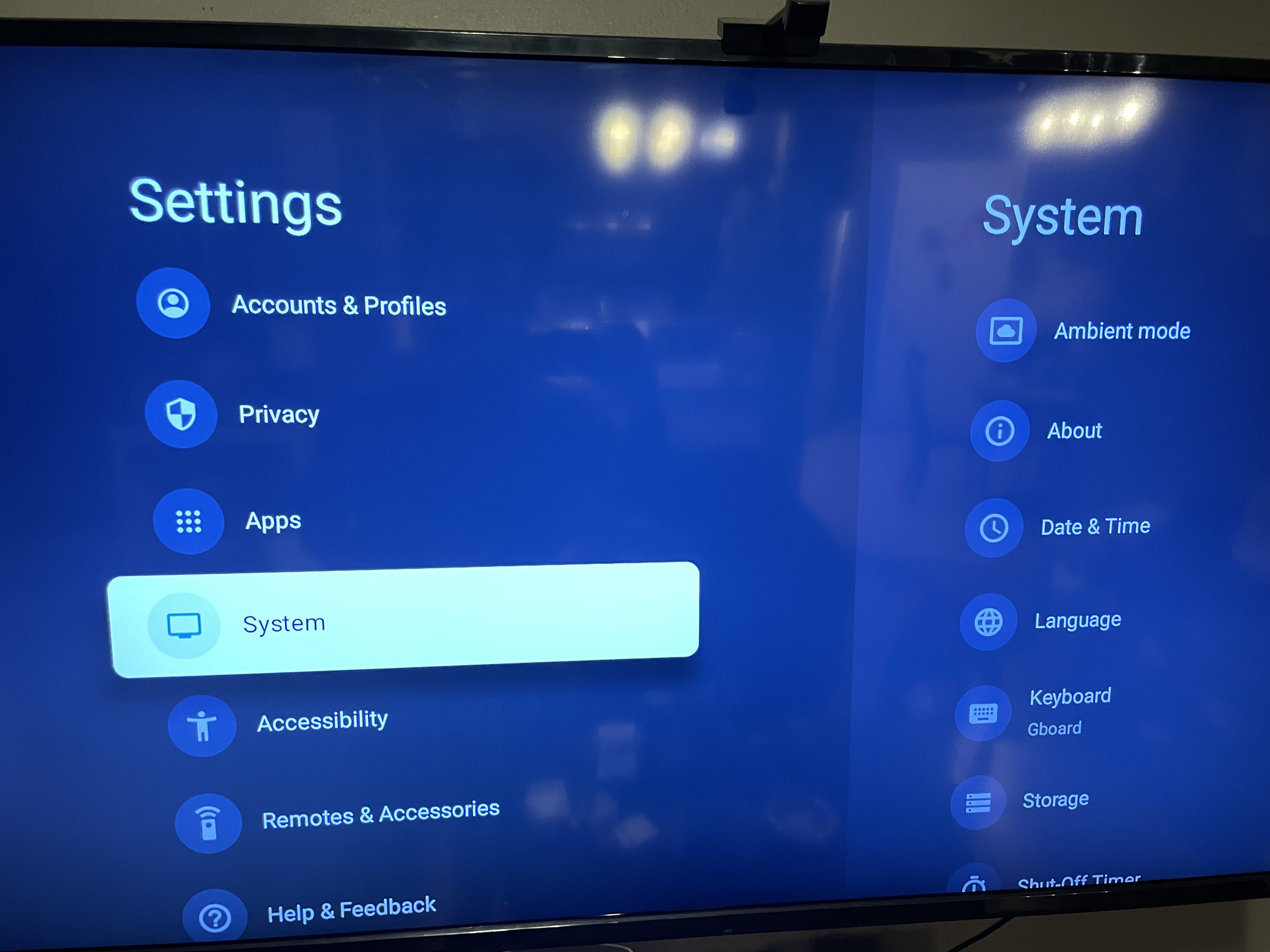
Then go to ABOUT
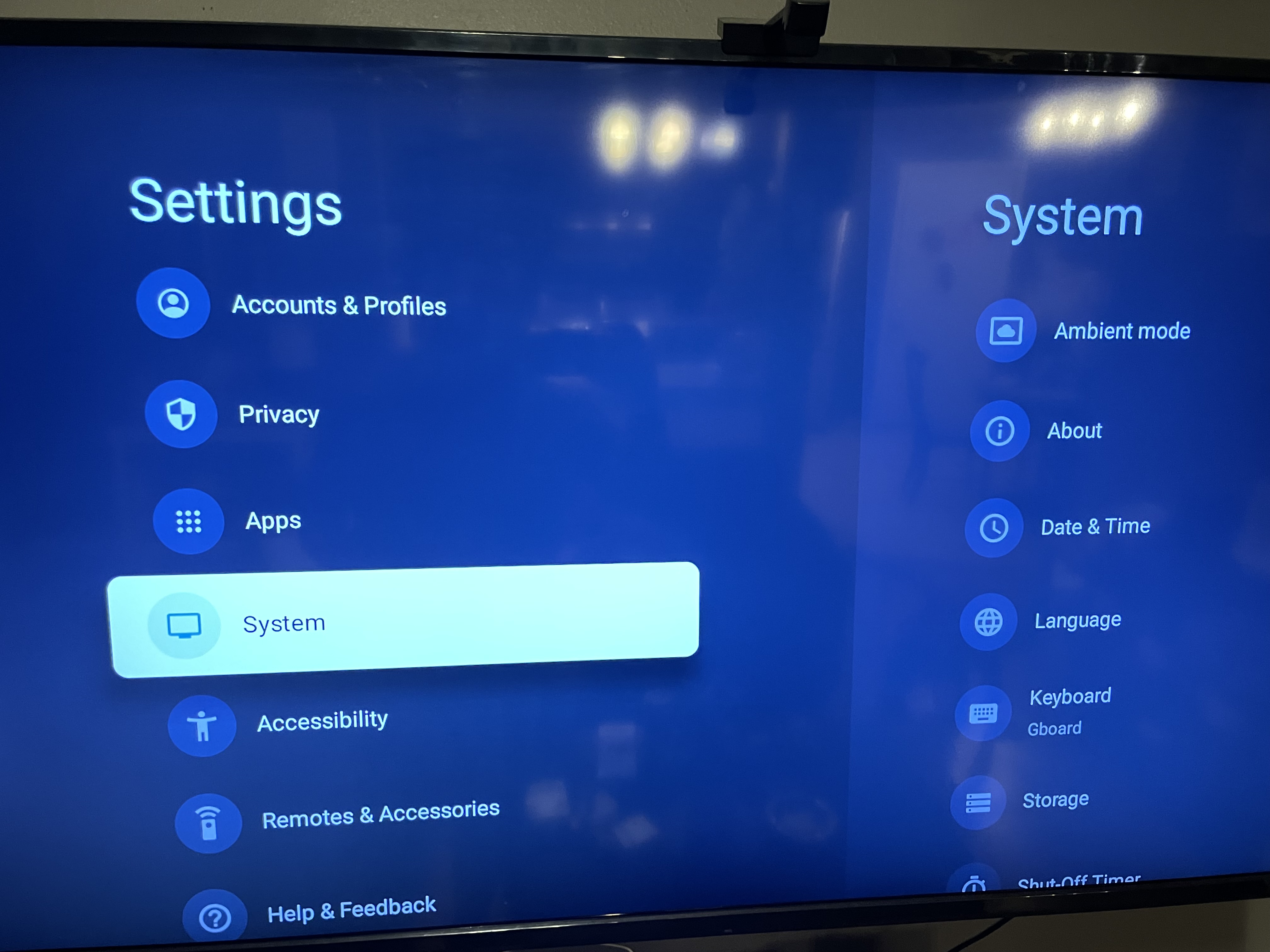
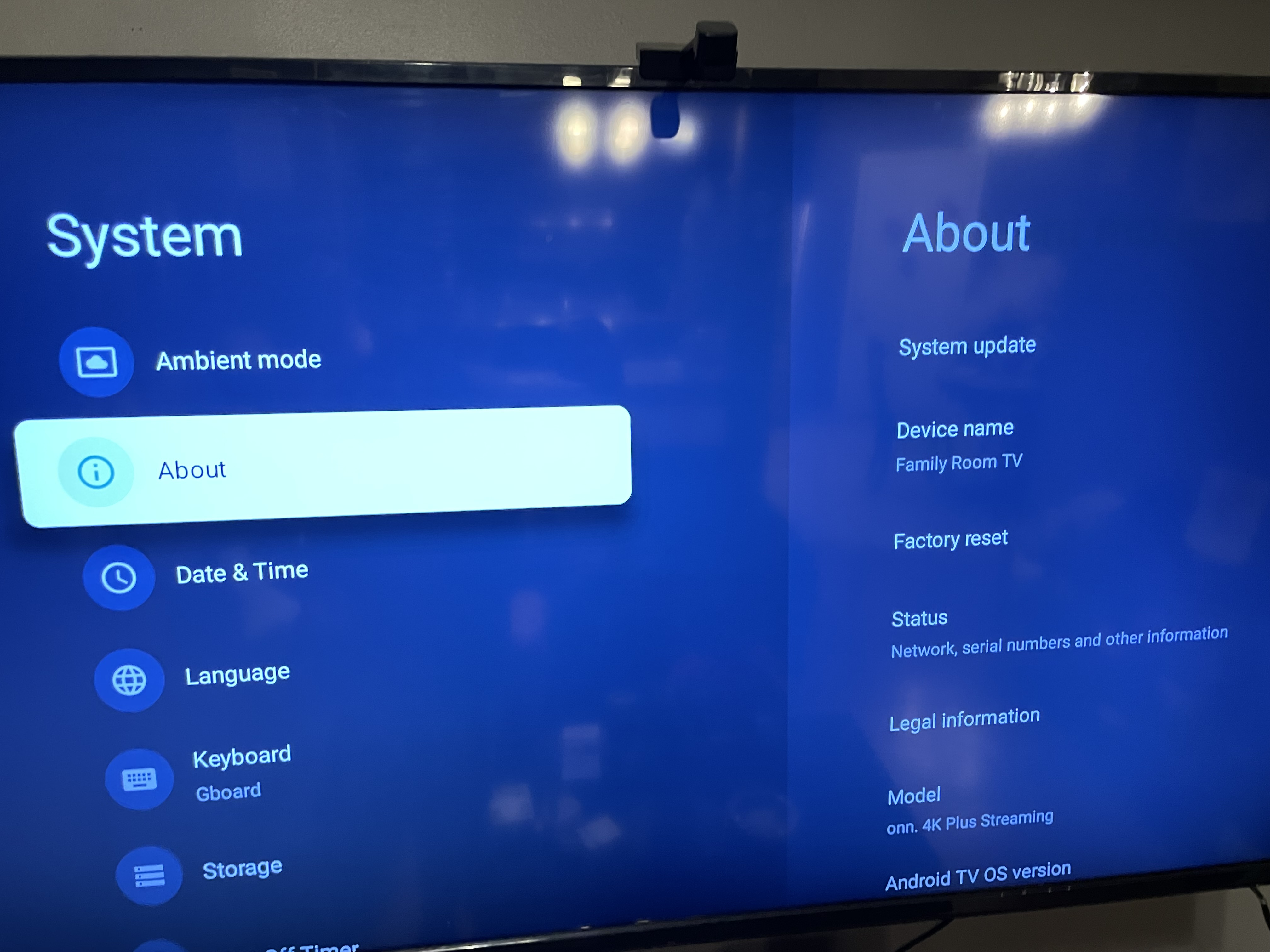
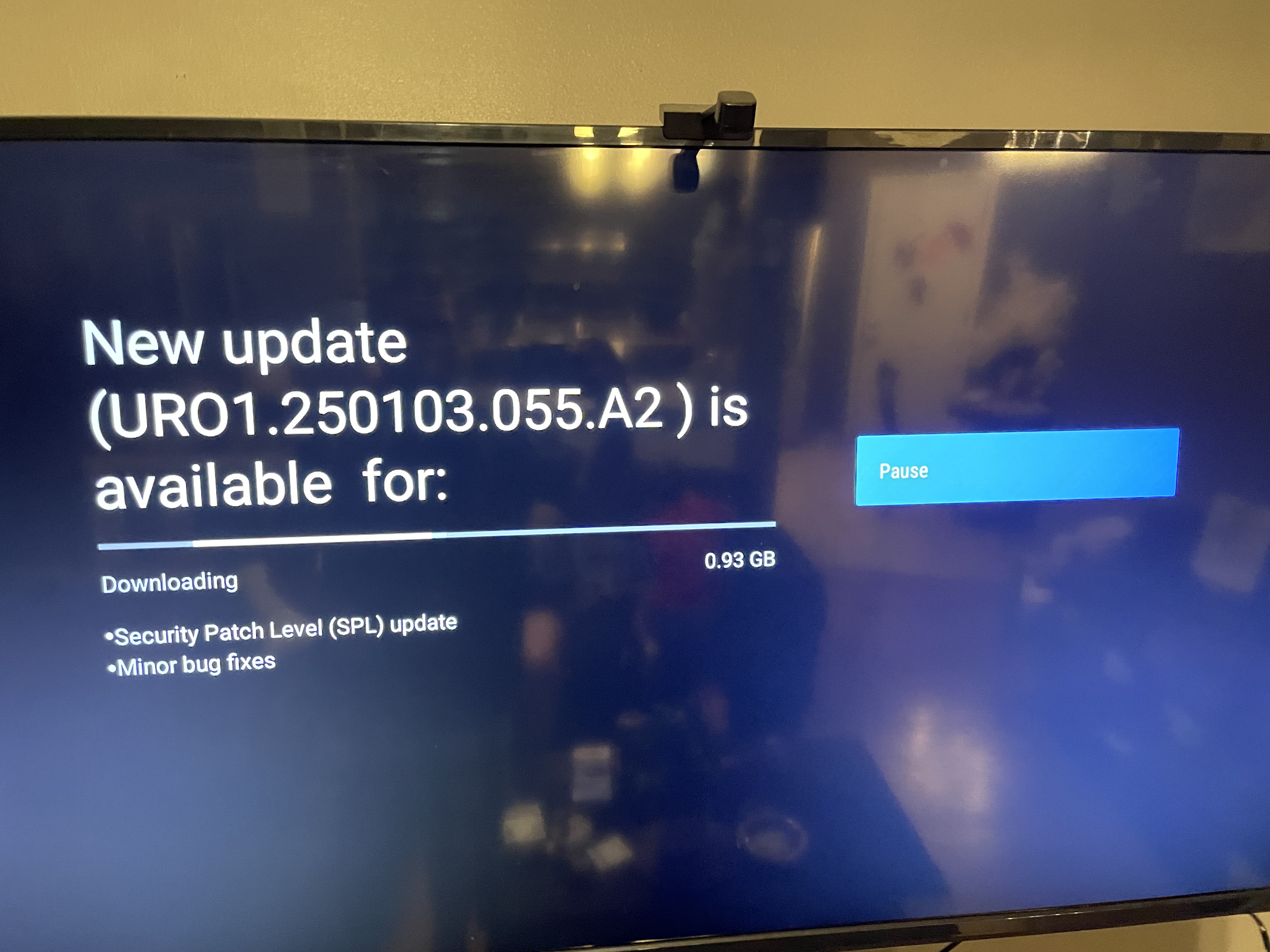
Then run a SYSTEM UPDATE and download
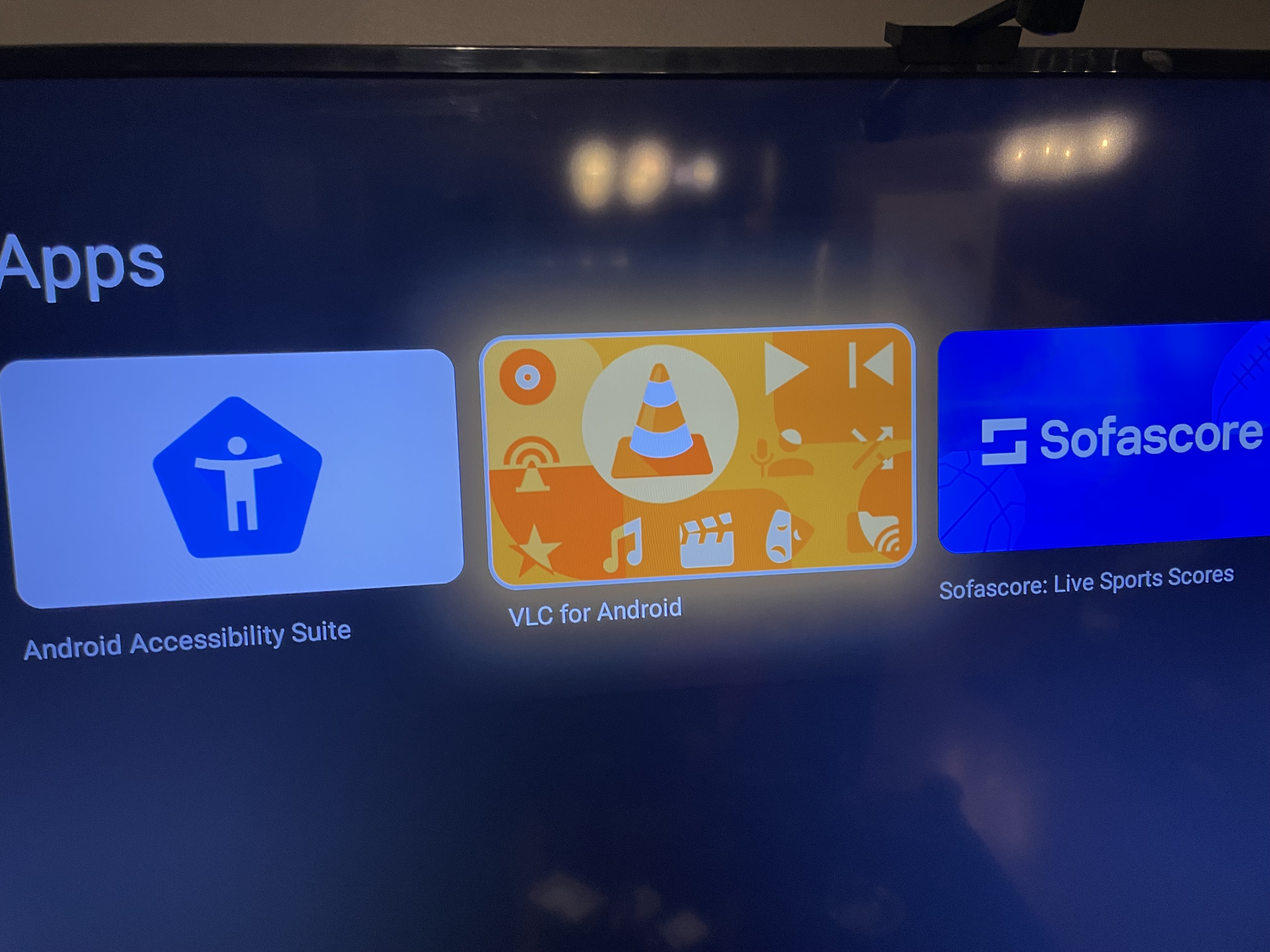
Next hit the talk/search Microphone button and say VLC and download/Install that
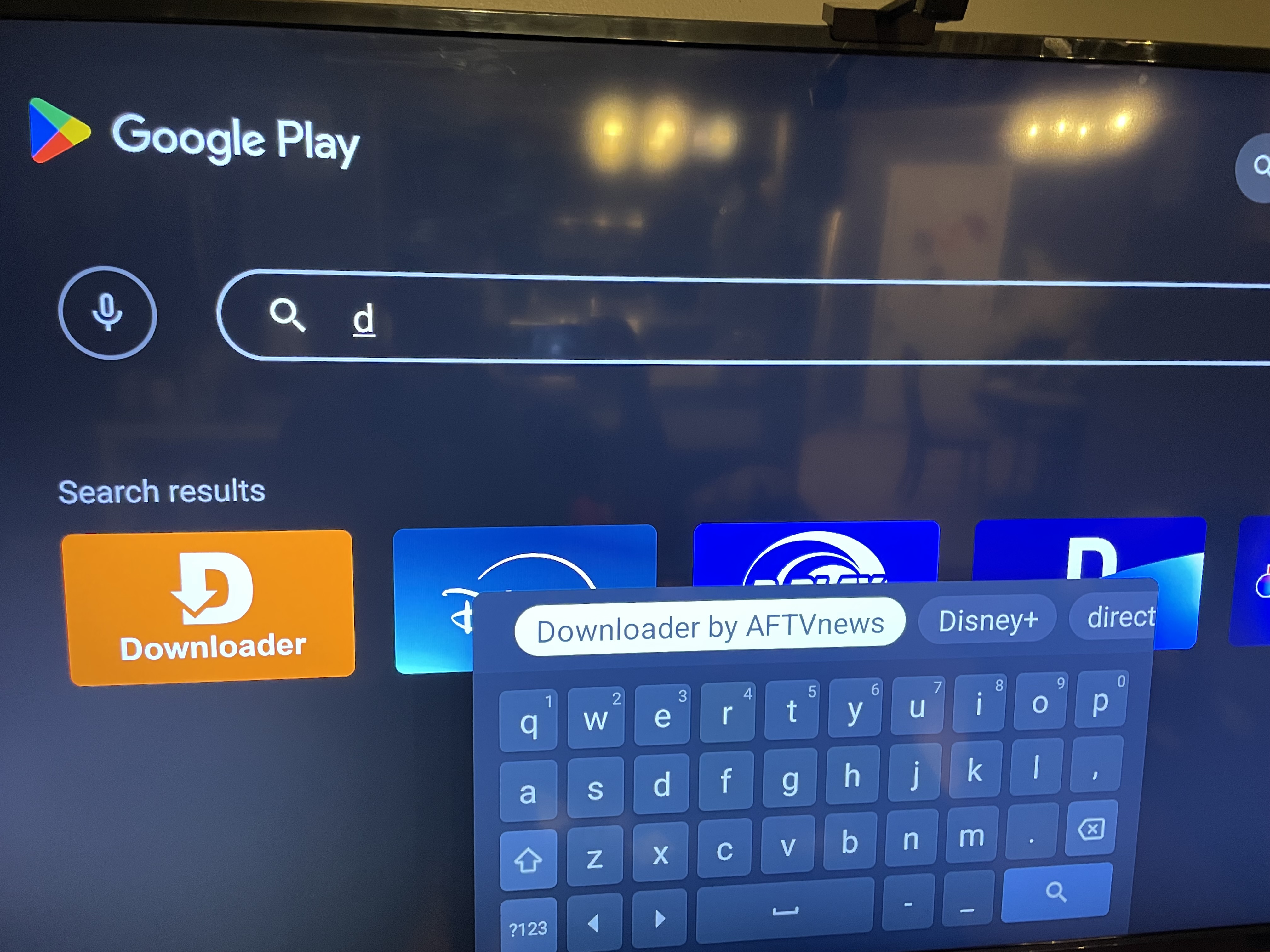
then hit talk button again and say PLAY STORE and look for Downloader App by AFTVnews
Next go to settings to enable downloads from Downloader
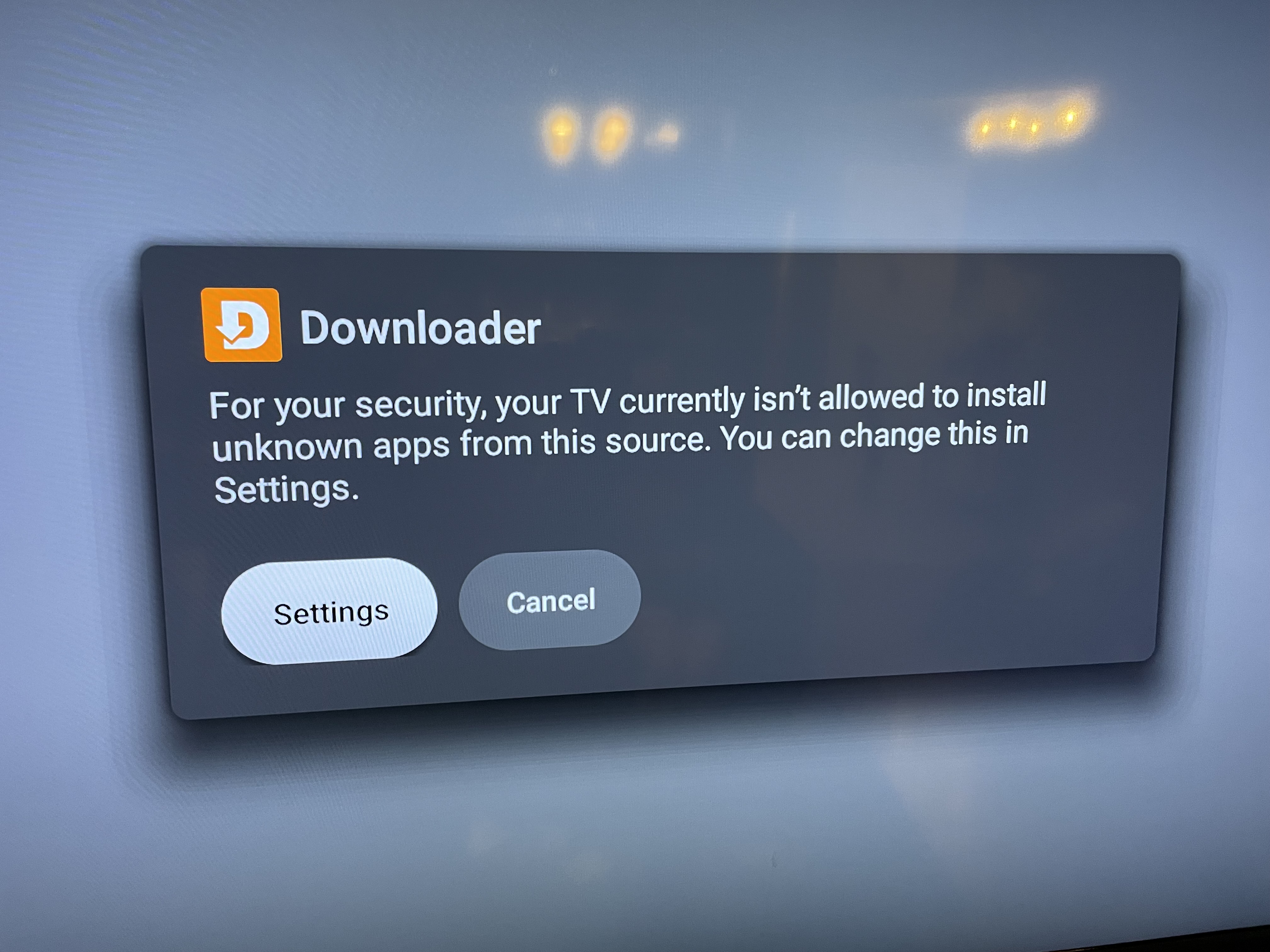
Once there press down and select downloader to Enable
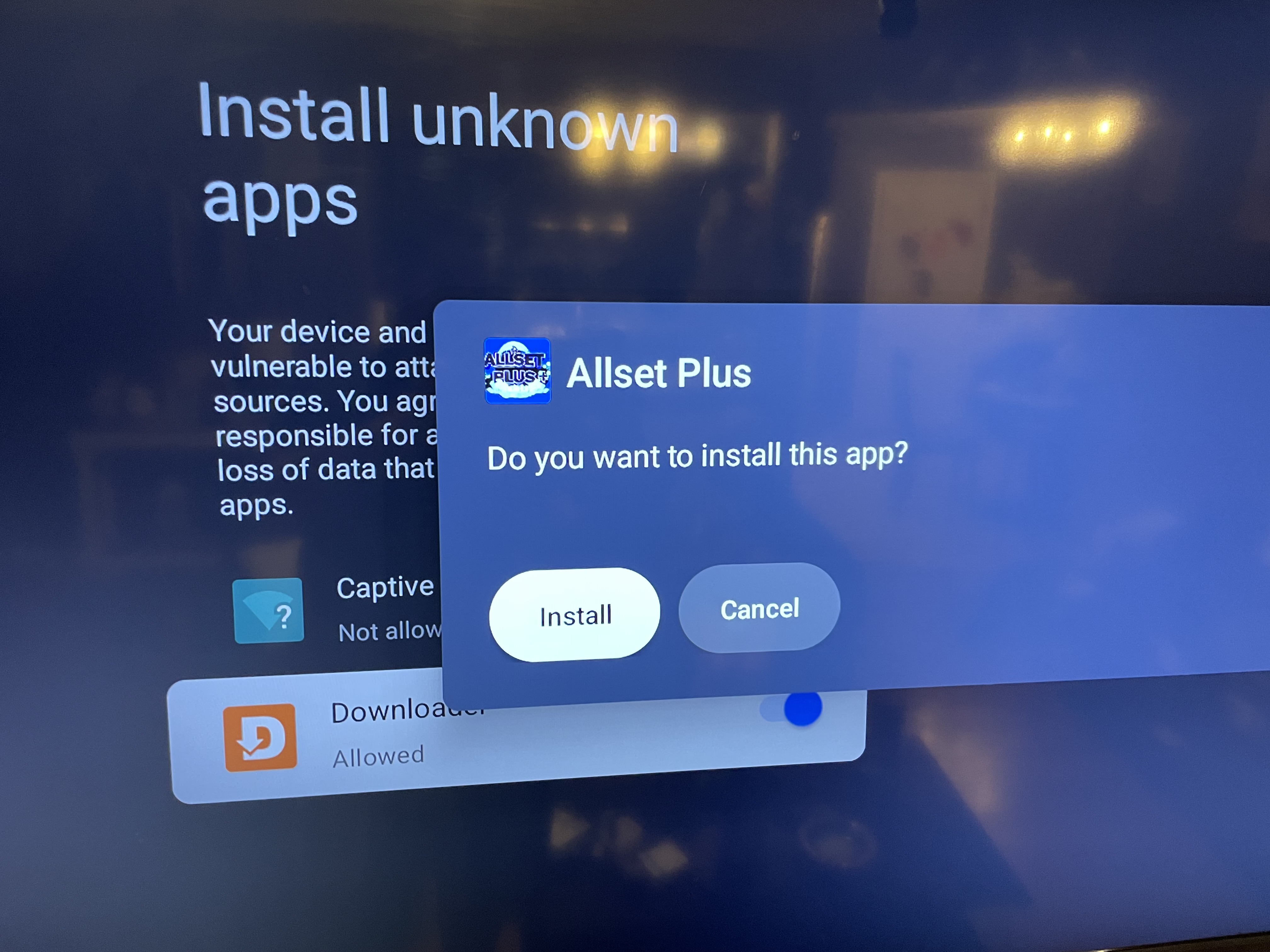
Once you open downloader app type in allsetplus.com and go to downloads to download your apps or you can get Downloader codes to install specific apps
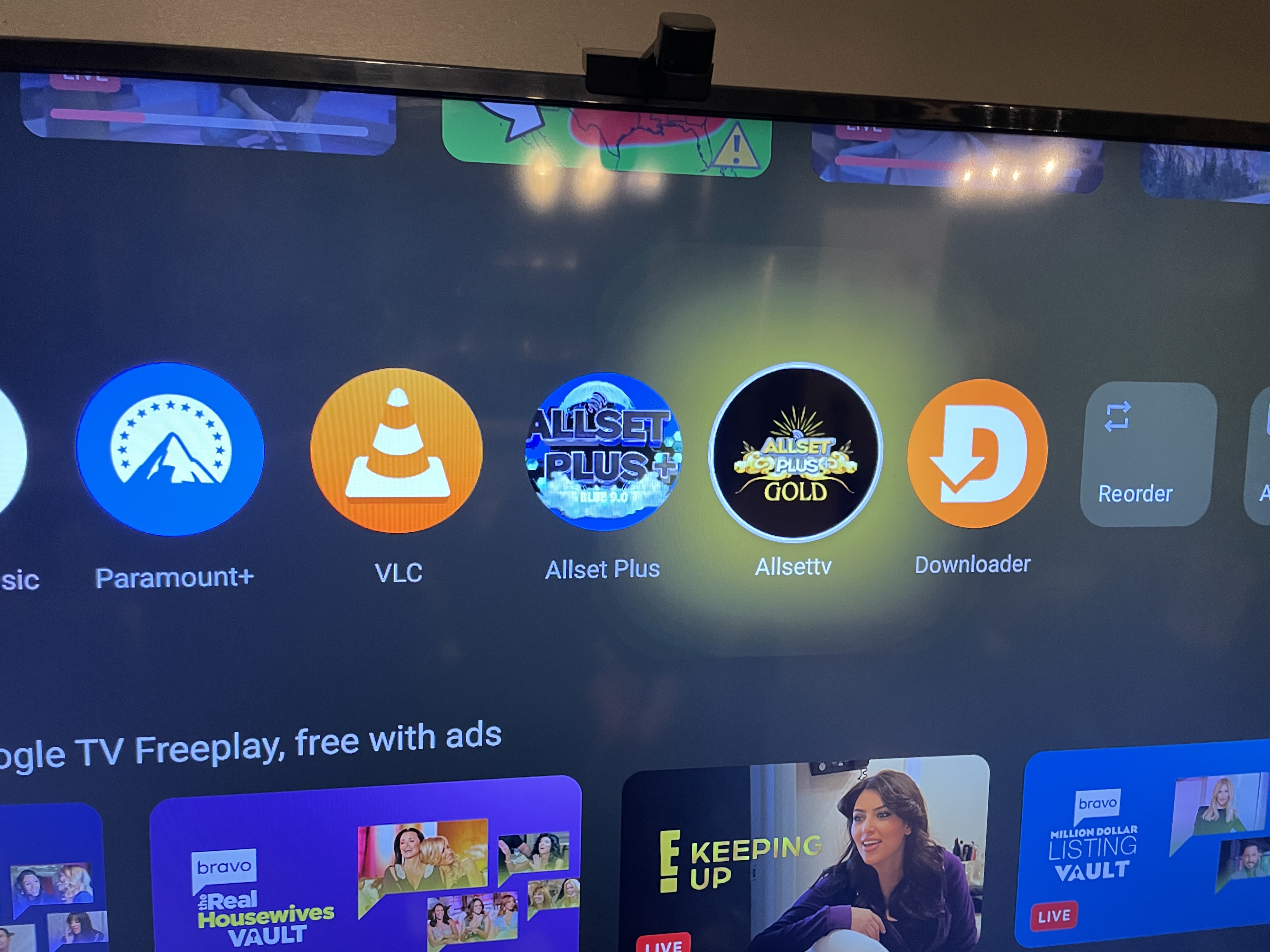
once app is installed you can click and hold over app to move it from Right to Left- Left being the first app to appear
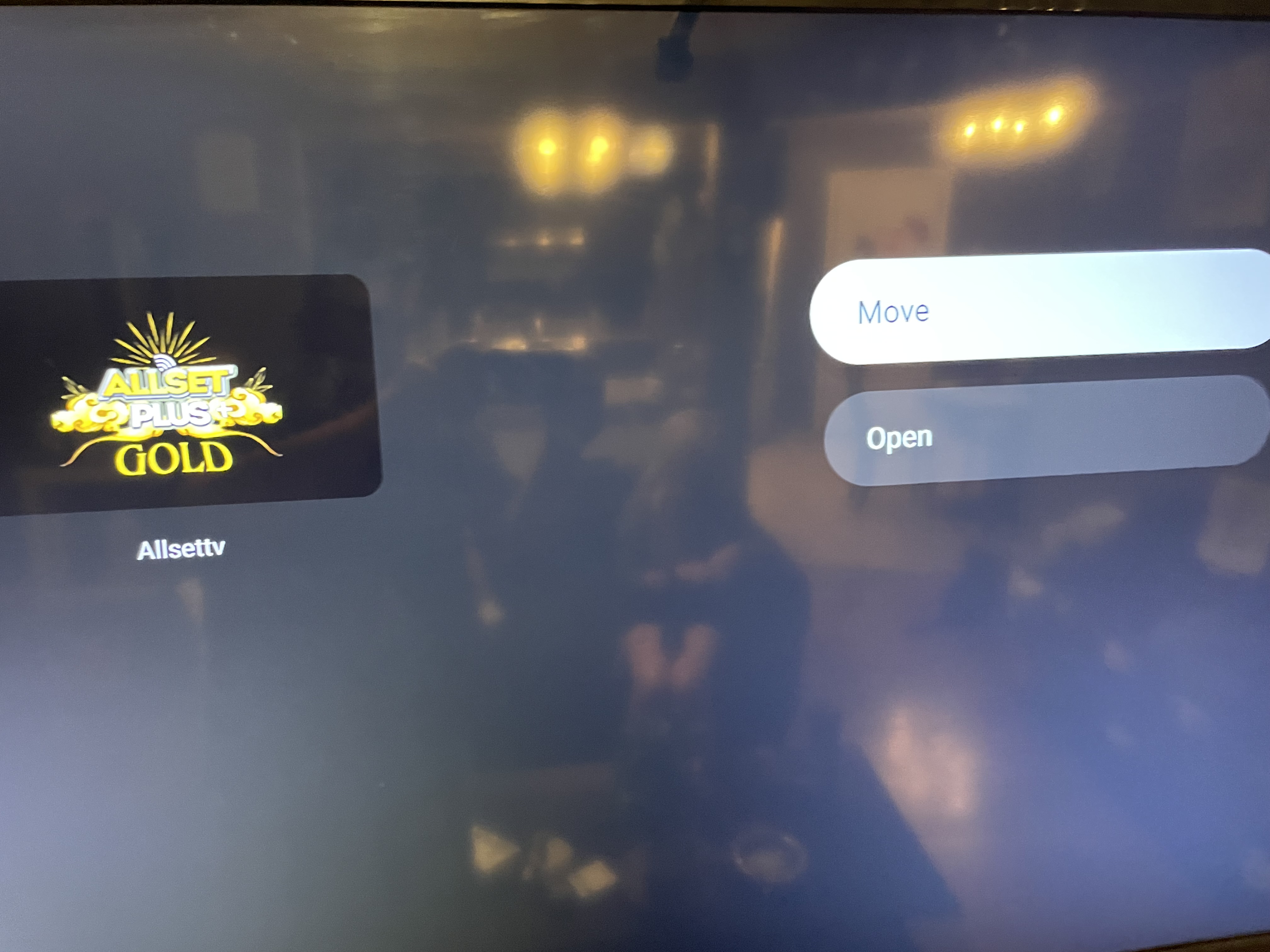
Once apps are set you can open and enjoy.