
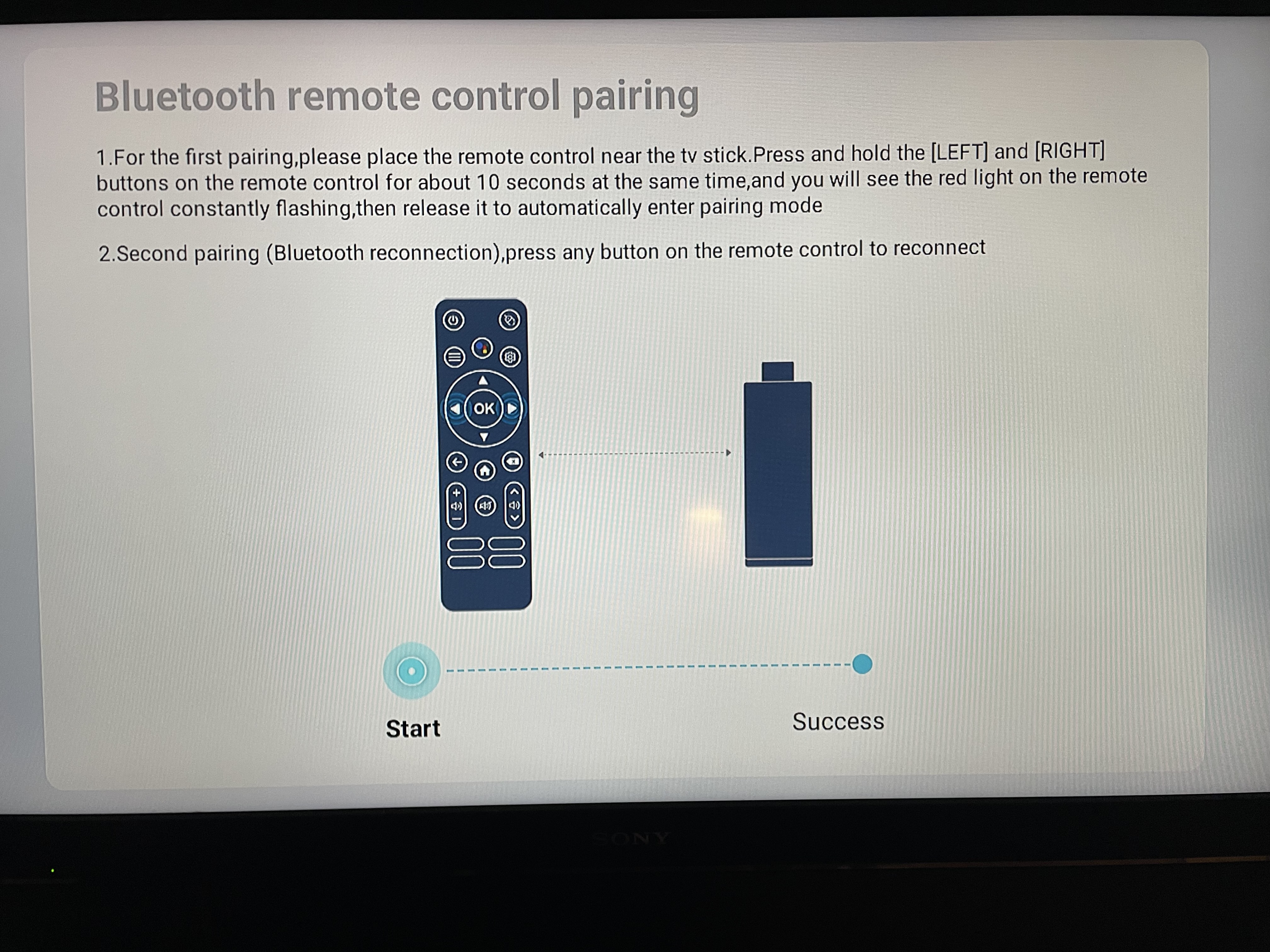
Once Android box is plugged in the first screen is the remote SYNC screen. Press L&R buttons on circle at the same time until it blinks
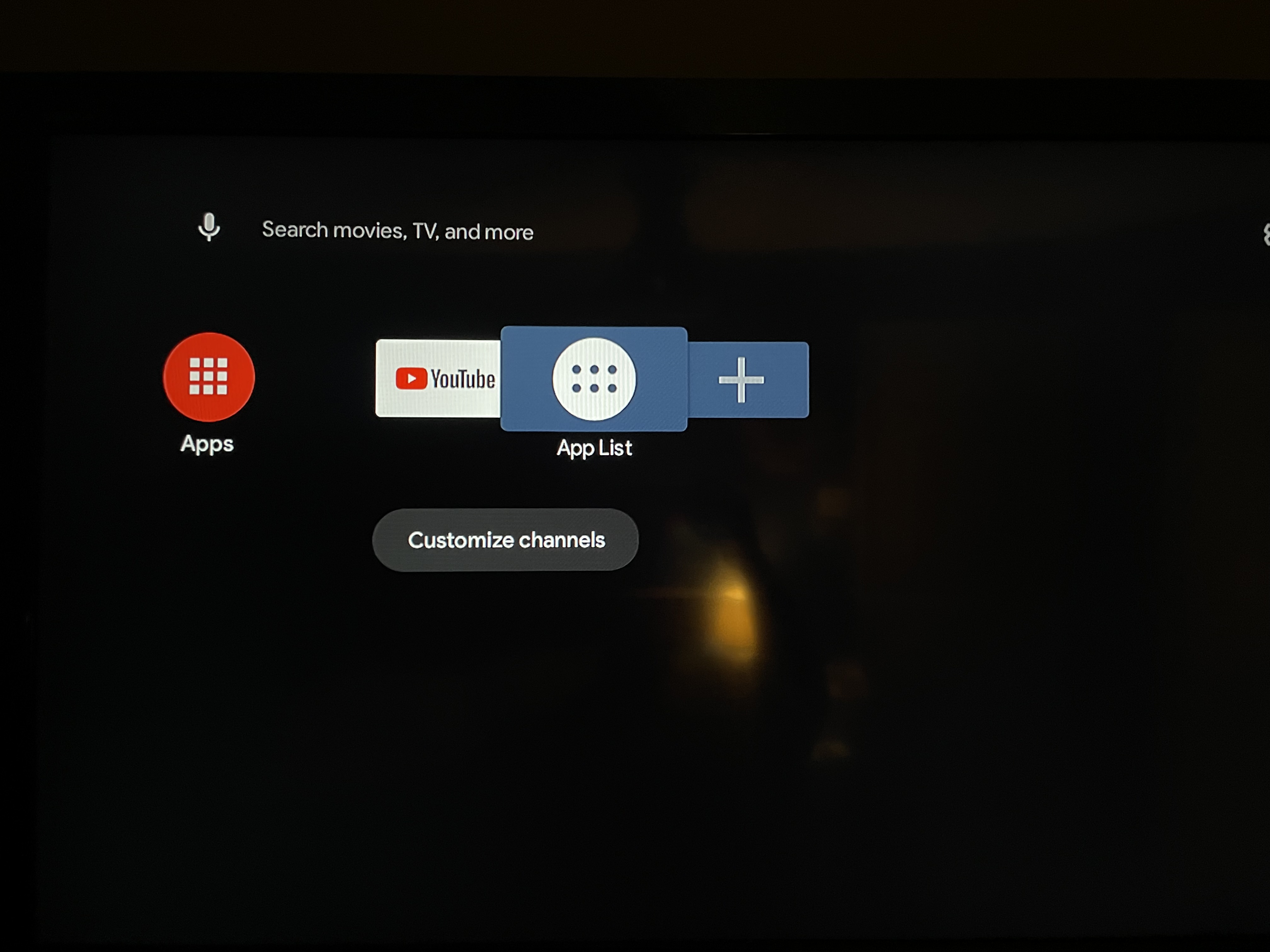
then it will go to a default home page
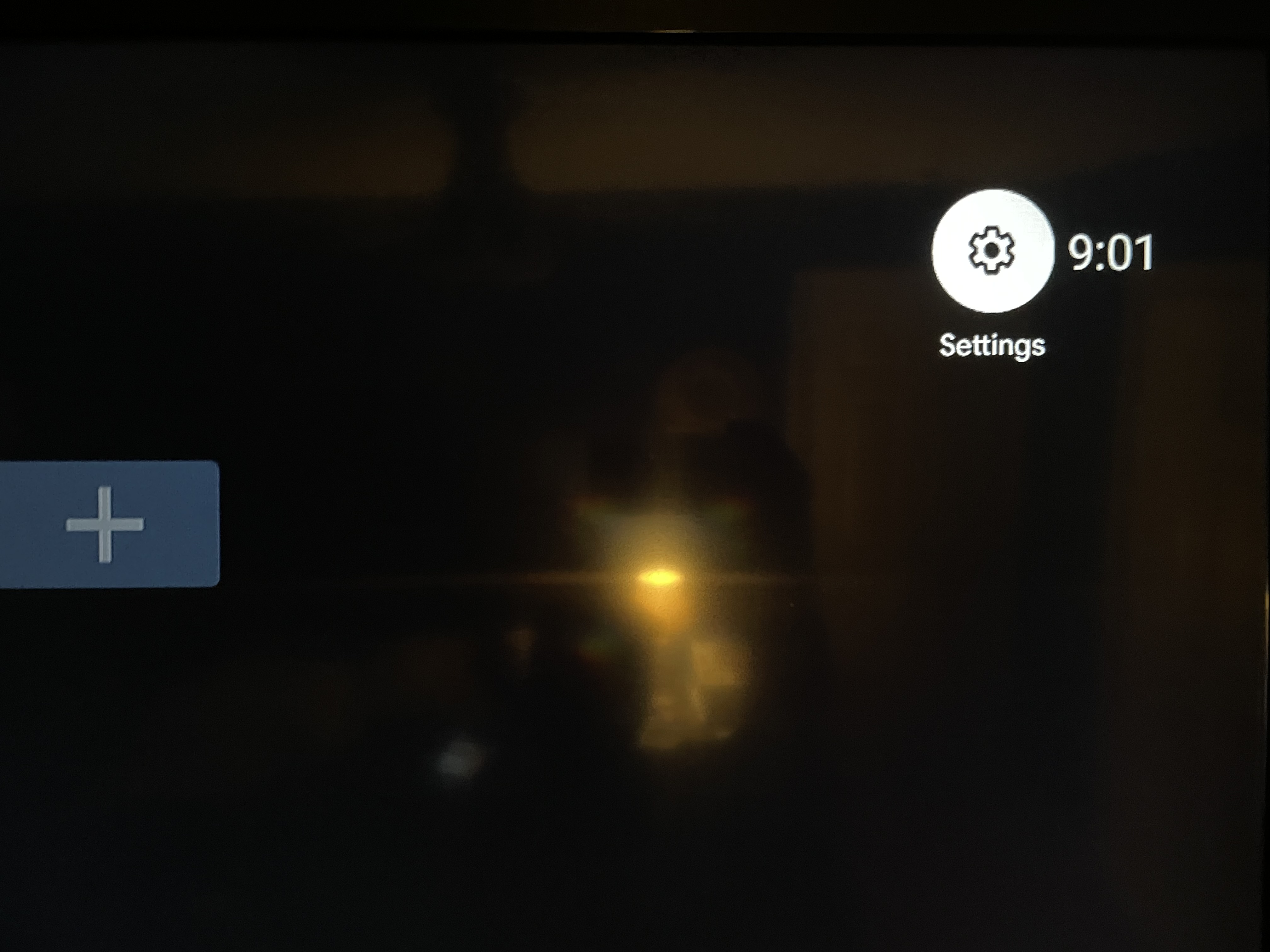
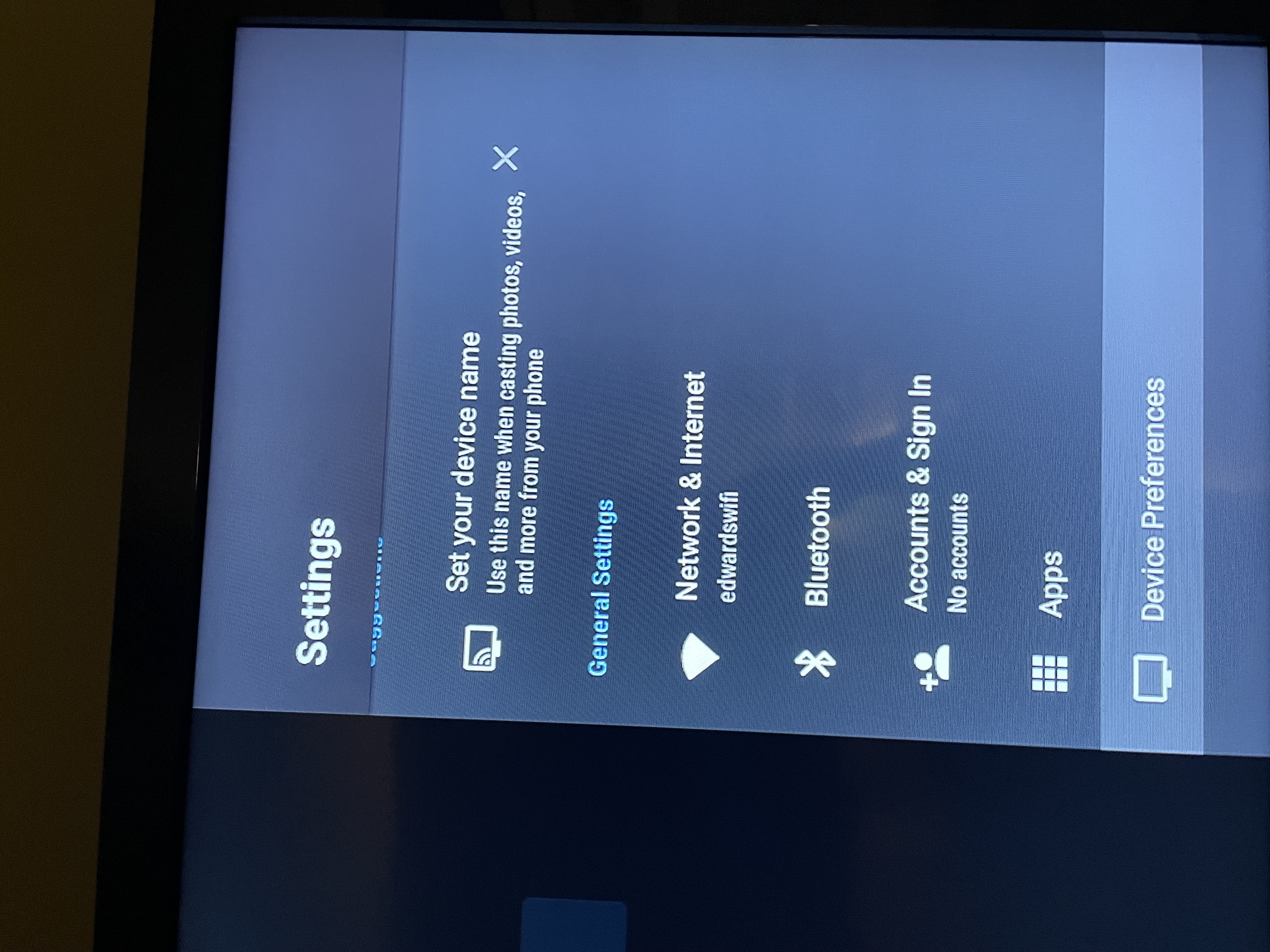
Go to SETTINGS top Right
Then to Network/Internet and sign in your wifi
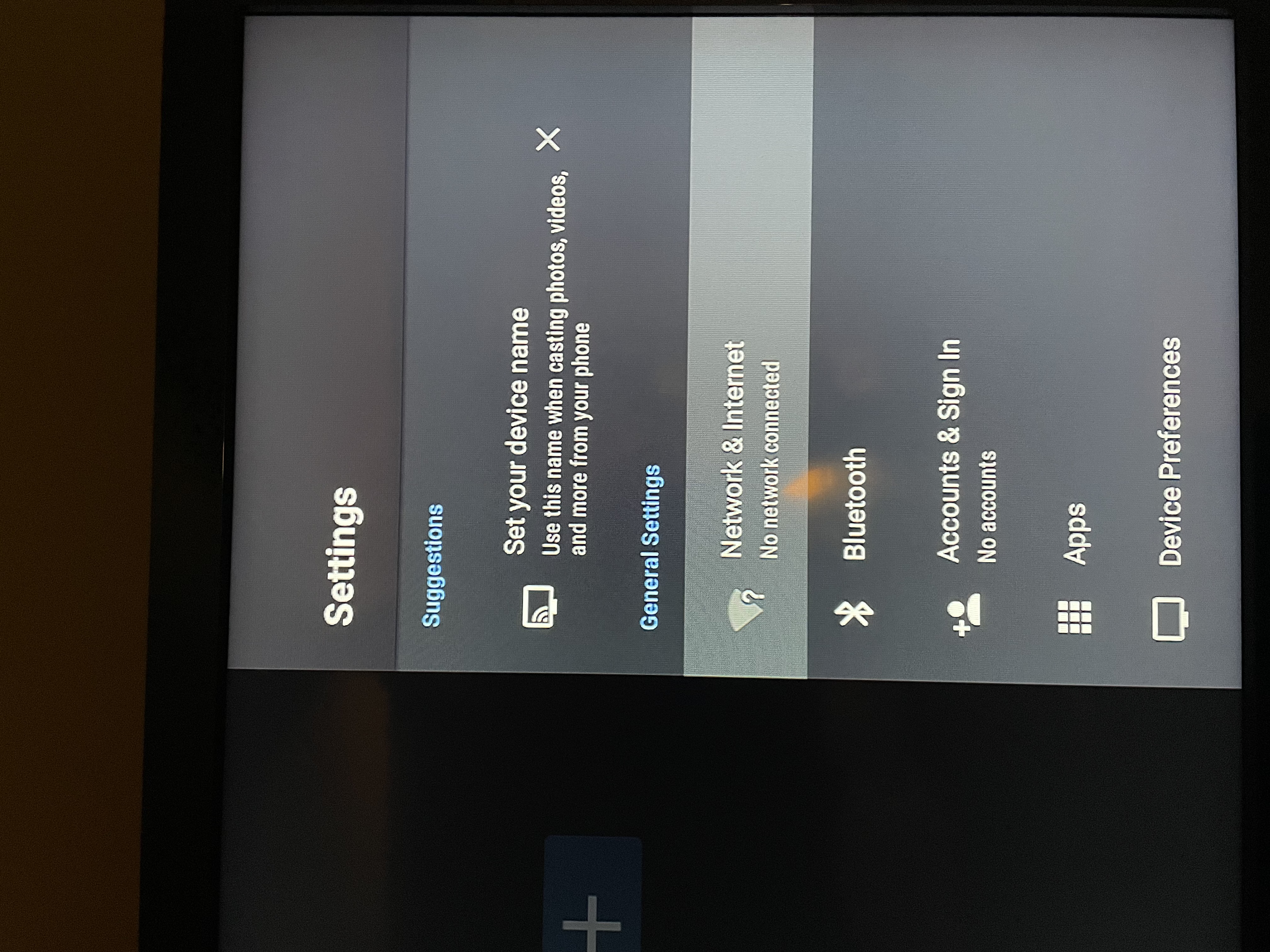
Then go to Device Preferences:
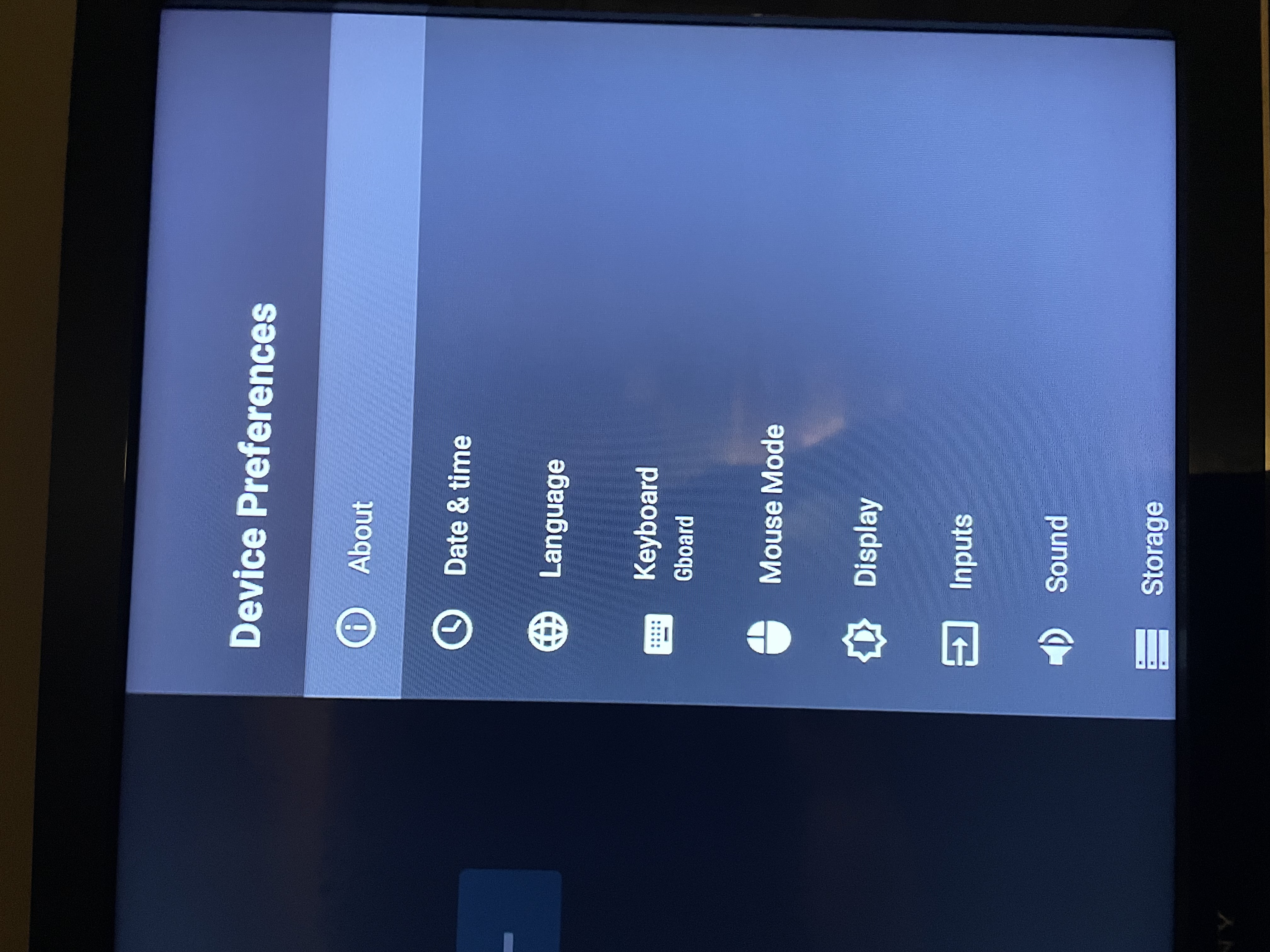
Then About
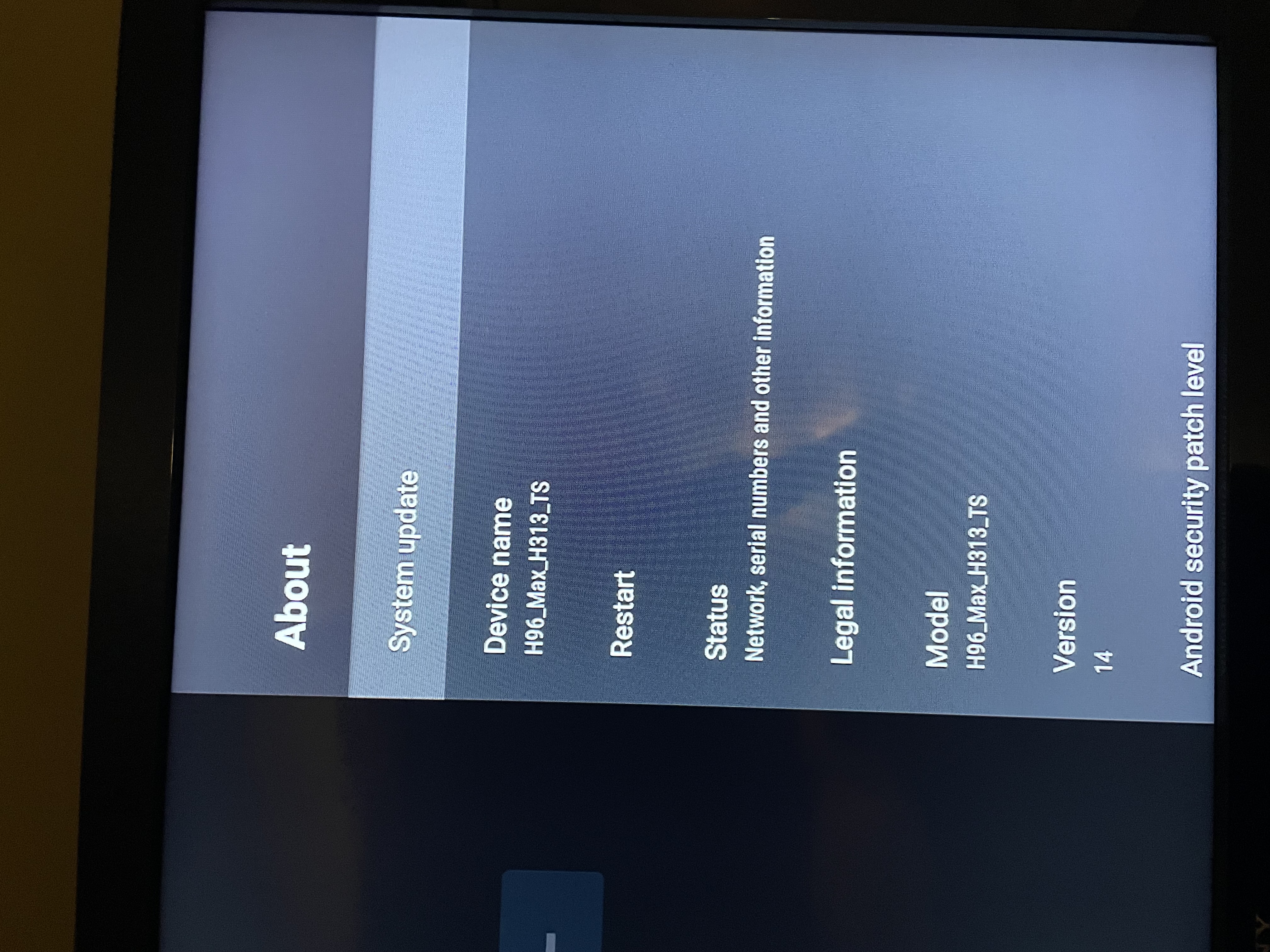
Then Perform a System Update
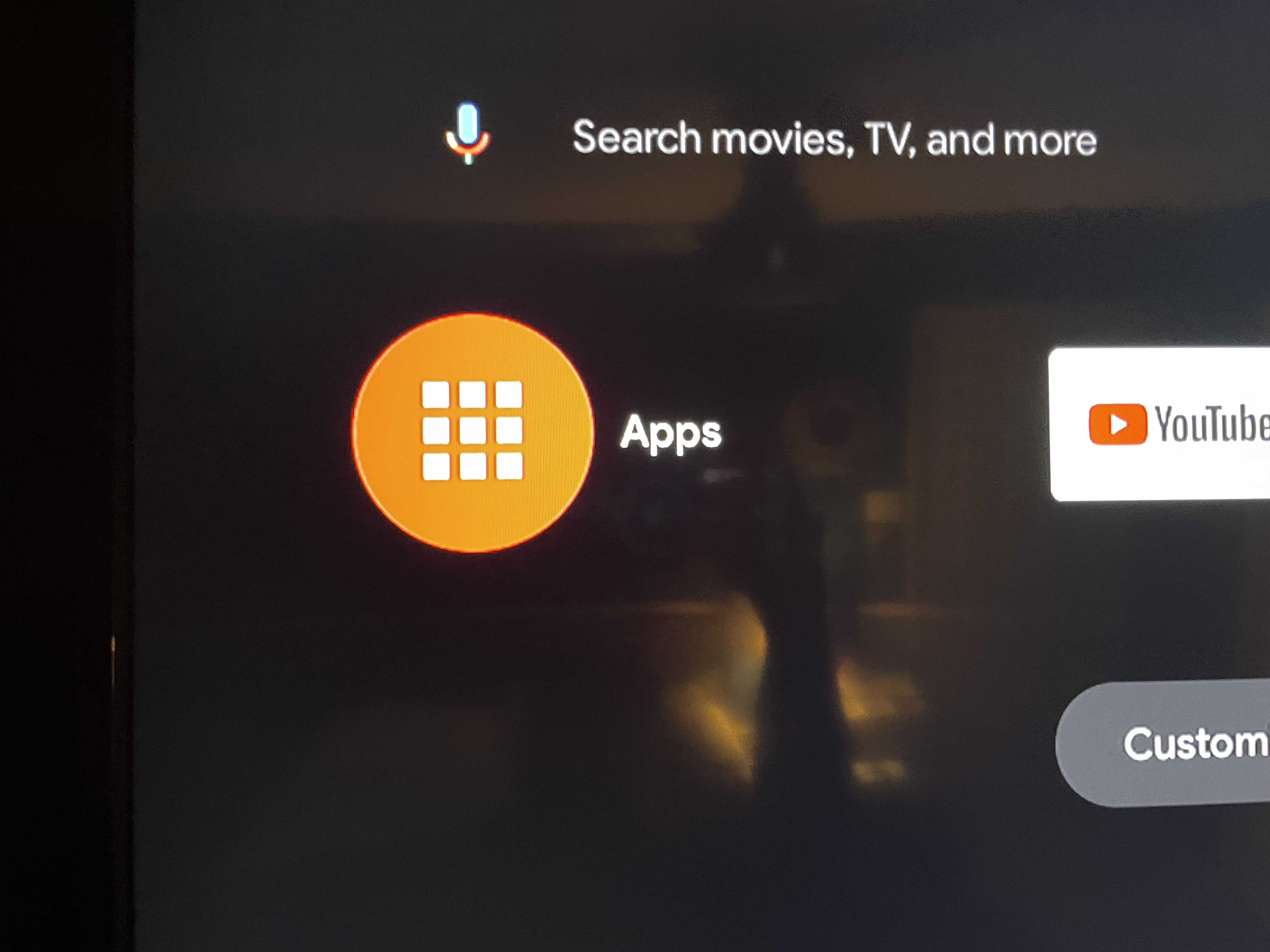
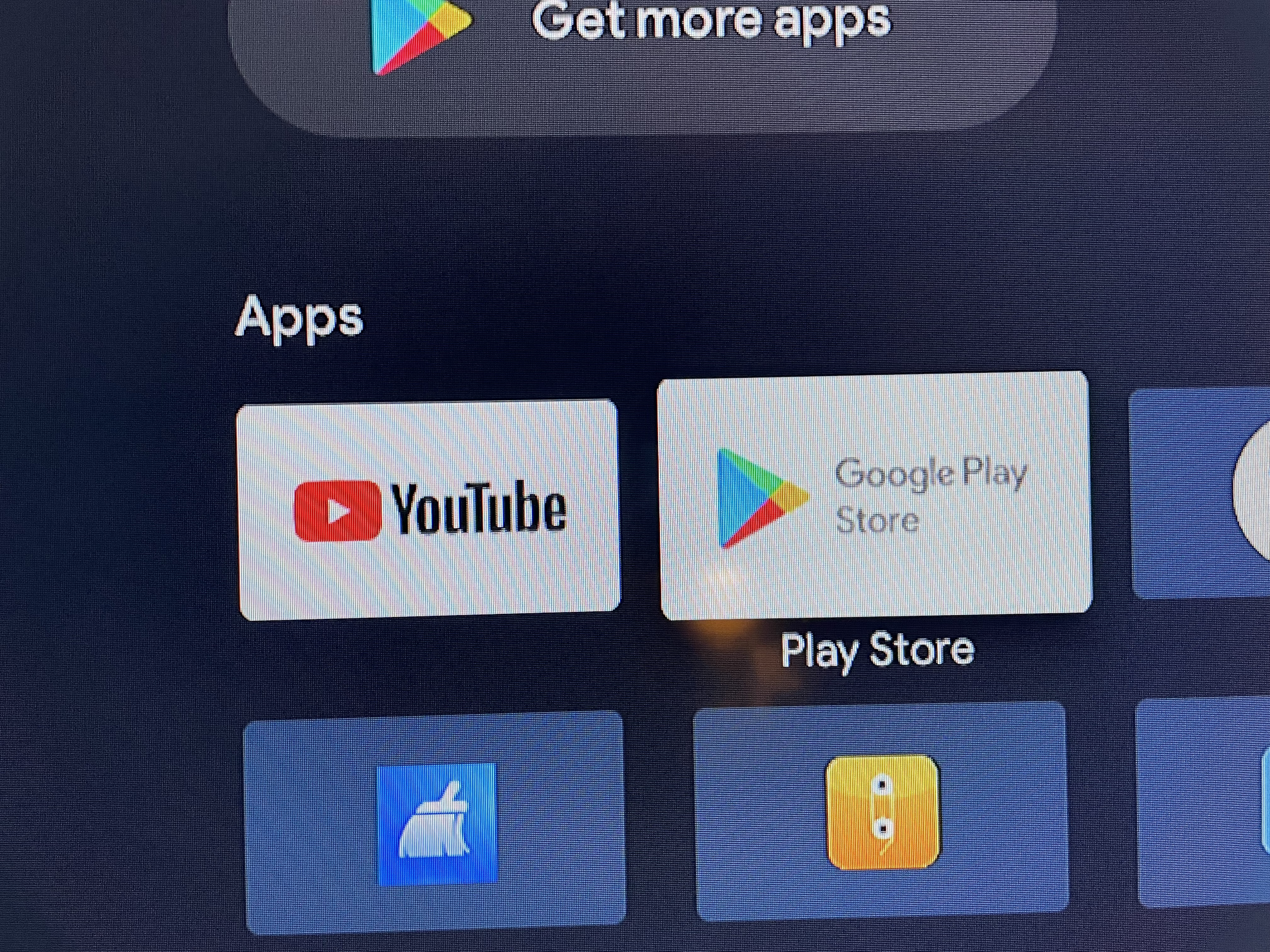
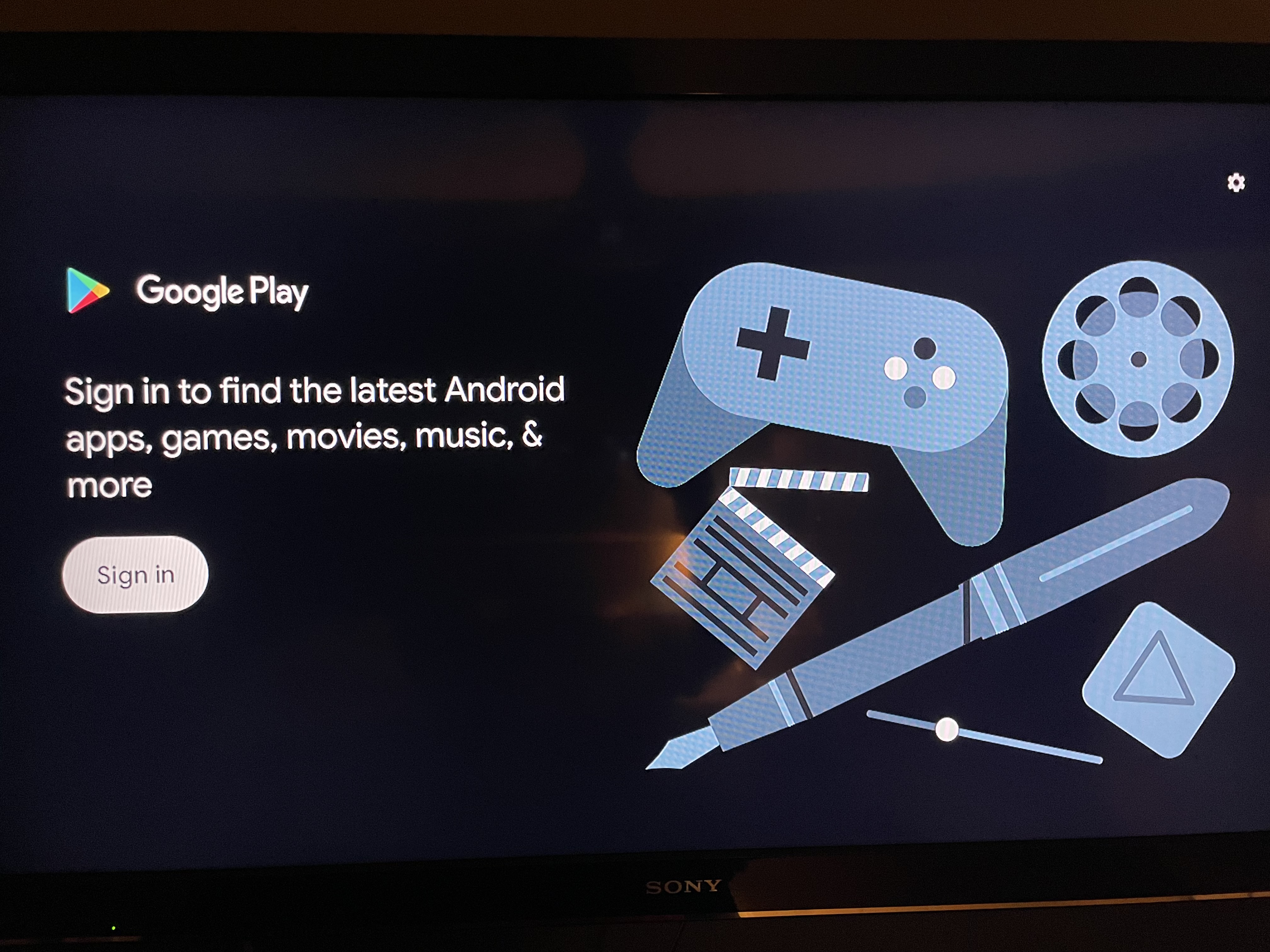
Then go back to home screen and go to apps and then go to GOOGLE PLAY STORE and download Downloader App...you will have to sign in to a gmail account to access GPS
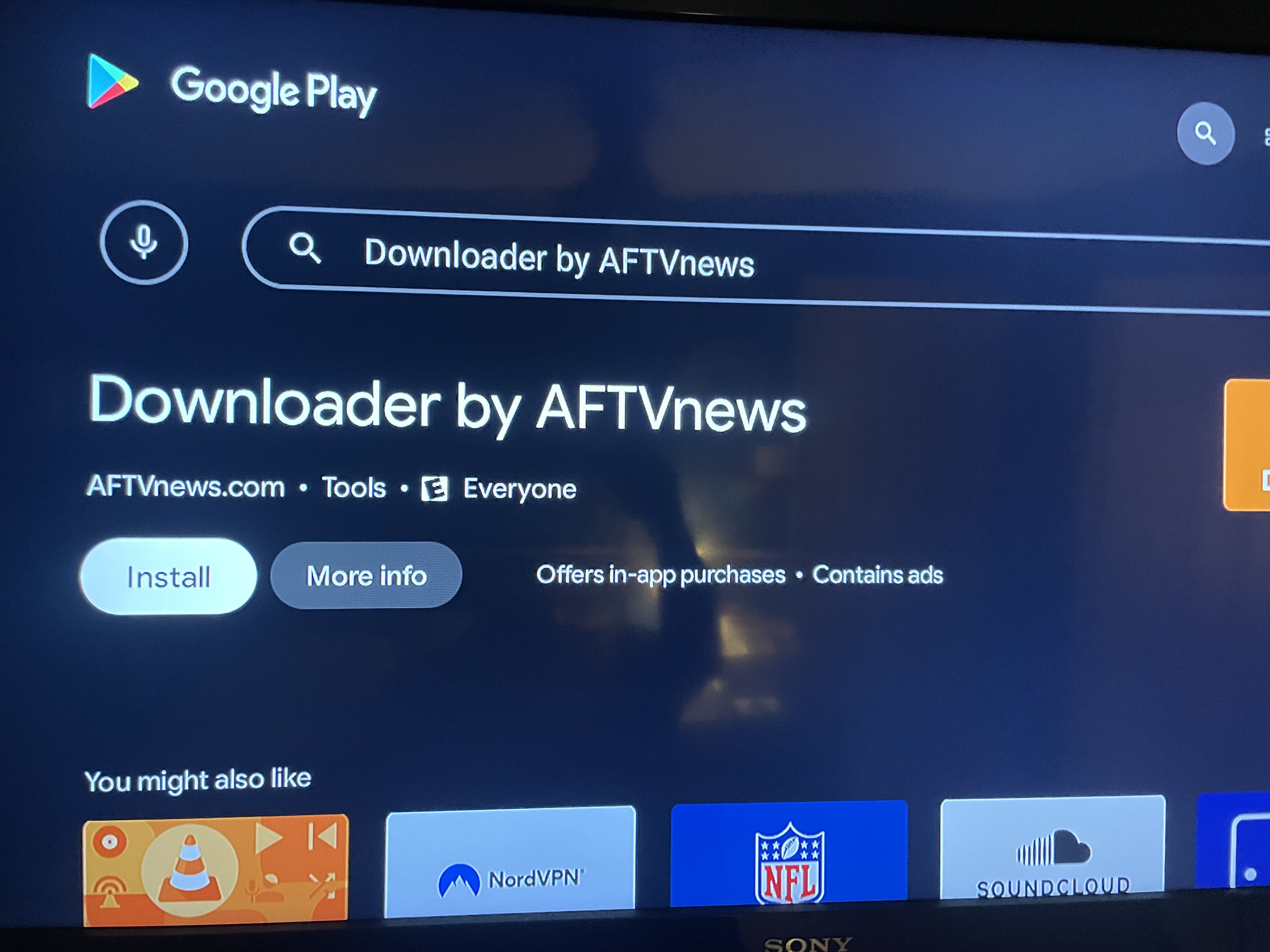
Once Downloader App you can go to allsettv.com or use downloader codes