
F-VPN STANDALONE:
This Tutorial is for Android/Firestick ONLY-- we do offer windows and mac versions. Please inquire if needed.
Go to Downloader

Then type in URL at the top Allsetplus.com or Downloader code: 6428557
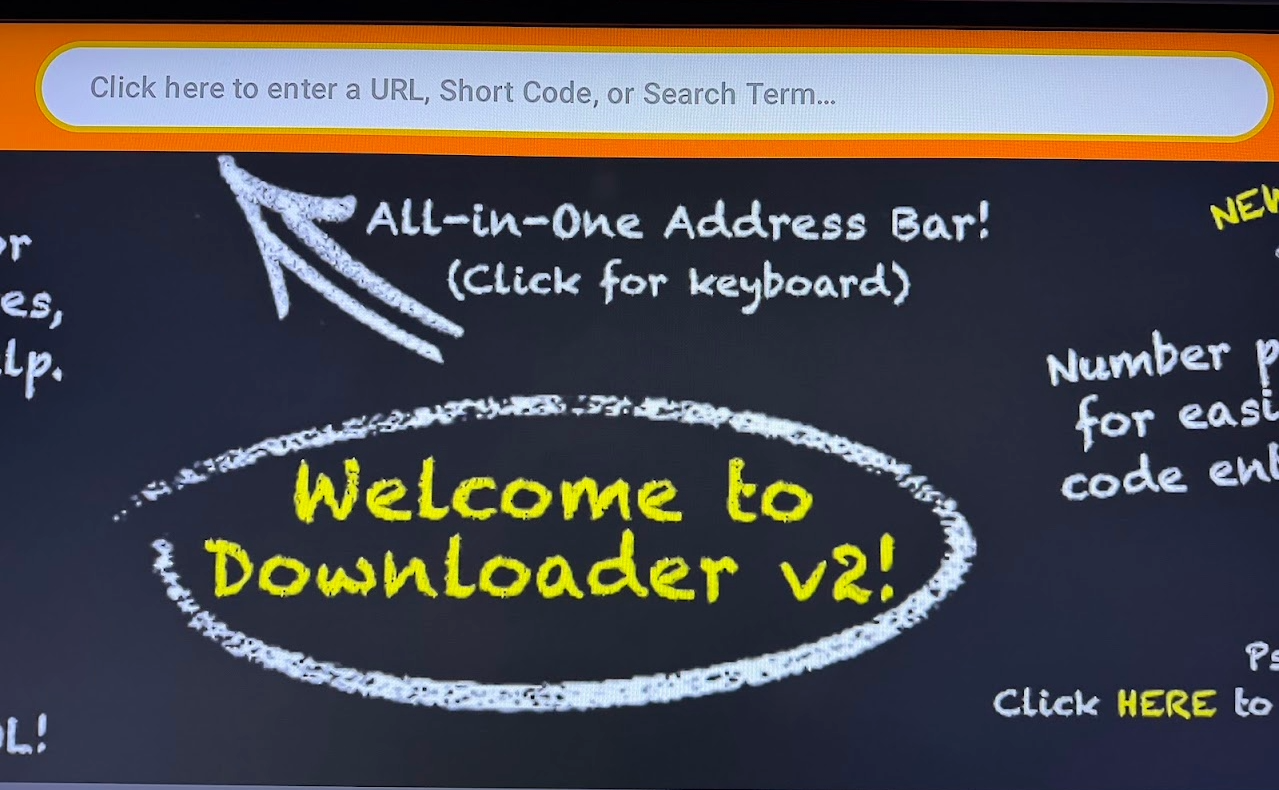
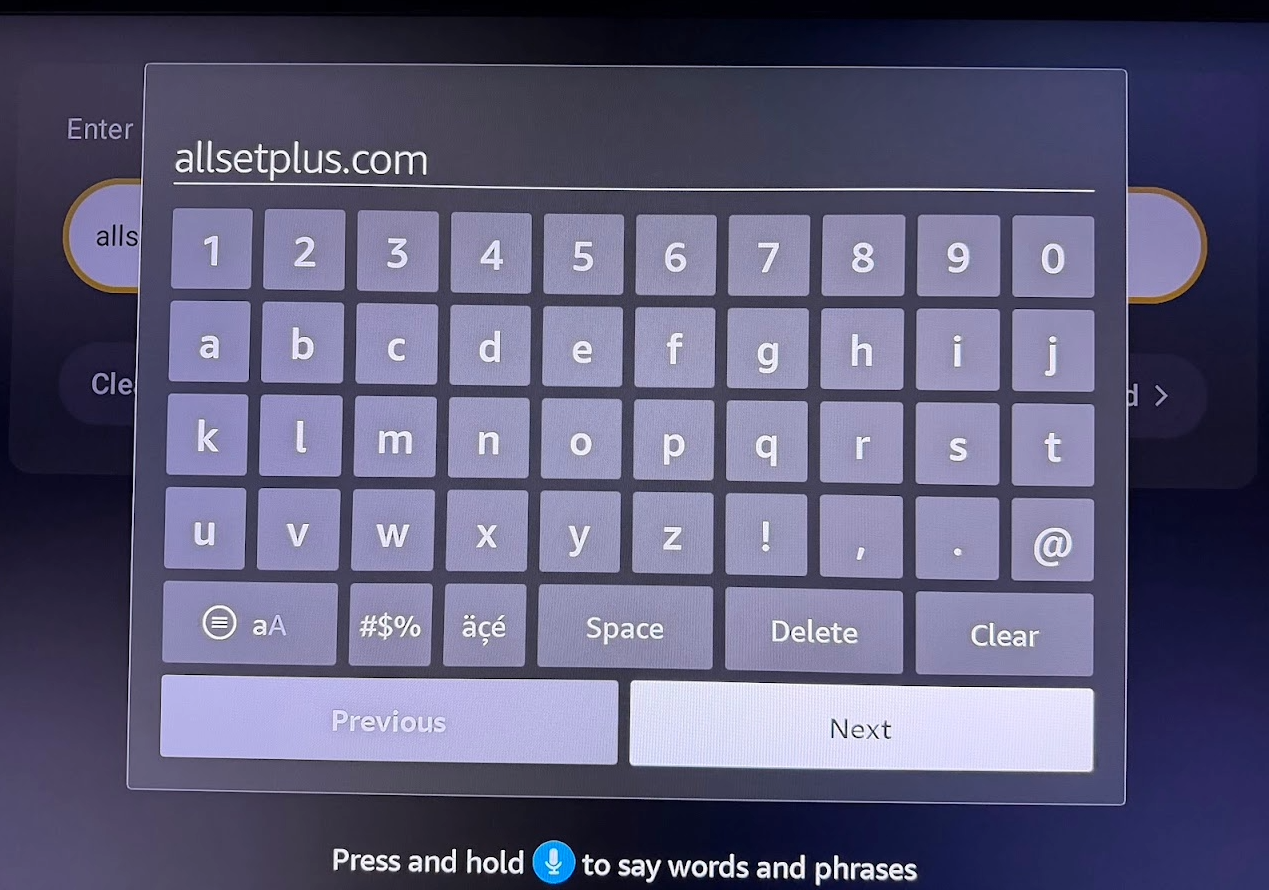
Once on Website scroll down to Download Button and press it to go to our downloads page where you can select many of our app options but today we focus on the F-VPN...once you find the app then click it and it will download onto the fire stick.
Once downloaded dont forget to go to App then move to front or to where you want it placed on the string of apps on firestick main page
Open the app by clicking on it then the first page you see is the Connect /Disconnect page.
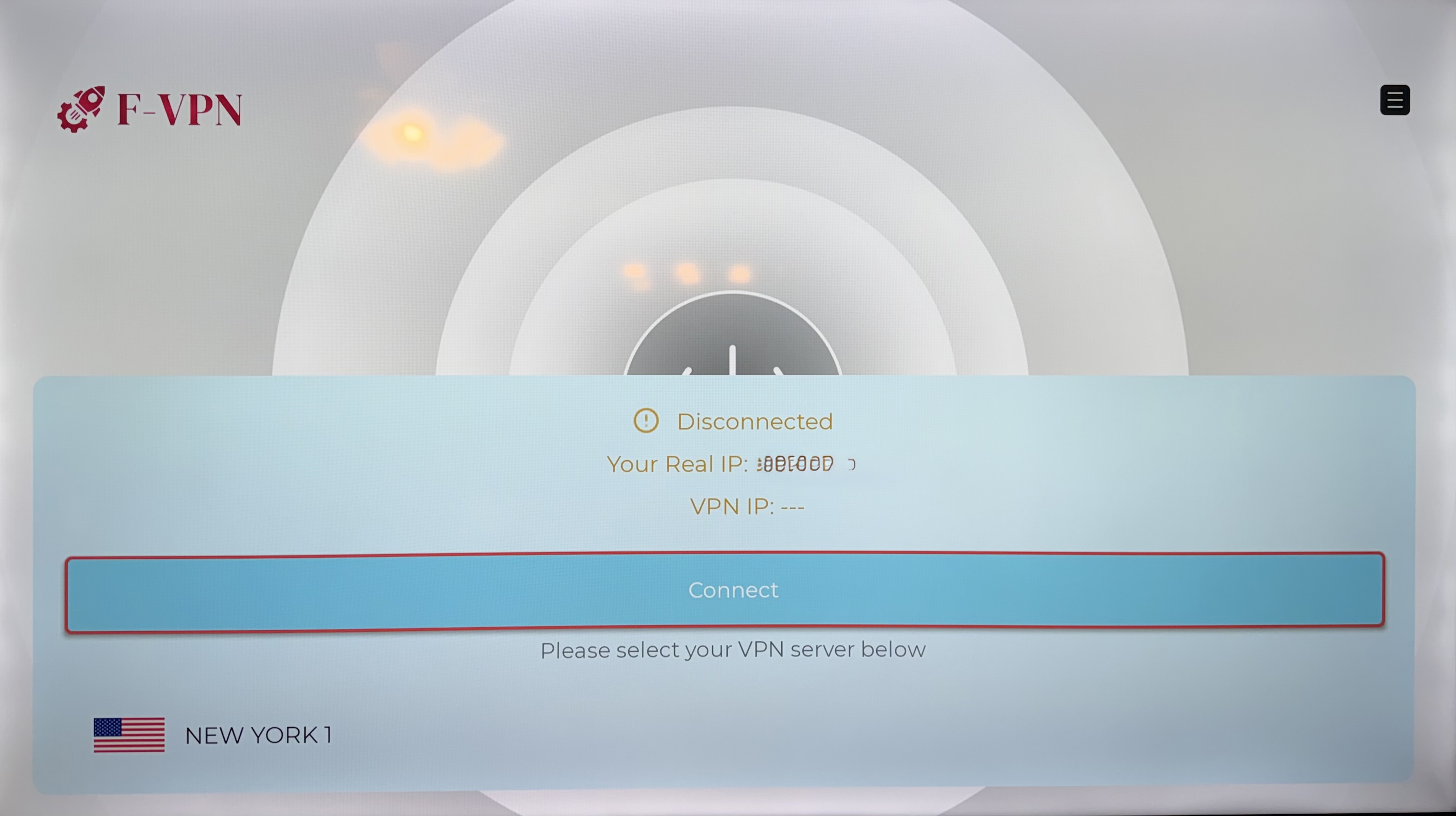
Simply click on Connect in Blue or you can drop down click the state and select others
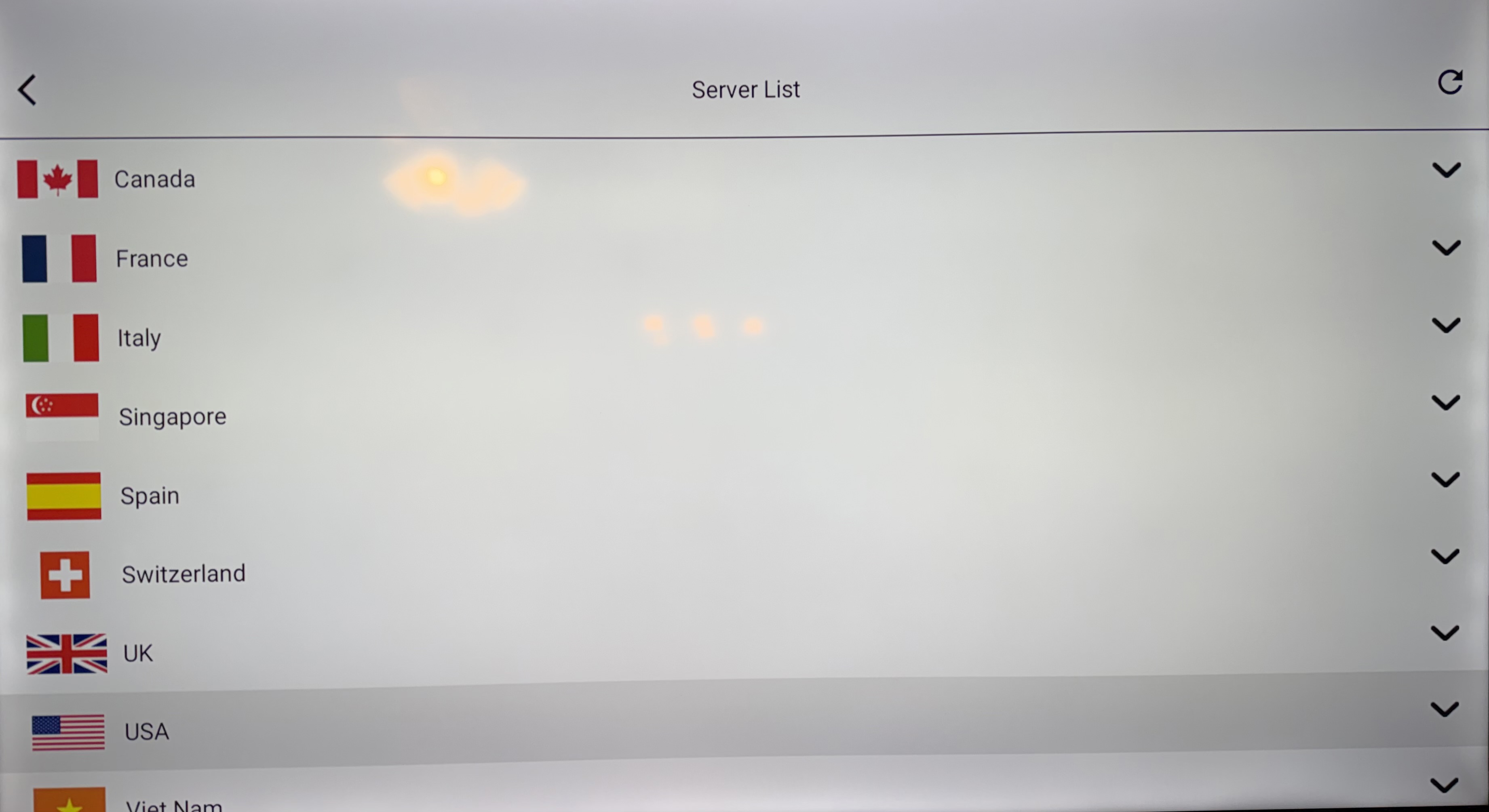
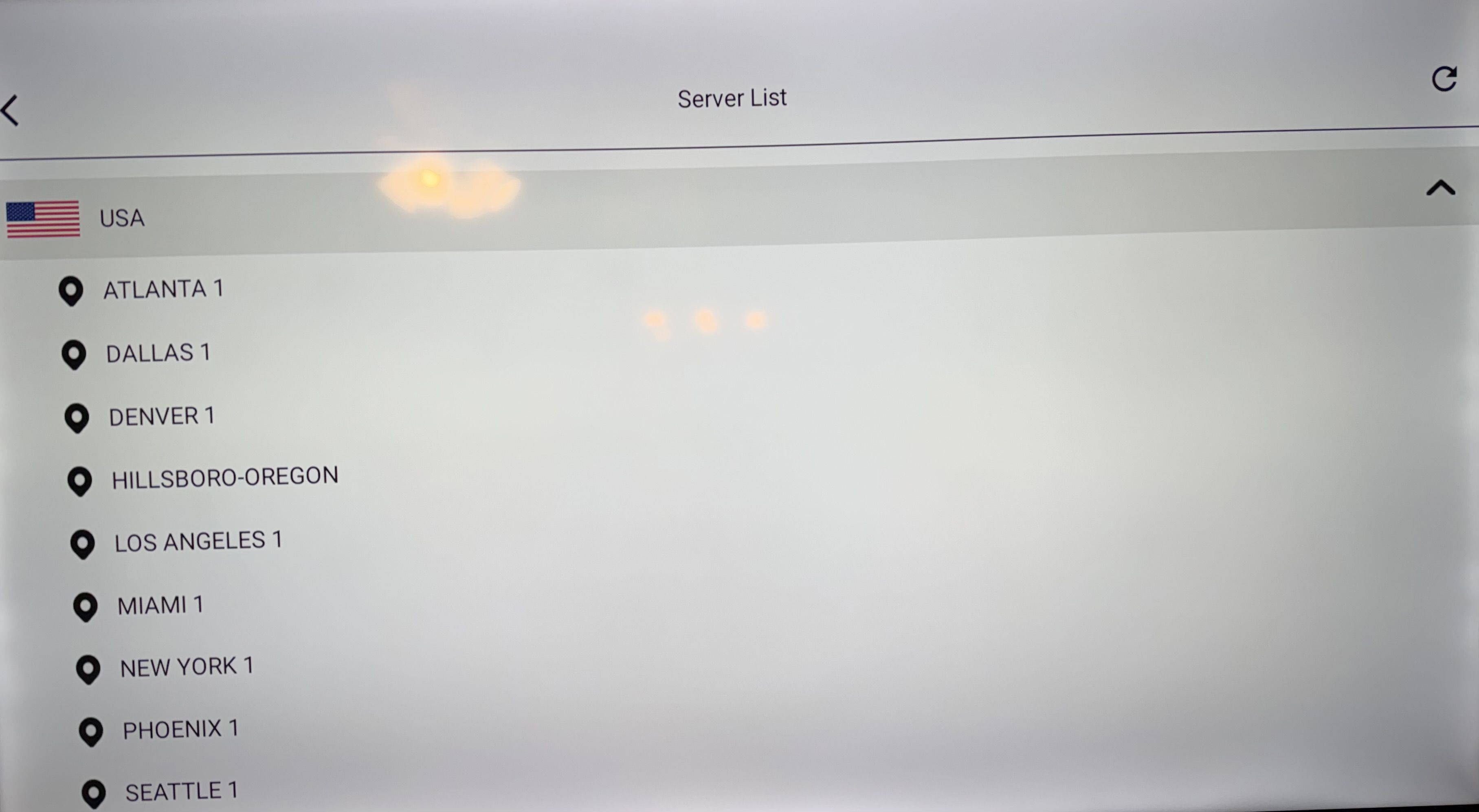
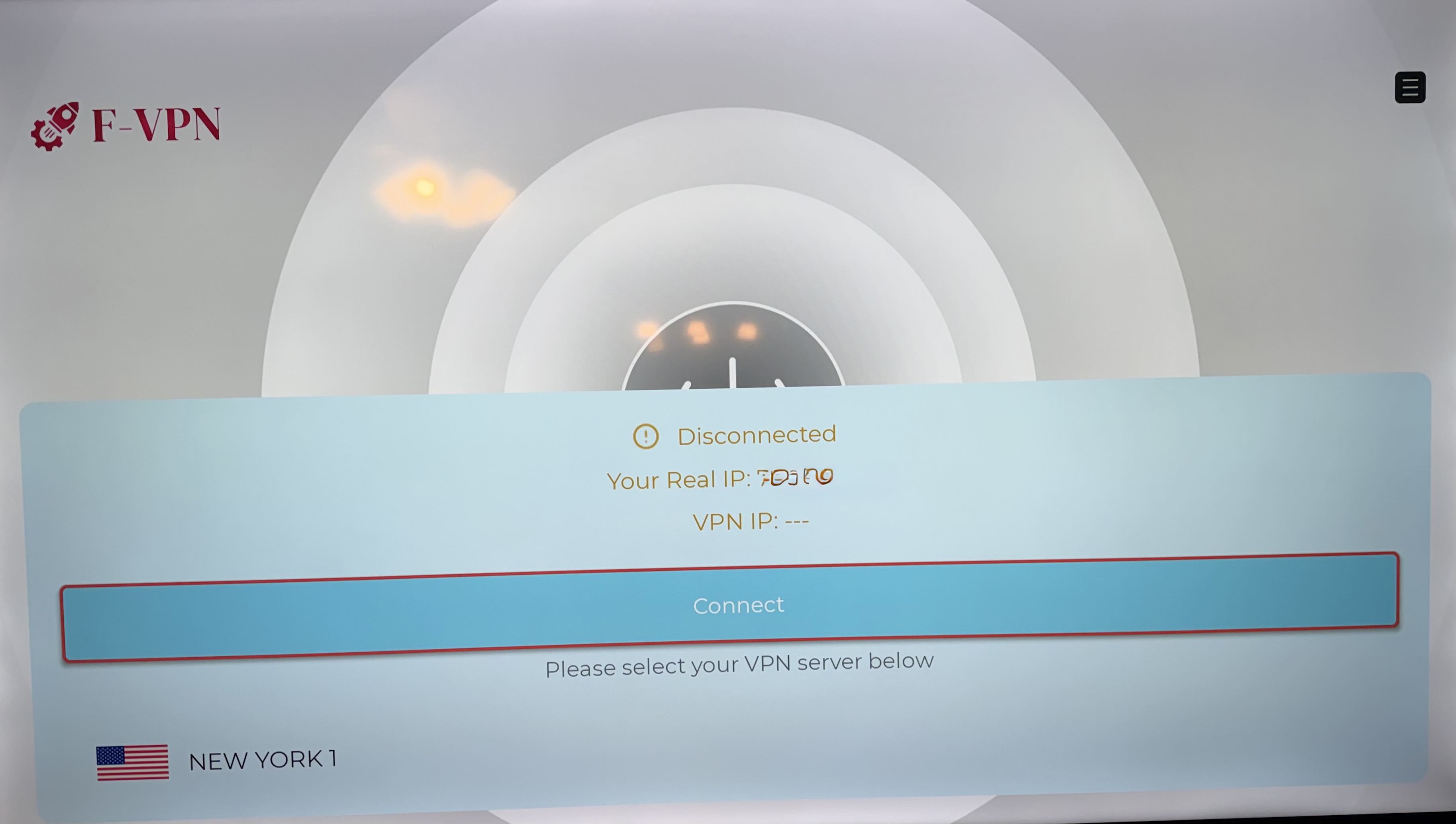
Once you selected your server or did the Simple click connect button you will be Connected then you can back out or hit home button and enjoy your device.
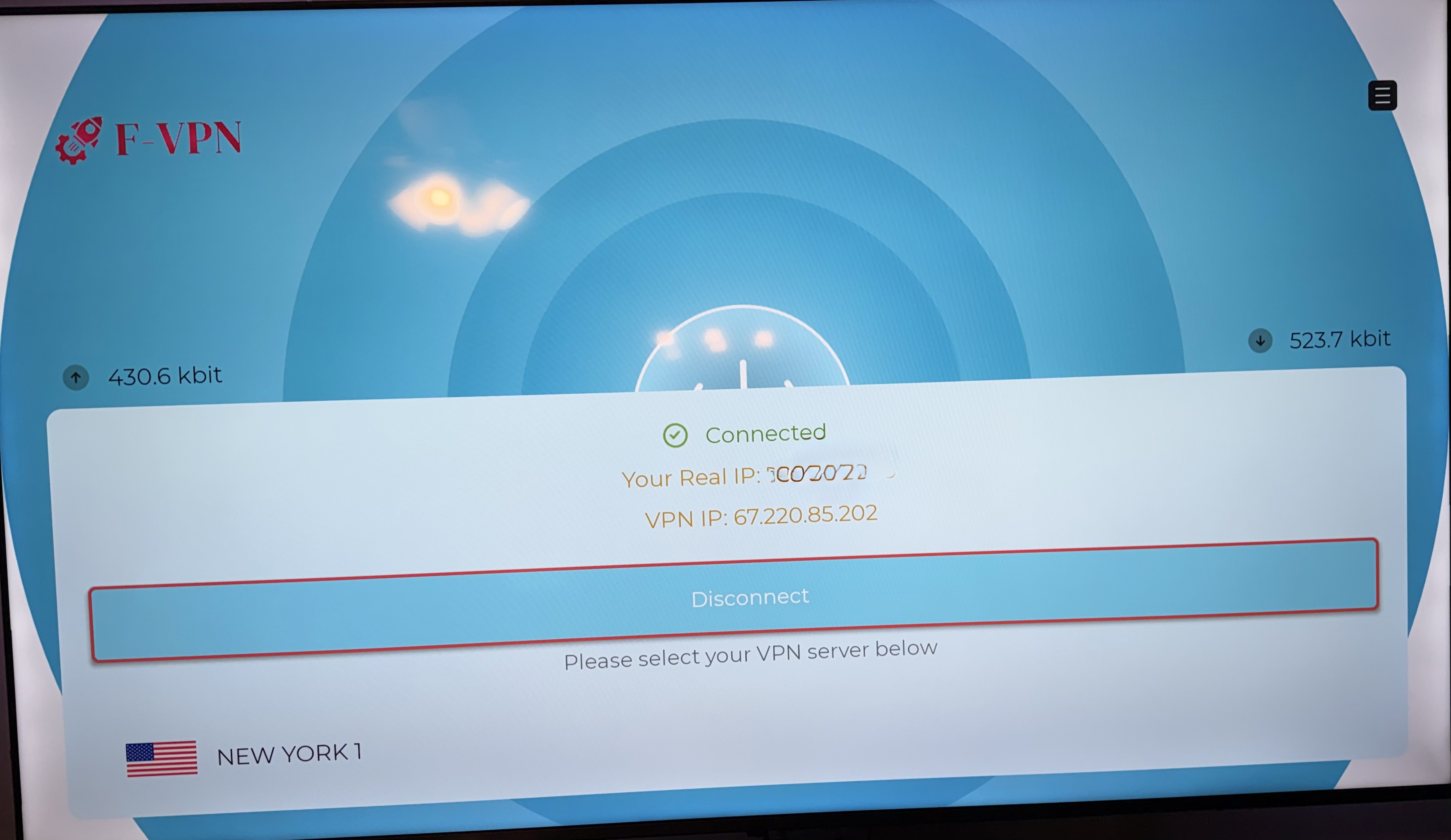
--- FVPN INSIDE PLATINUM APP:---
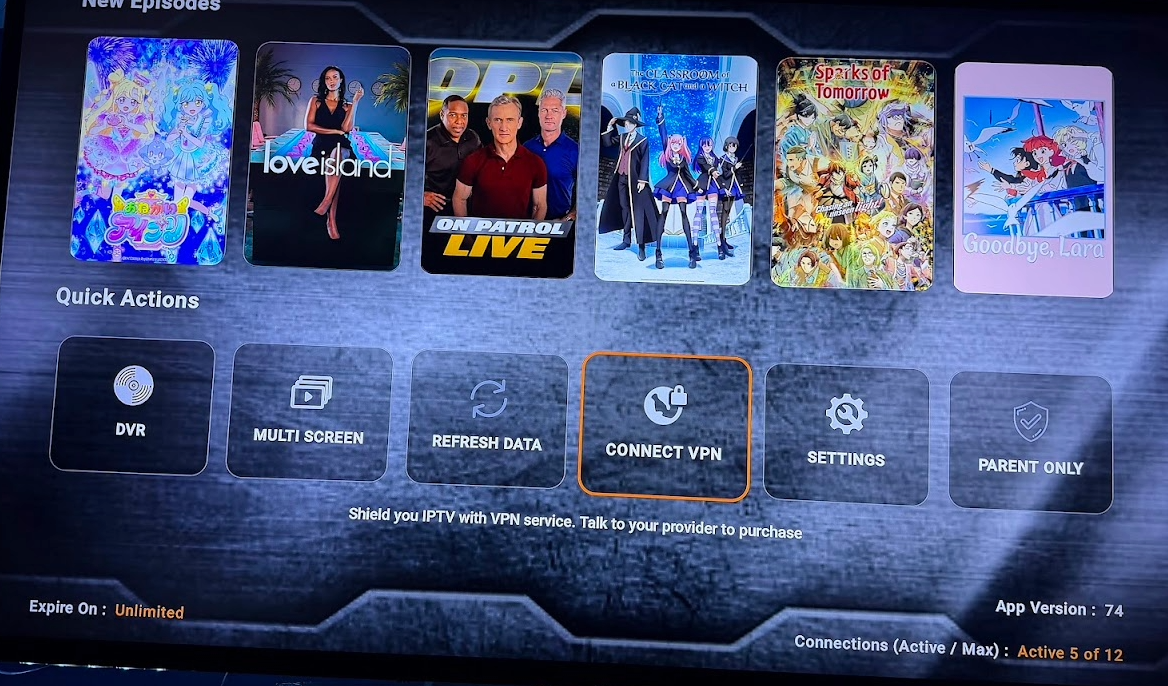
To use VPN please scroll down to bottom on Apps Home Page and select CONNECT VPN
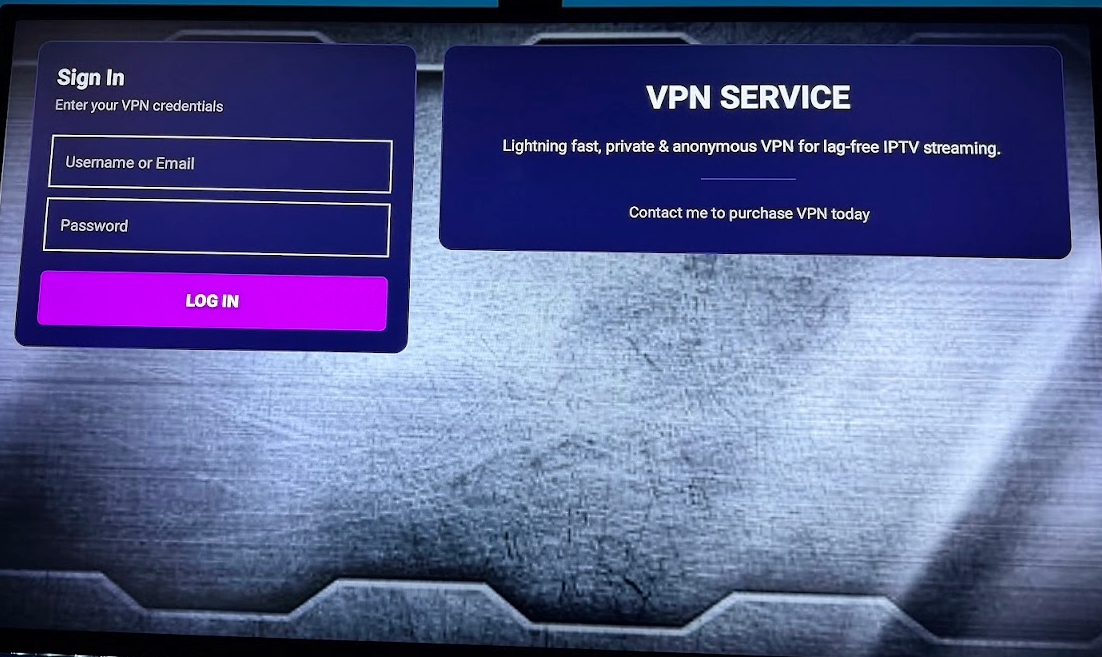
Then sign in with your Credentials and once in you can select your location or have it Auto Connect to the closest near you.
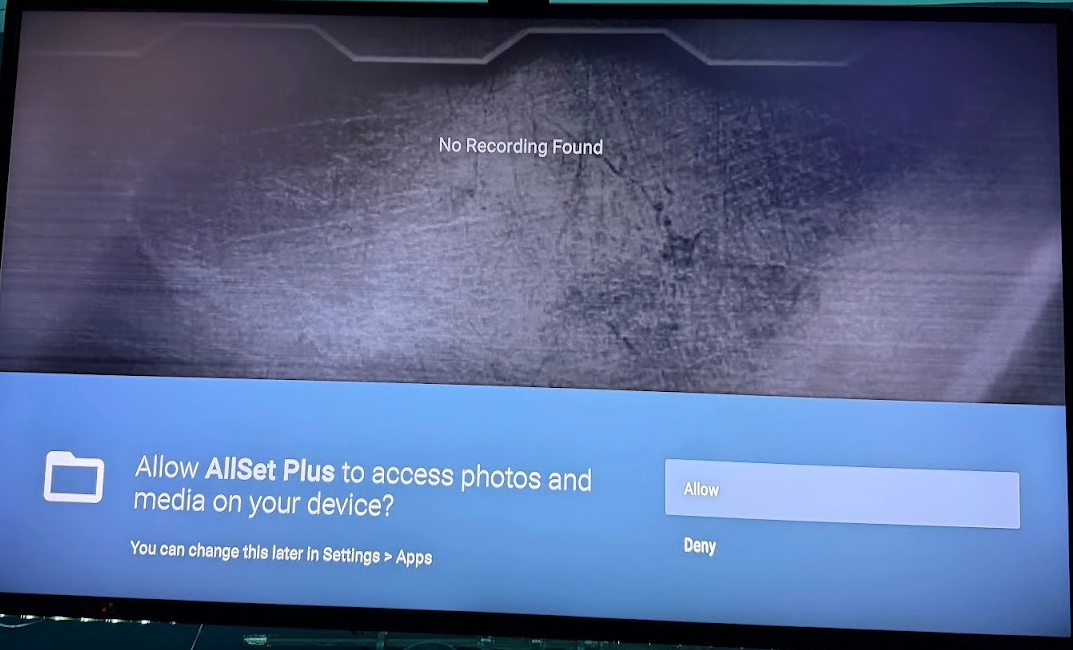
also if asked click ALLOW
Then Hit the Connect Button. and then you can back up and enjoy.