
FOR DVR
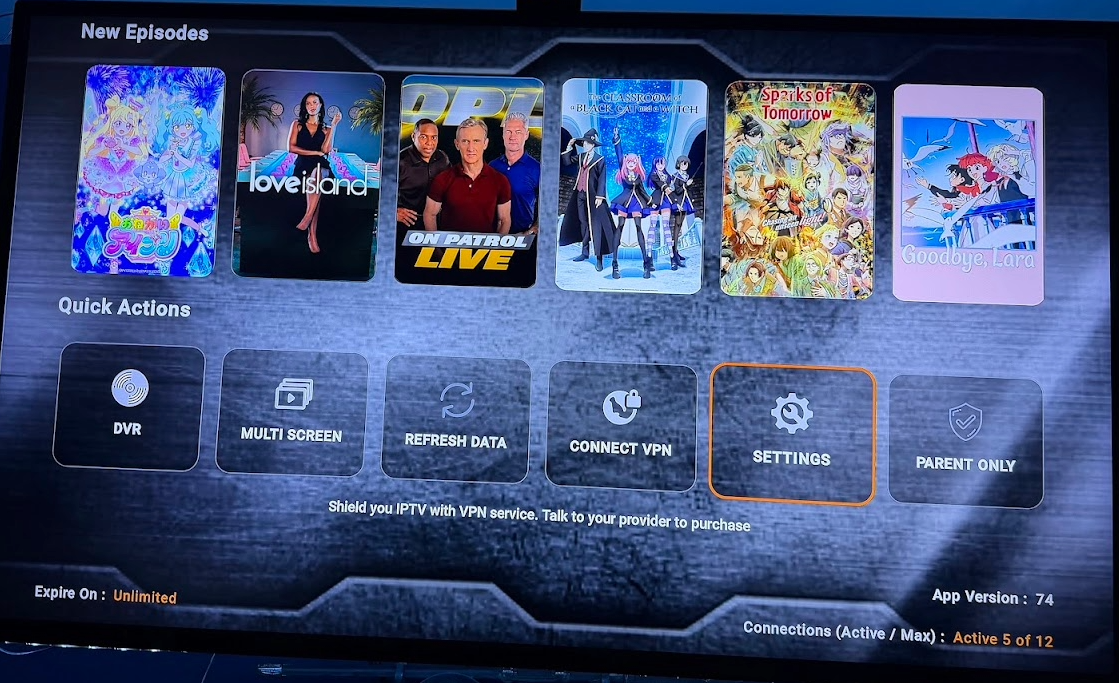
Go into SETTINGS on Platinum APP
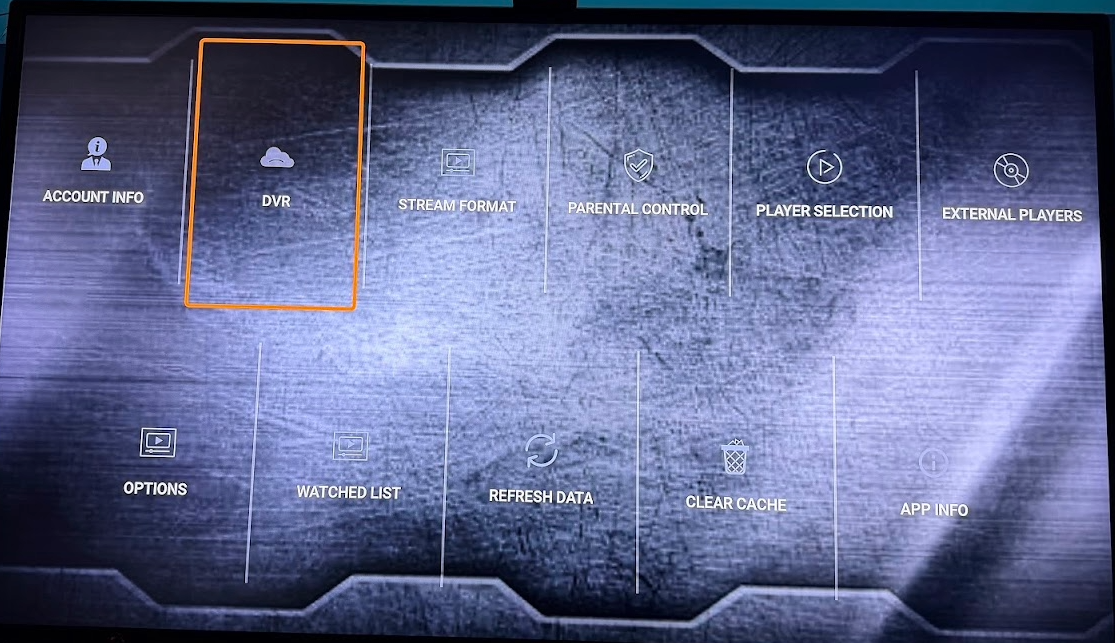
then to DVR and click it
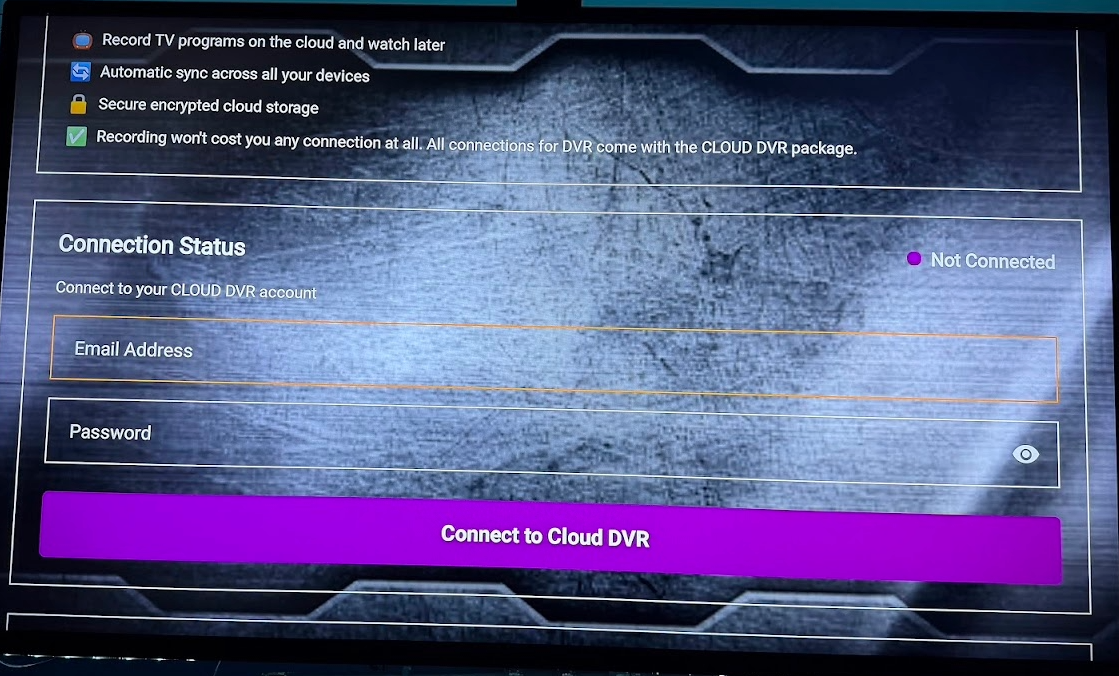
Enter your DVR User & Pass then press connect to cloud make sure on right side it says connected
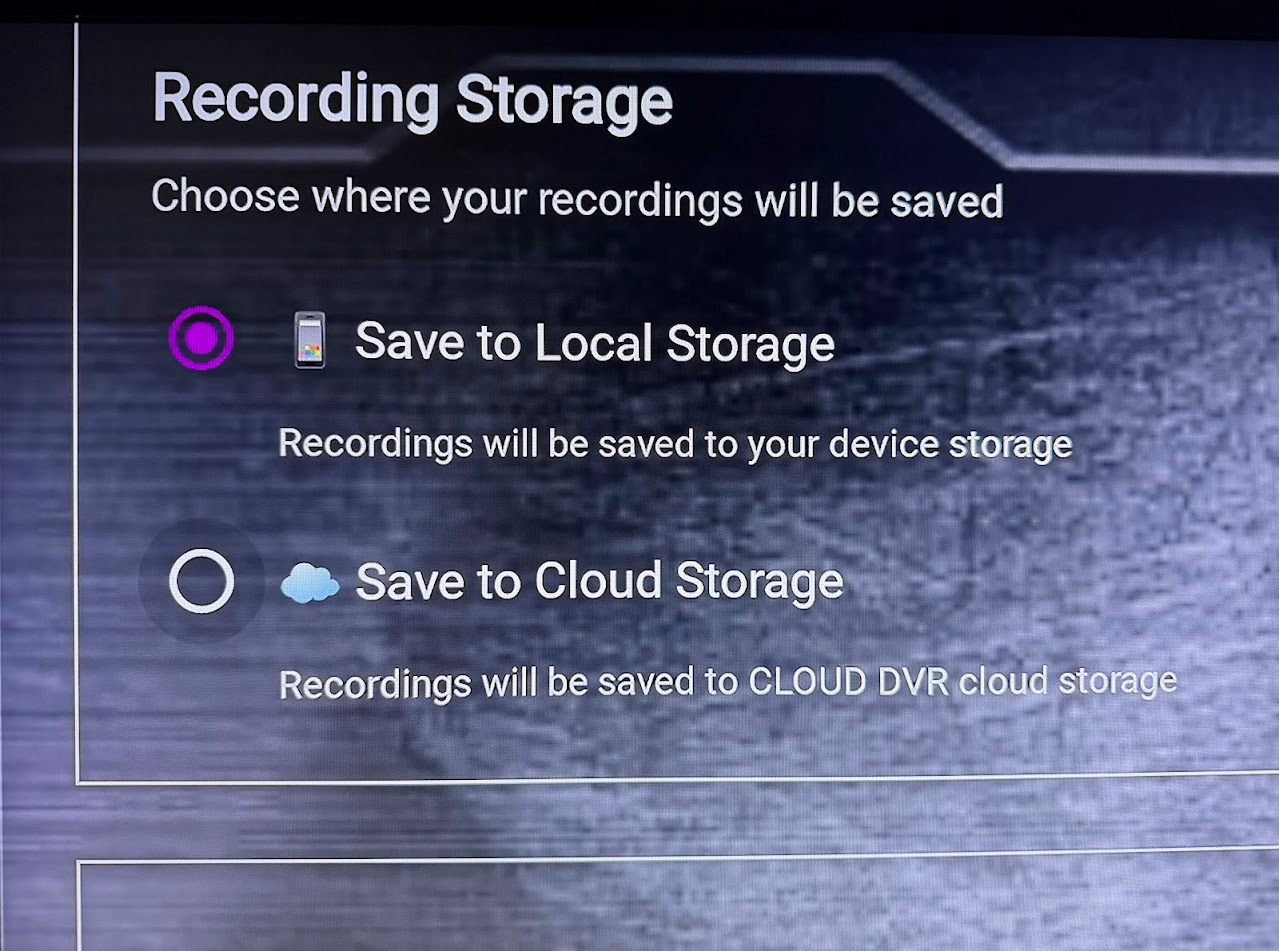
Once logged in you will save data to CLOUD not Local by selecting the Save to Cloud Storage Option
Once Selected then go into Live EPG/TV Guide section Go to the channel and select the showing and make sure the show is highlighted and long press circle button on channel then select Add Schedule Recording you will see a message that says its successful.