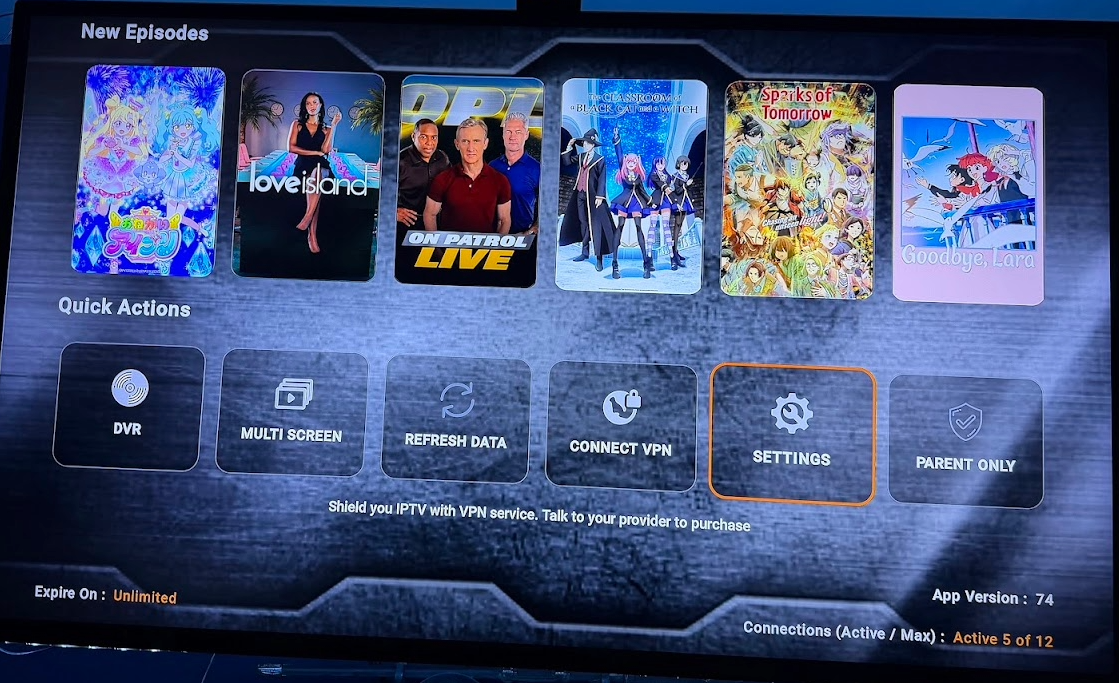

Once you turn on your brand new Firestick i...First go thru the Initial setup process ...
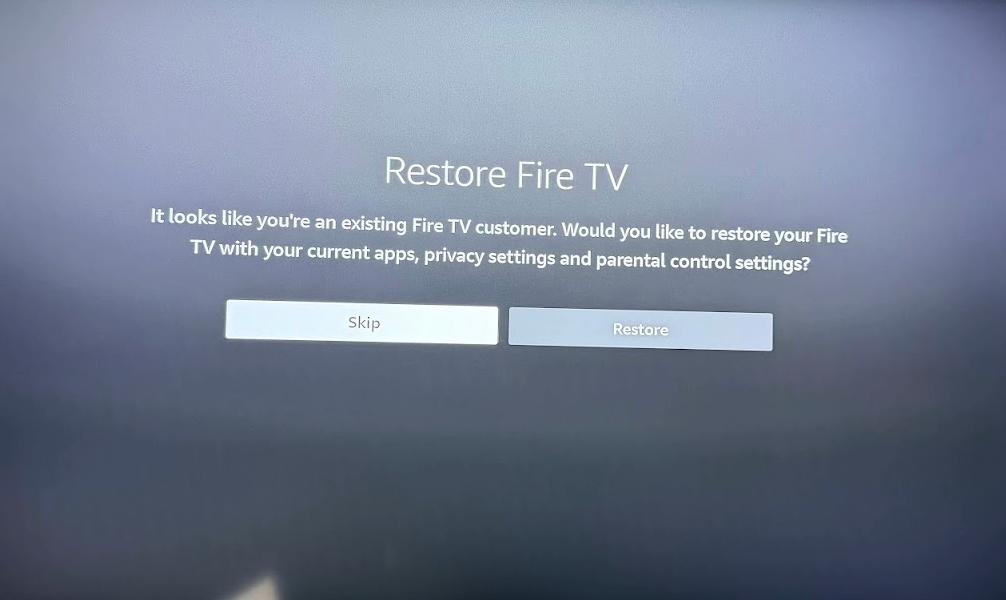
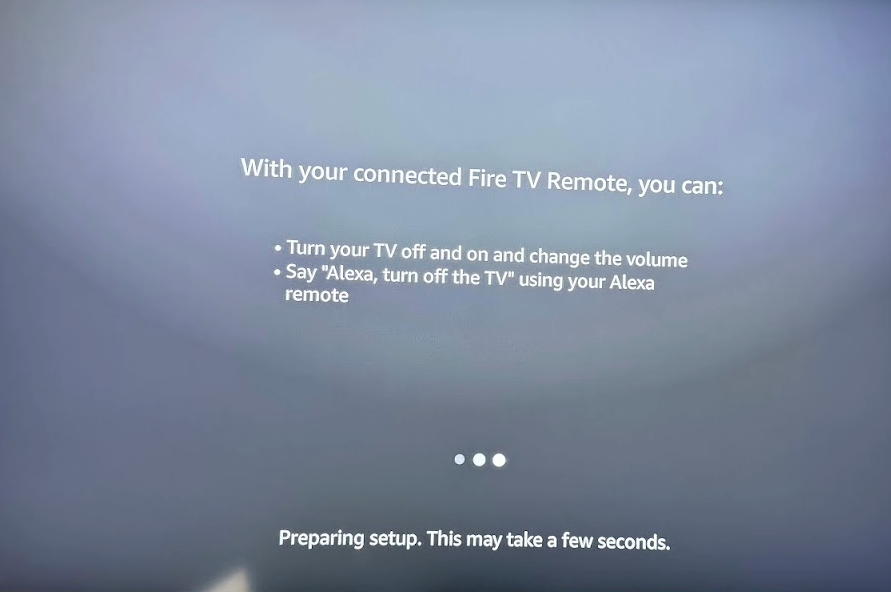
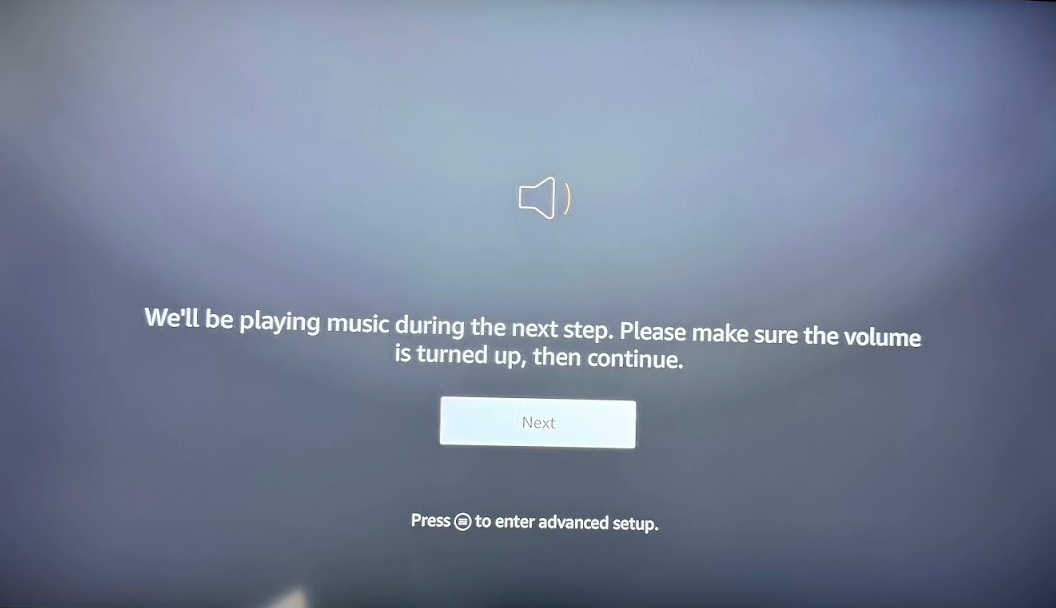
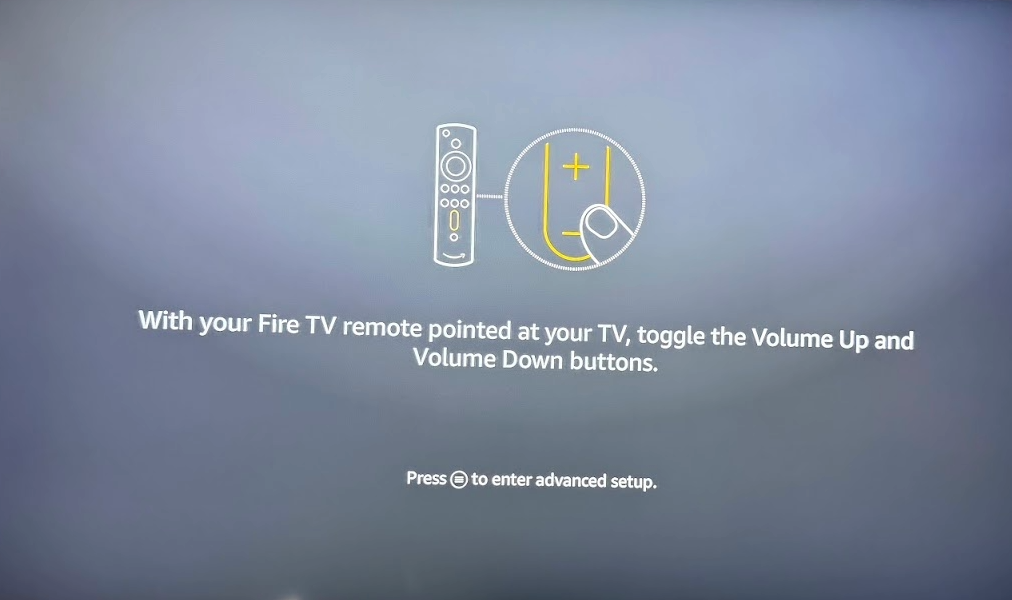
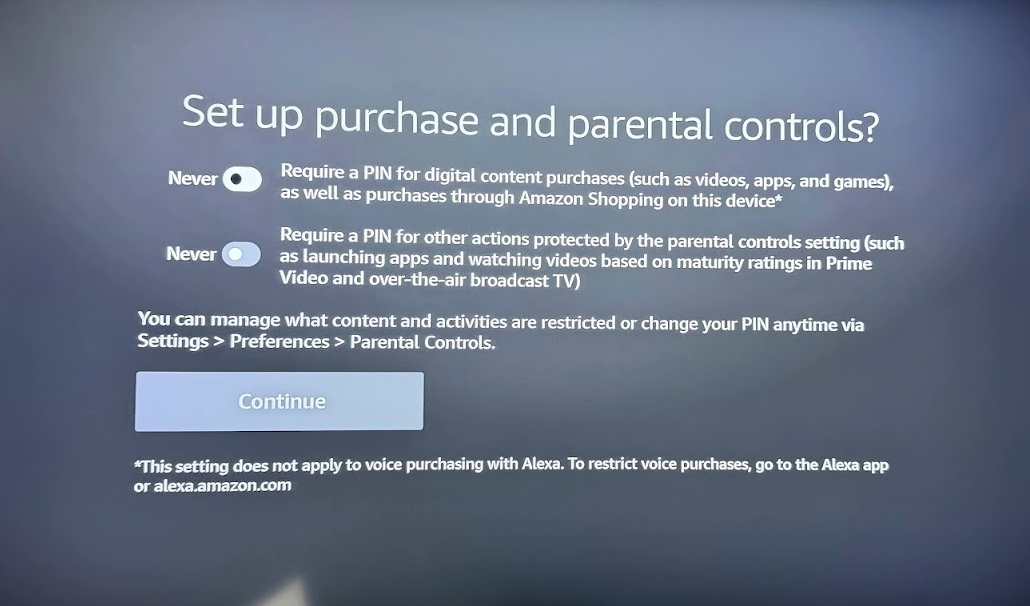
Make sure you Turn Both off if you are not sure what these 2 options are asking for...
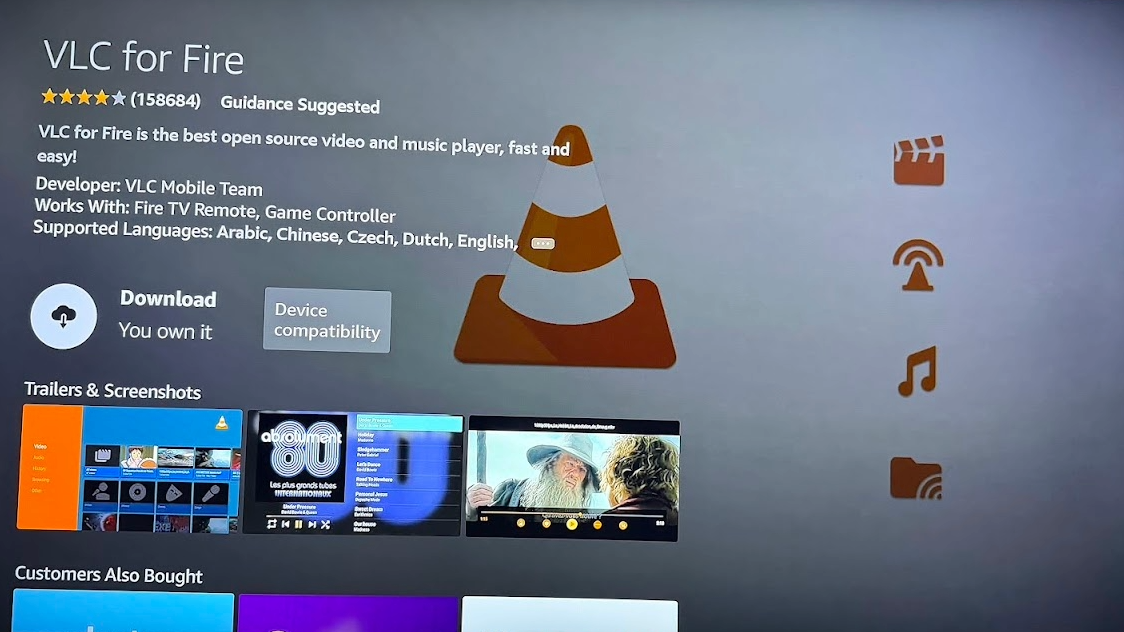
Once you have set up and you are on the Homescreen press Alexa Button and say VLC APP make sure you download this little gem
Next Hit Alexa button and say DOWNLOADER APP and download that as well ...

once its downloaded hit HOME BUTTON on remote and go to SETTINGS then to MY FIRE TV
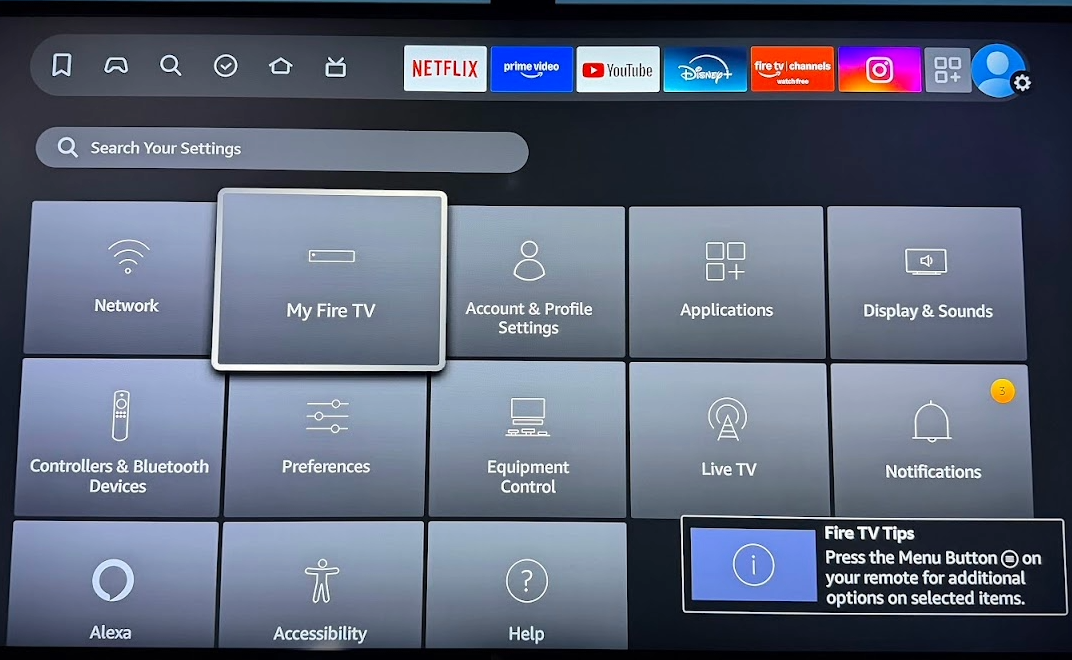
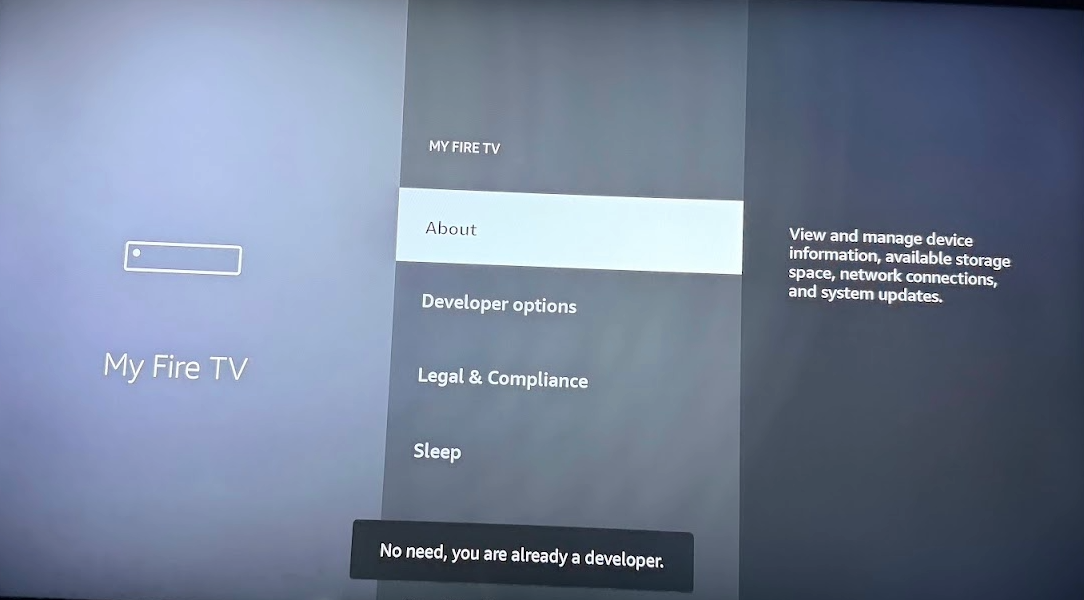
Once in there Hit ABOUT then continue to press the circle button 7 to 8 times until it says you are already a developer.
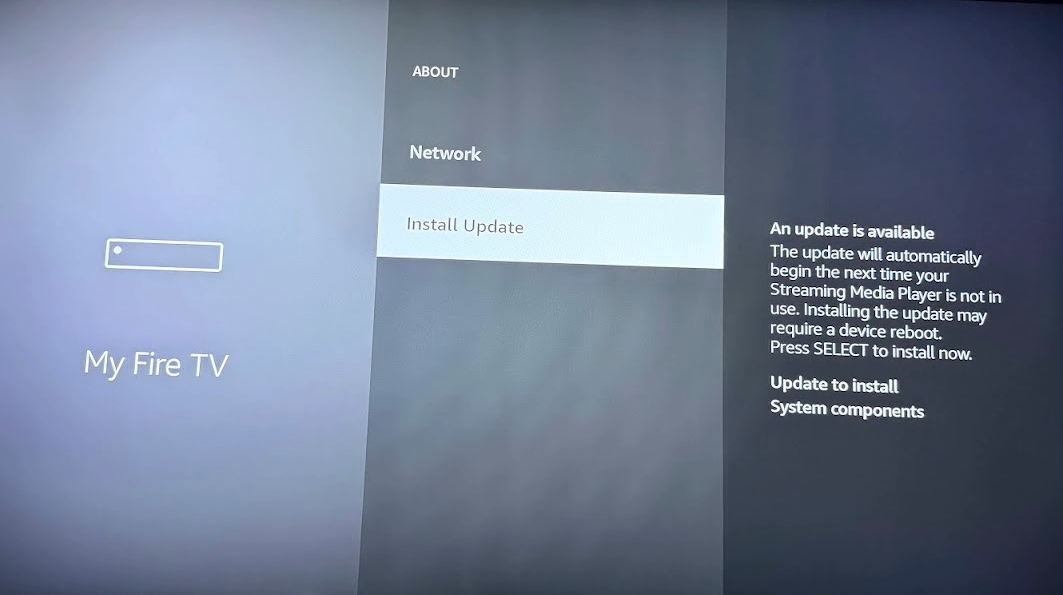
Next scroll down and perform all the updates and installs until it says Firestick is up to date
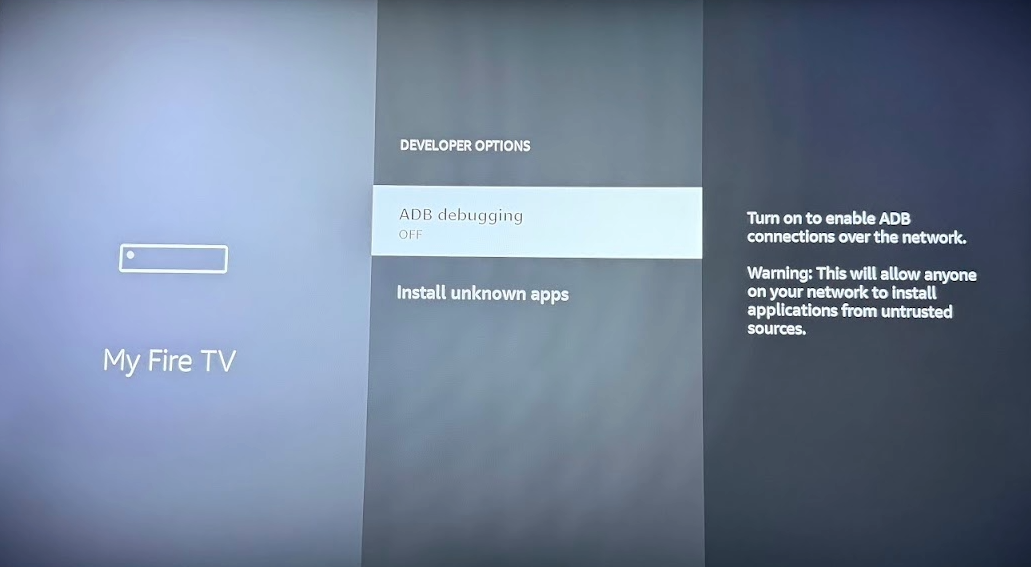
Next go to Developer Options
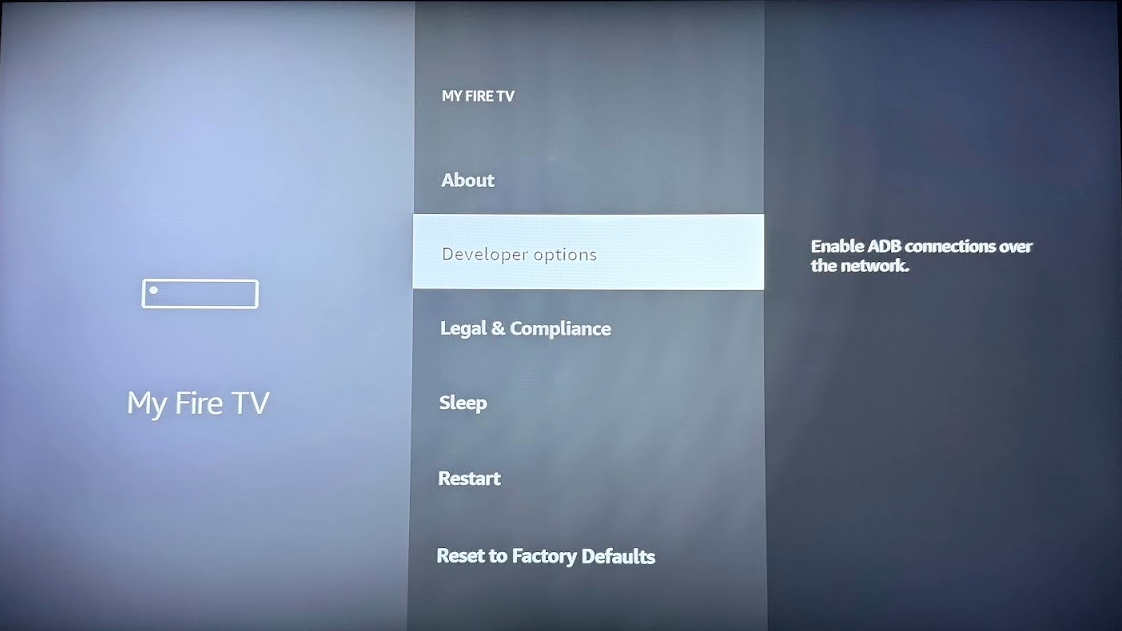
Turn on ADB Debugging
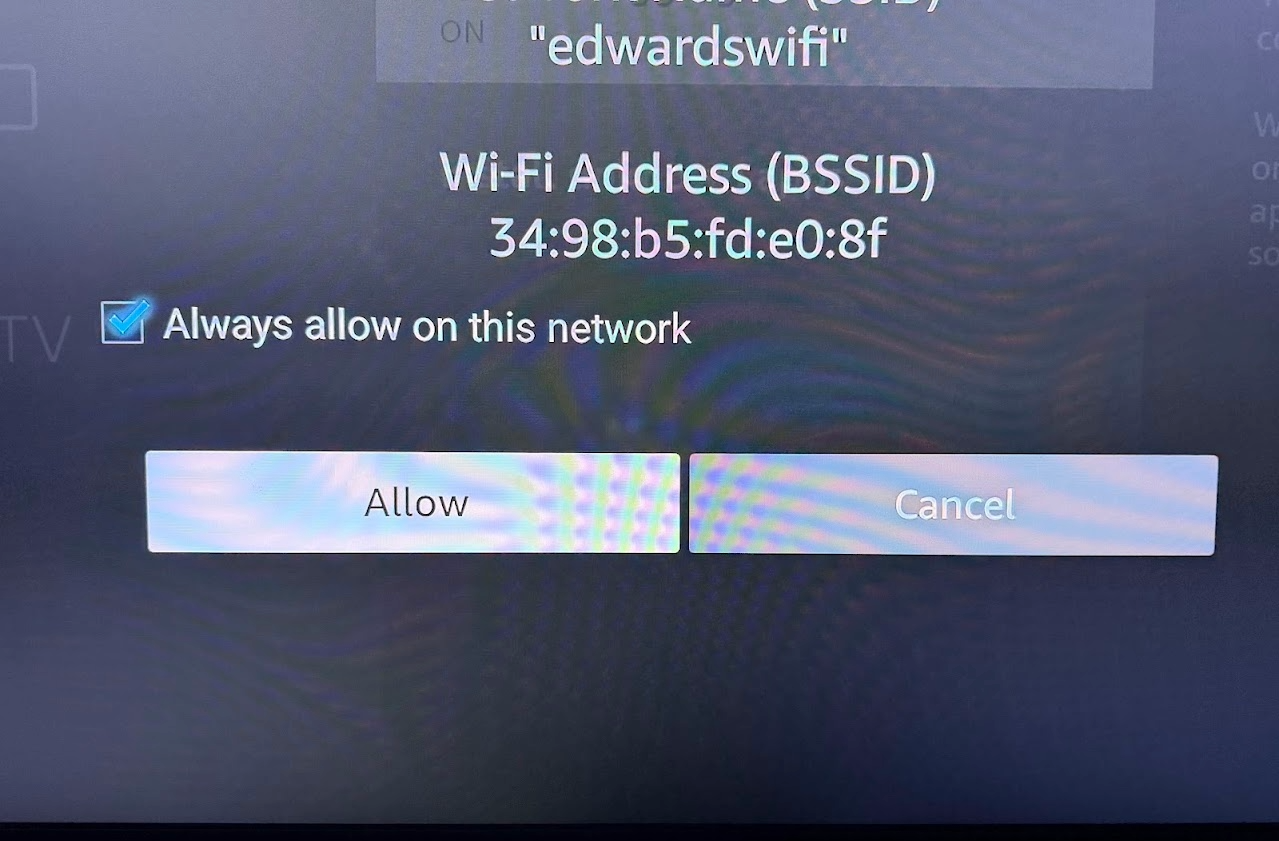
ALLOW THIS
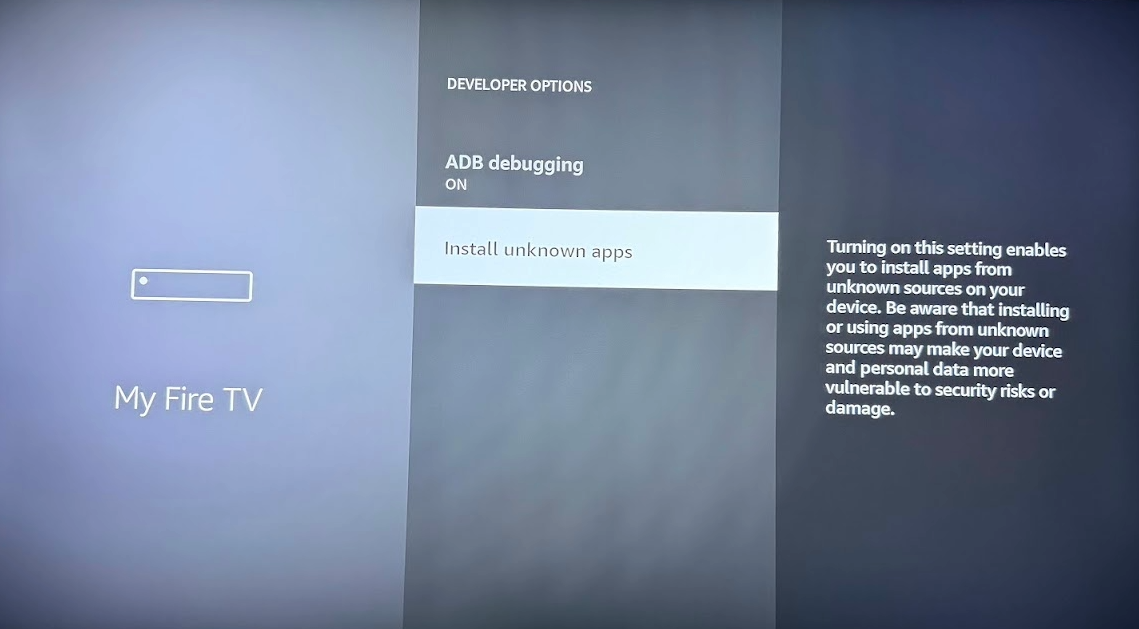
Then go to INSTALL UNKNOWN APPS and TURN ON DOWNLOADER
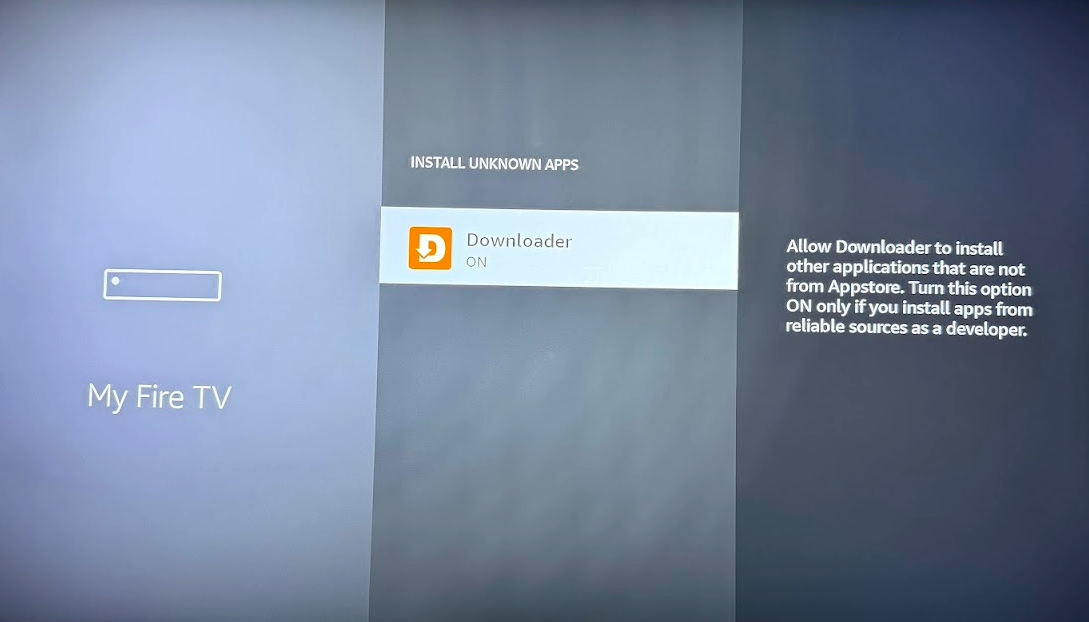
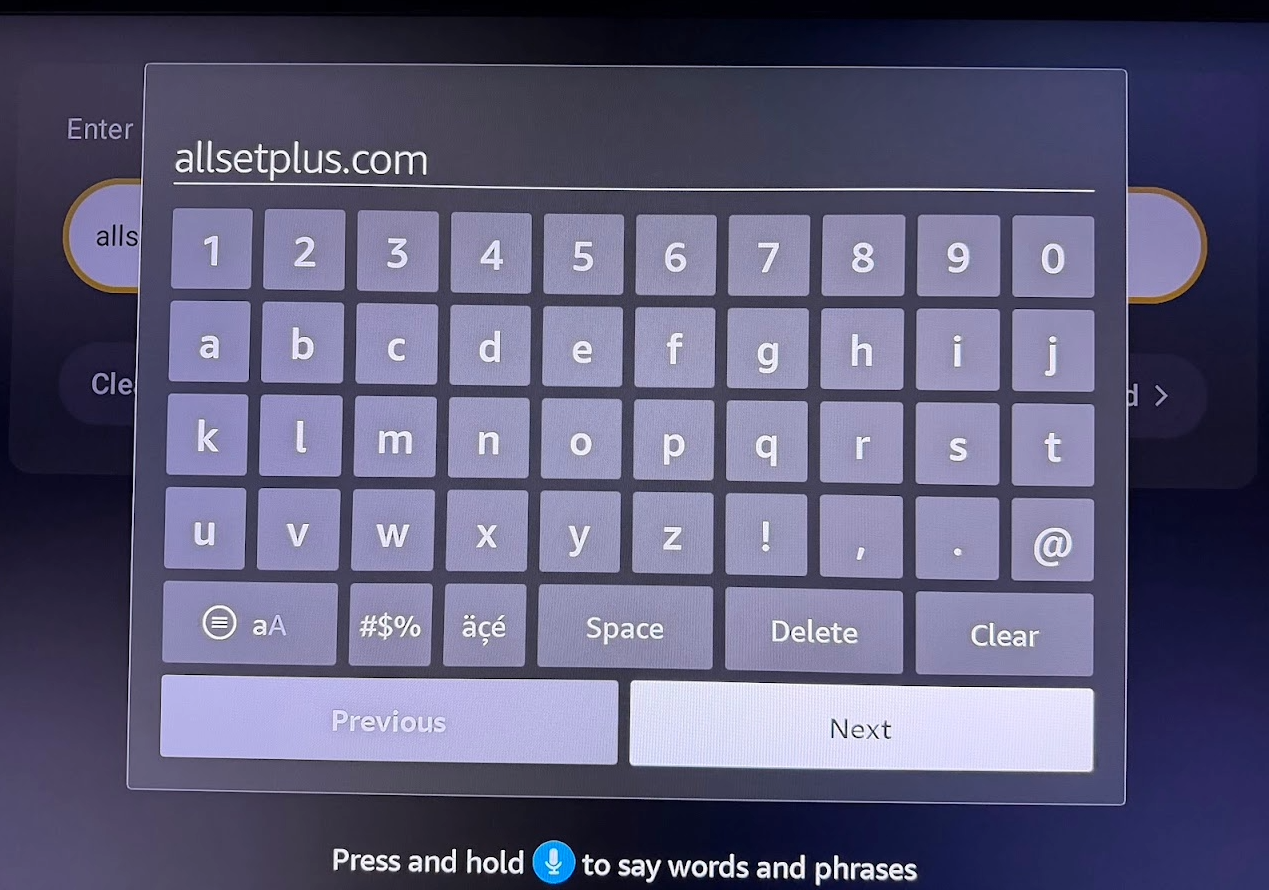
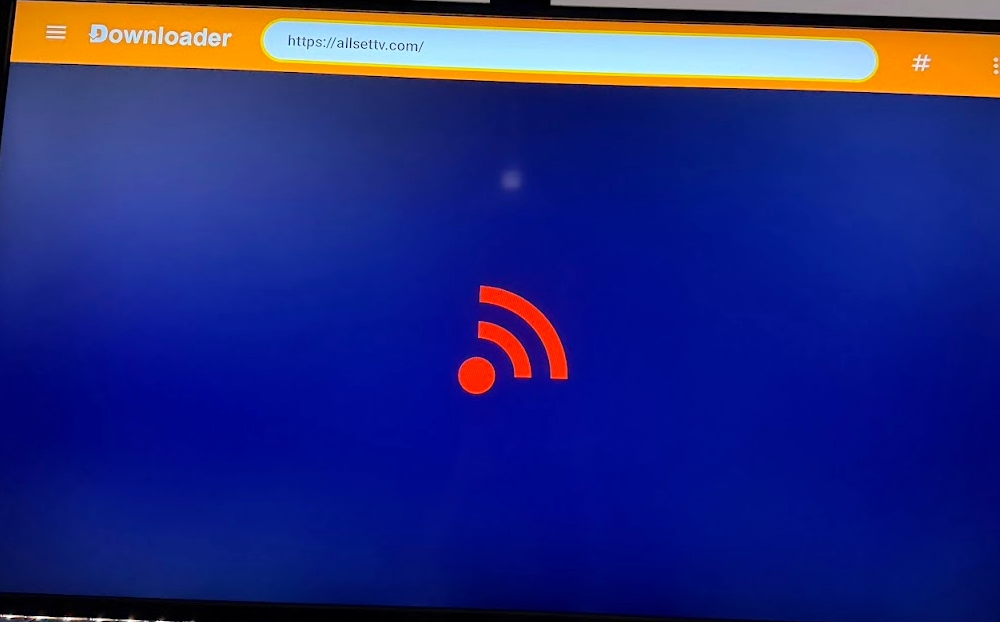
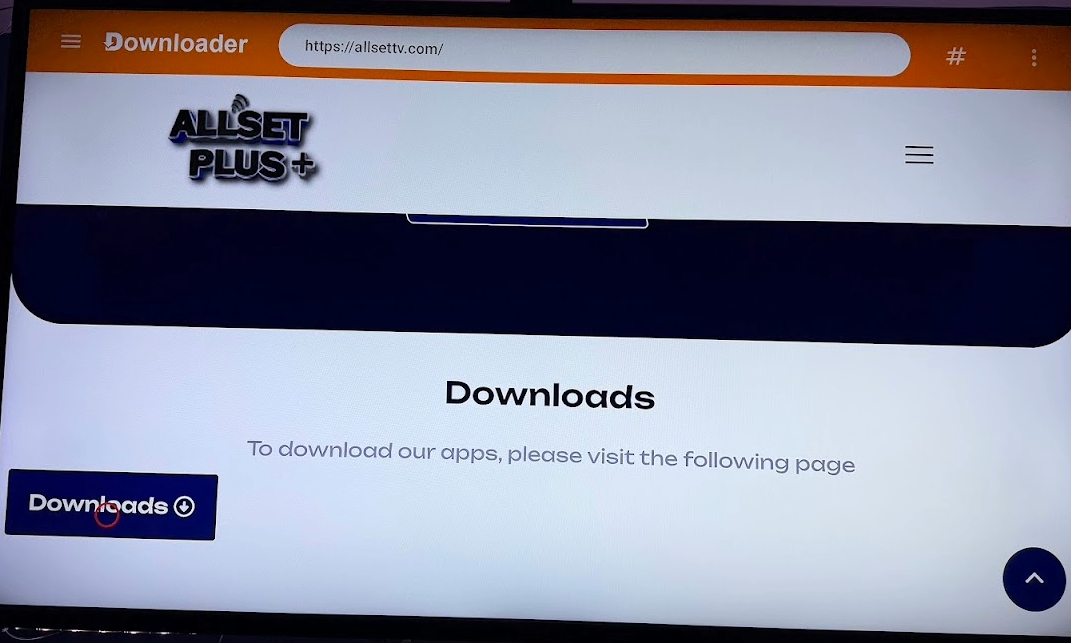
Then go into Downloader and type in allsetplus.com
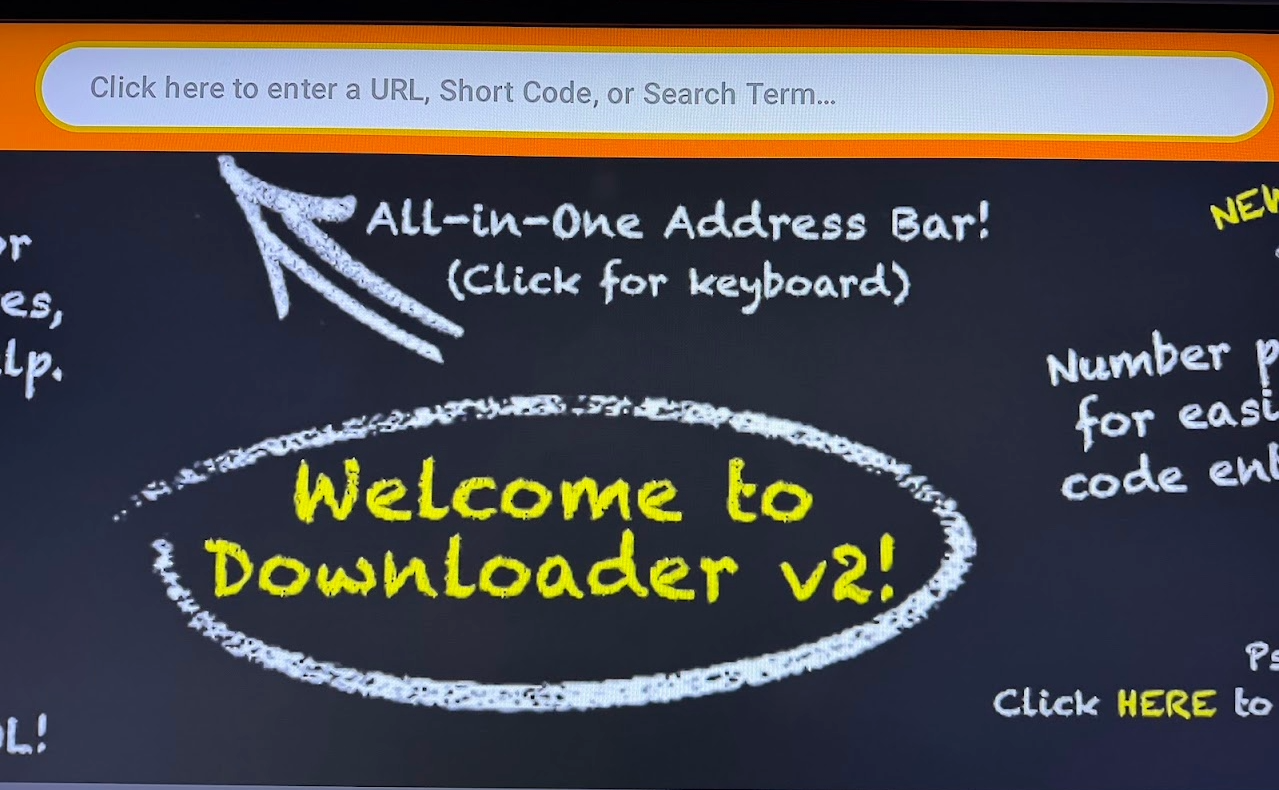
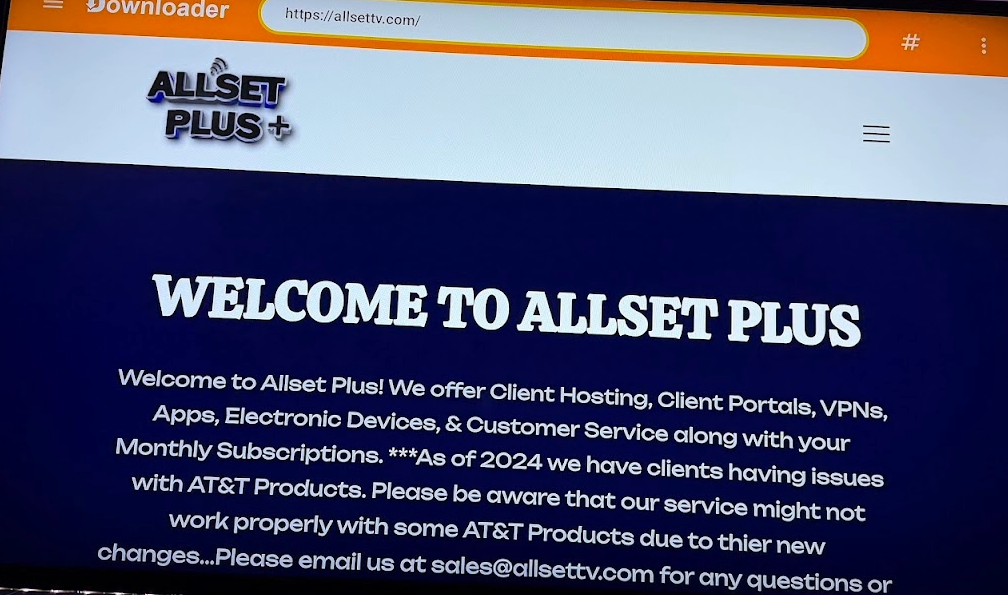
Once on Website scroll down to Download Button and press it to go to our downloads page where you can select many of our app options but today we focus on the PLATINUM APP
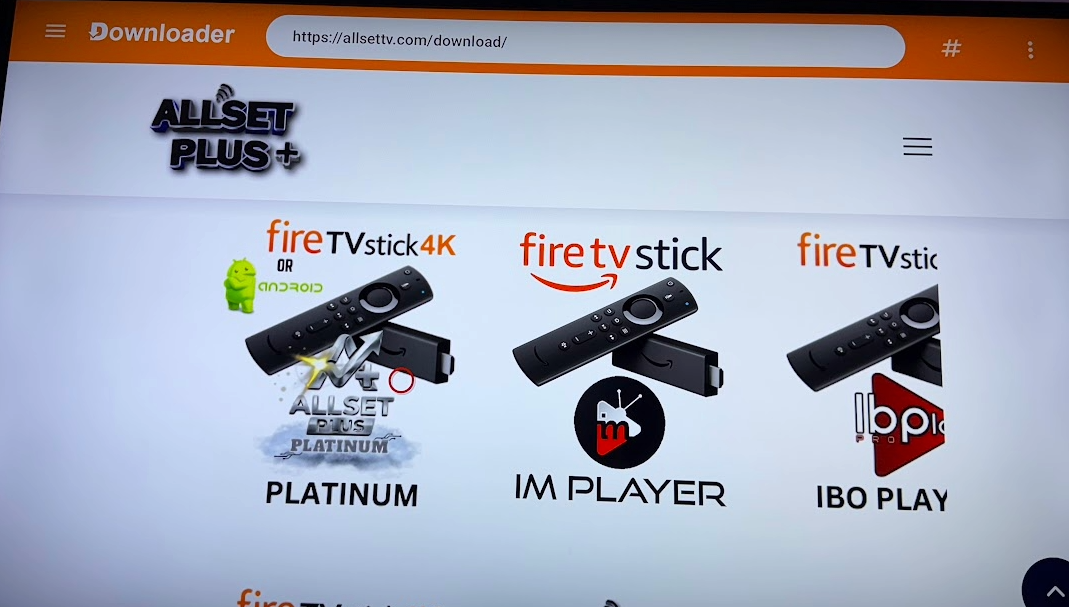
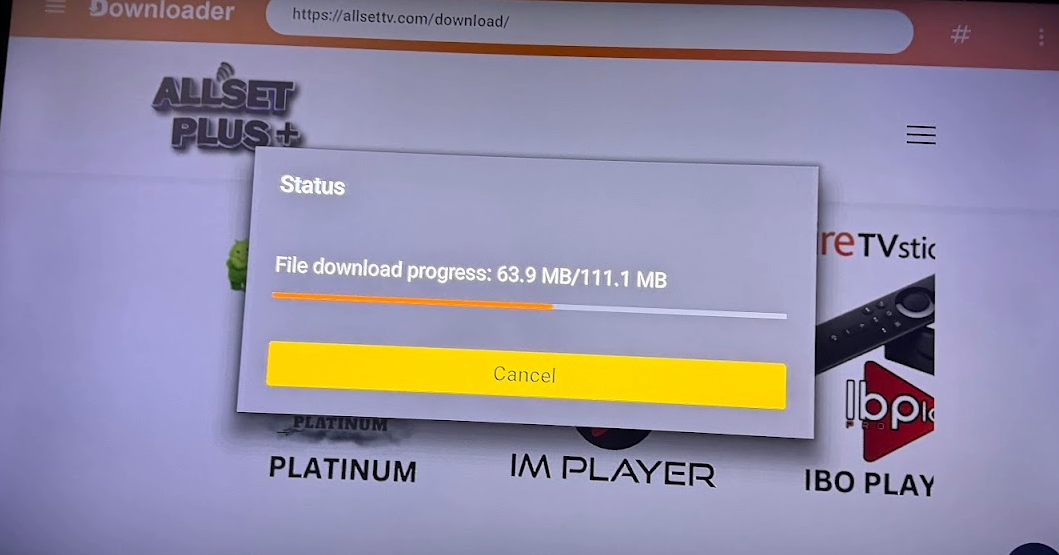
Click on the Picture to download and follow the prompts
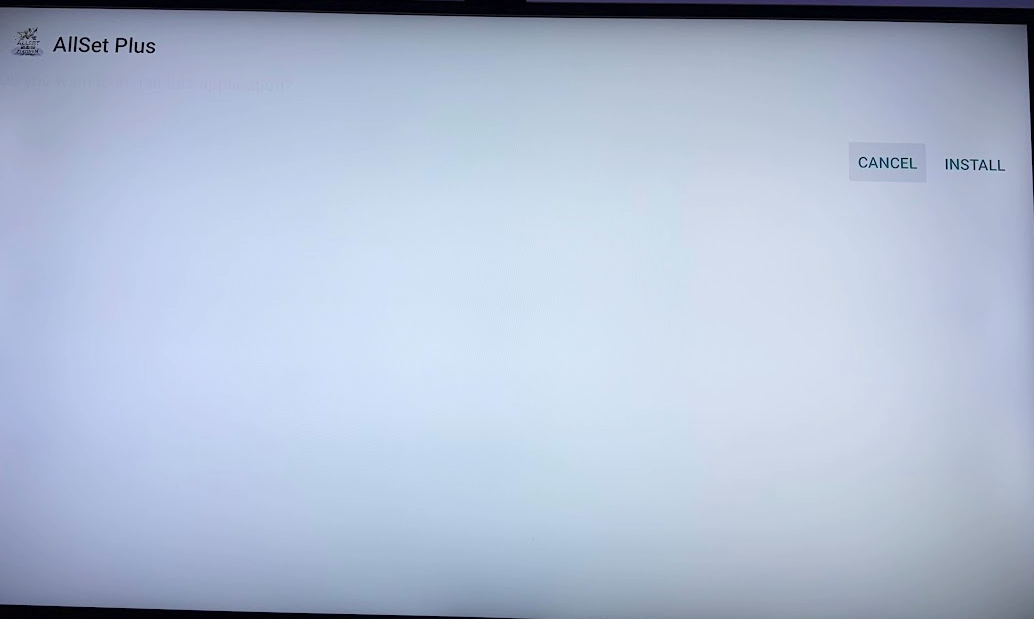
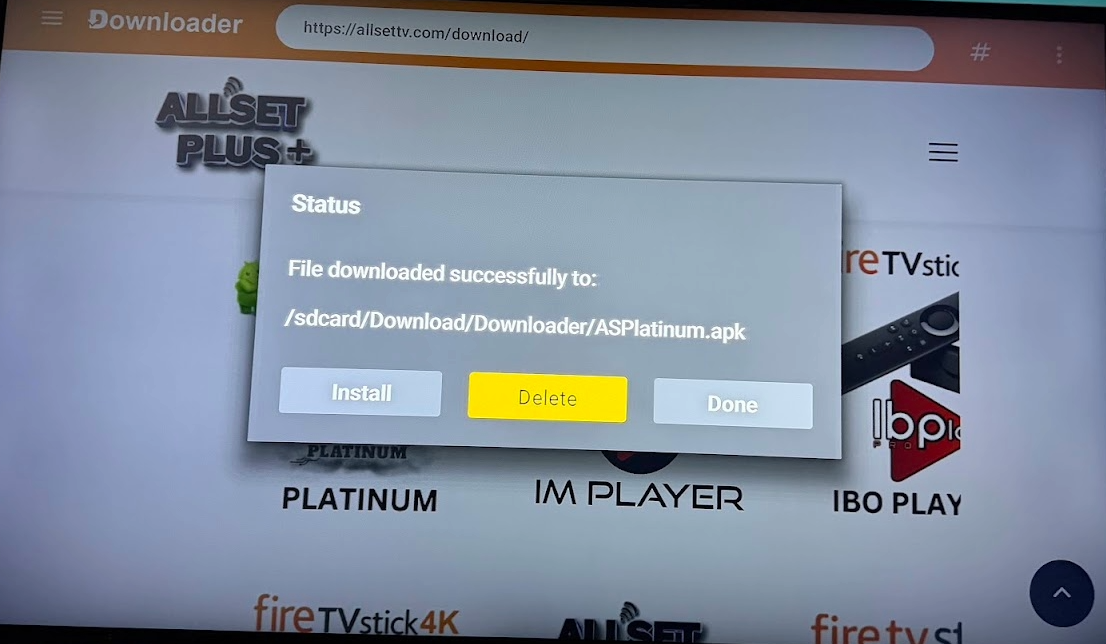
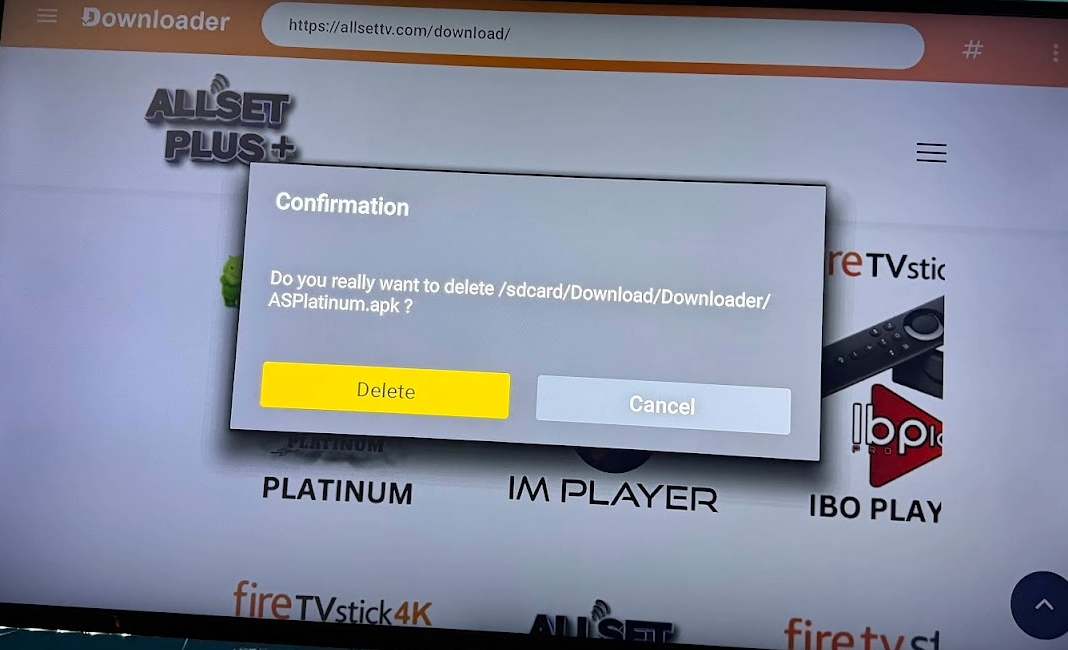
After Install do not click open ...Select Done then Delete the install file so it does not take up room on your device
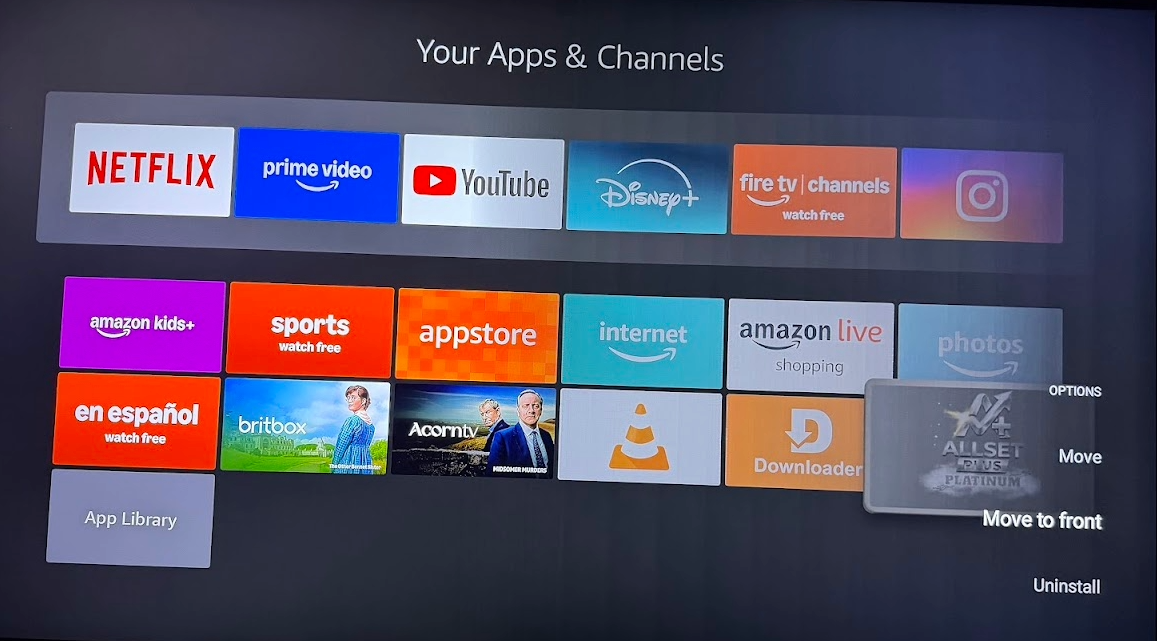
Then hit home button and go to APPS or My Apps to find the newly installed and and hit the 3 lines button on remote or long press Circle button to move app or move app to front so now it will stay on the home screen on top left of your apps line.
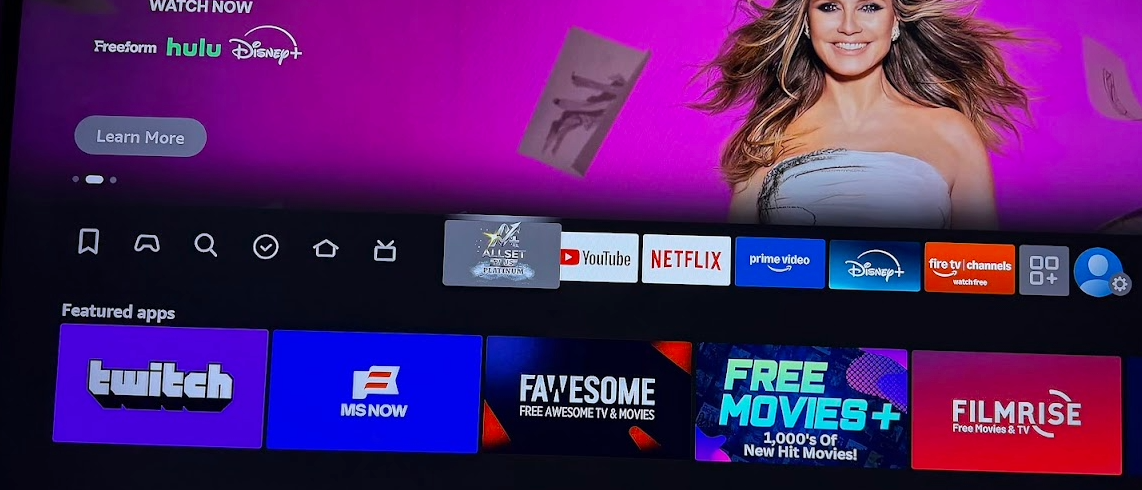
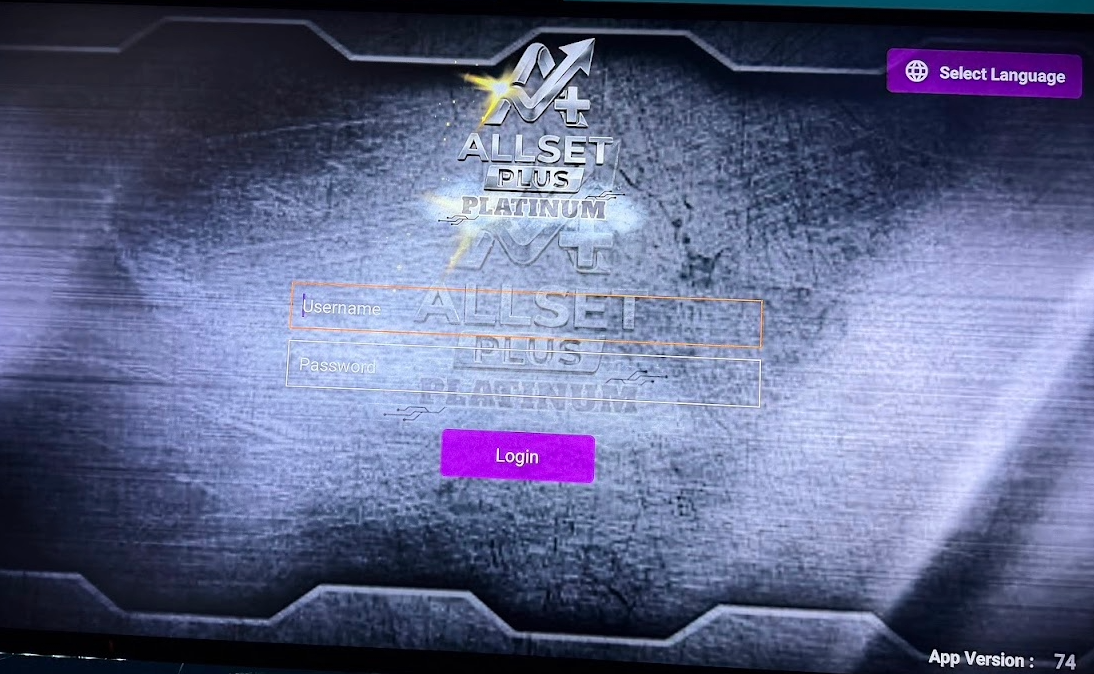
Once done then click app to open it and log in with your credentials
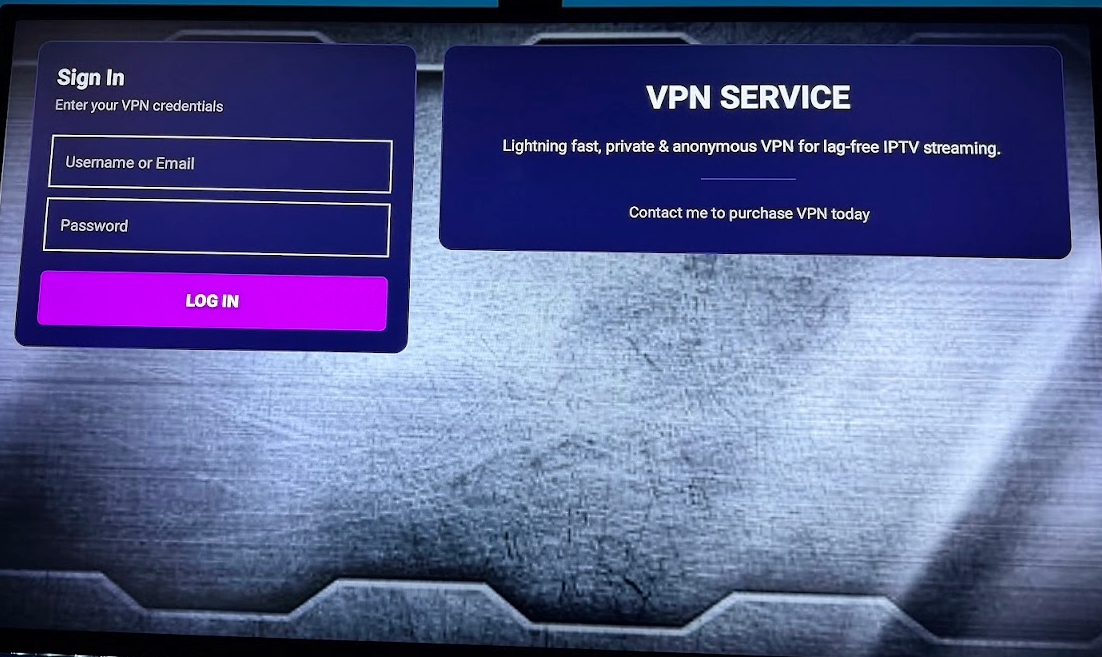
To use VPN please scroll down to bottom on Apps home page and select VPN
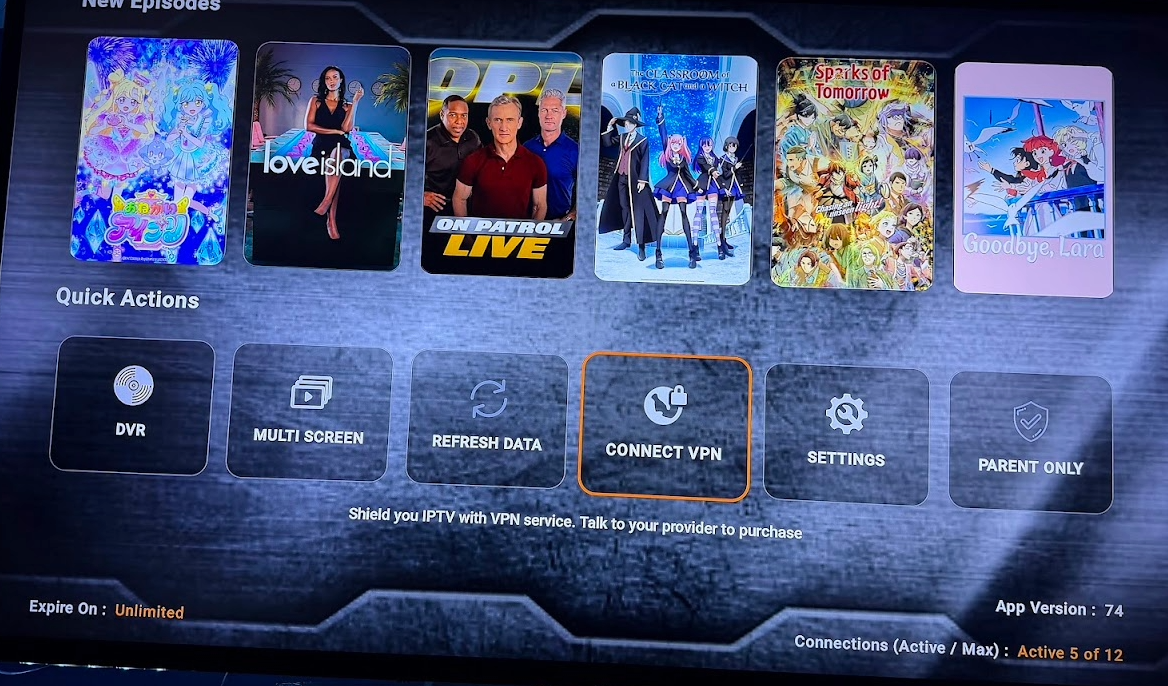
Then sign in with your Credentials and once in you can select your location or have it Auto Connect to the closest near you.
also if asked click ALLOW
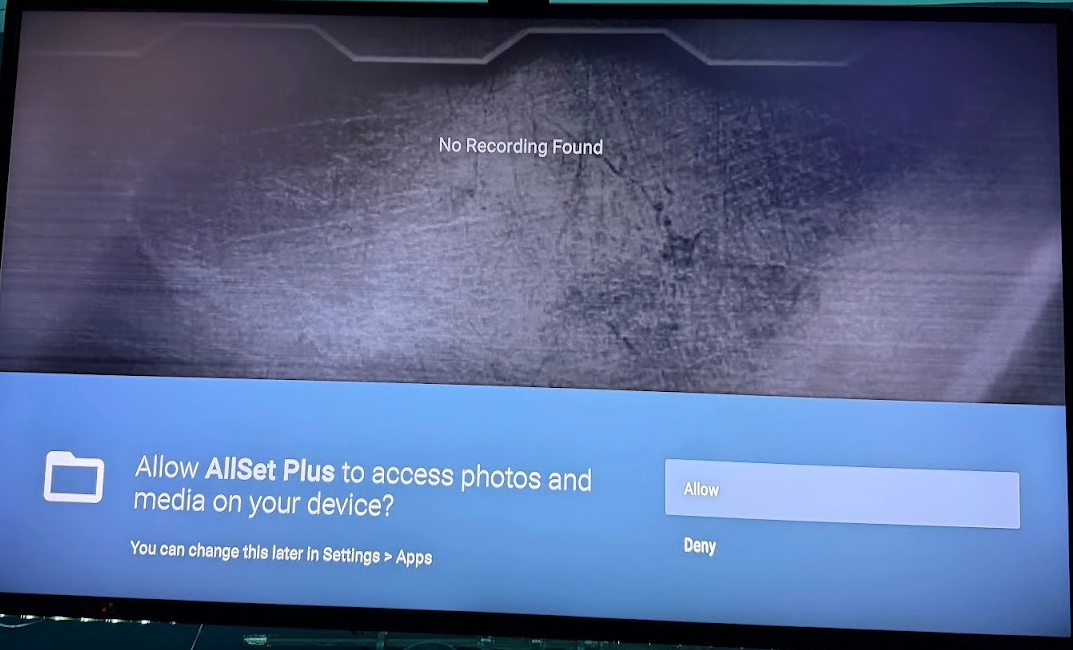
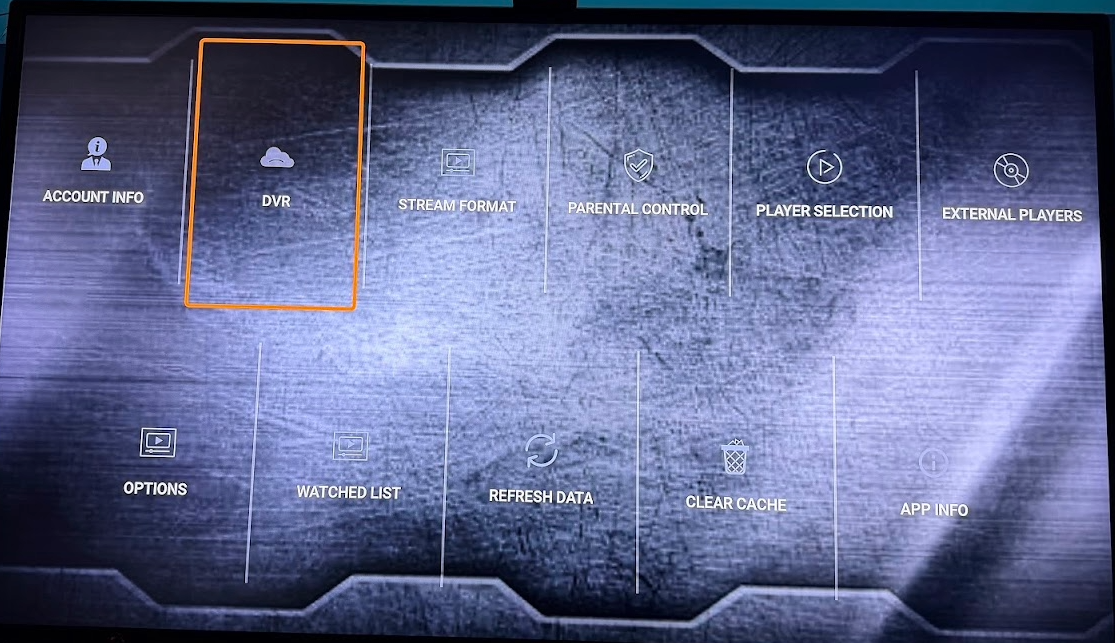
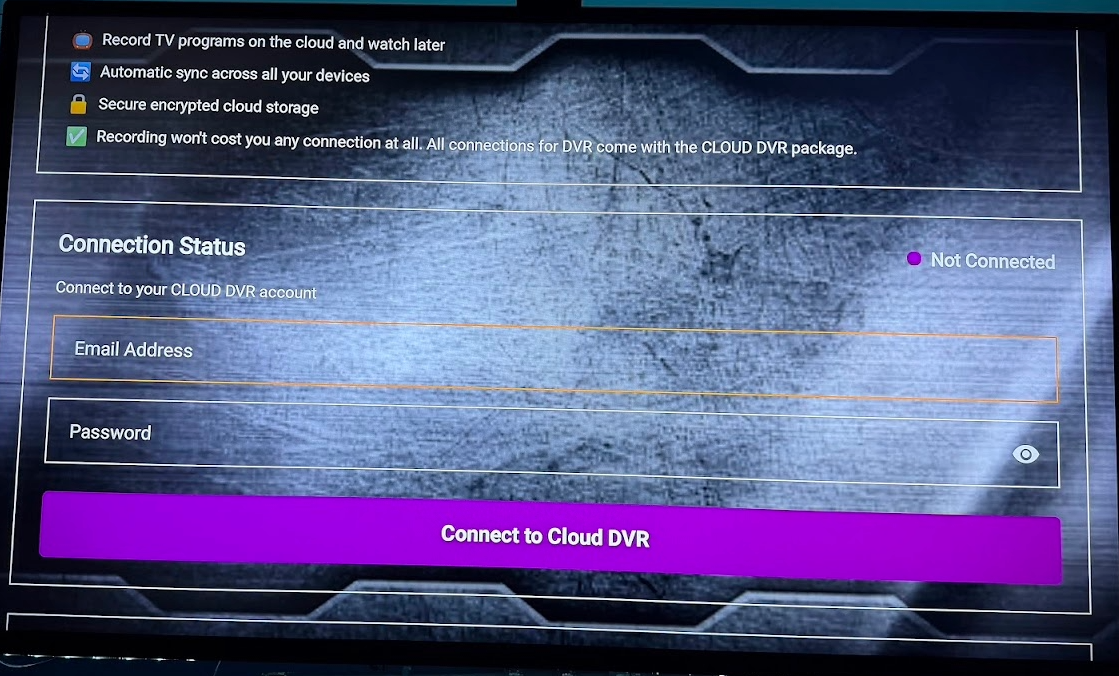
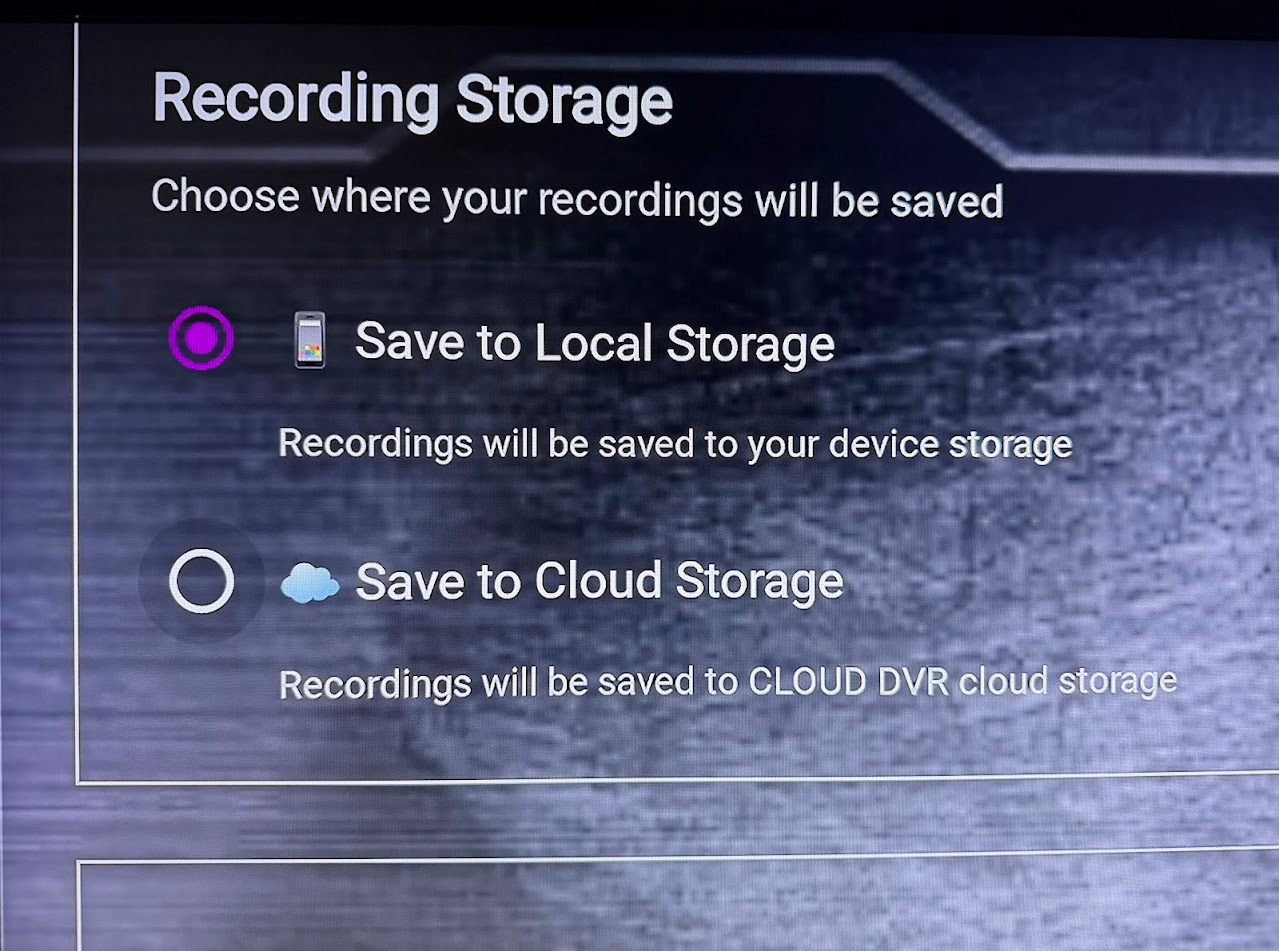
FOR DVR go into SETTINGS then to DVR then Sign in with your Credentials and once logged in you will save data to CLOUD not Local